
Category
Google Ecosystem
Guides and tips for Google Tasks, Calendar, Workspace, and more.
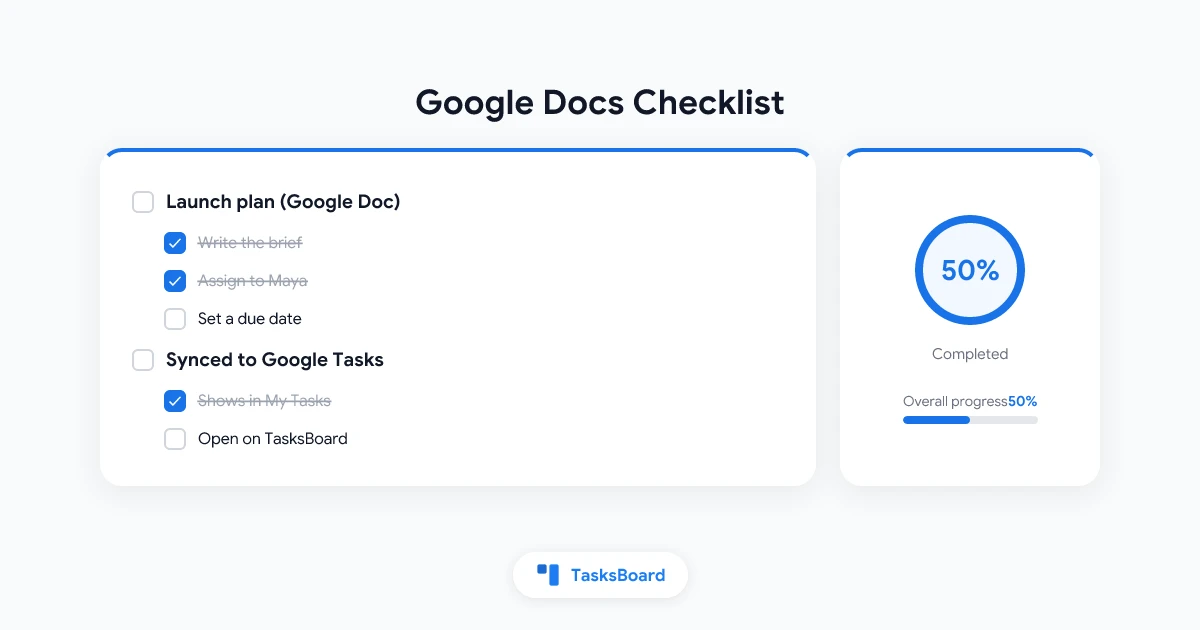
Google Docs Checklist: Create One and Turn Items into Google Tasks
Google Docs checklist guide: make a checklist in Google Docs, drop the strikethrough, reuse it as a template, and assign items so they appear in Google Tasks.
Google Tasks Multiple Accounts: Switch, Share or Merge Your Lists
Google Tasks multiple accounts: how Gmail, Calendar and the Tasks app pick an account, how to switch fast, and how to share or merge work and personal lists.
Google Tasks Chrome Extension: Open Your Tasks in Any Tab
Google Tasks Chrome extension guide: install the TasksBoard side panel extension, pin it, use it in any tab, and compare the top Chrome Web Store options.
Google Tasks Attachments: How to Attach Drive Files to a Task
Google Tasks attachments explained: attach Google Drive files to a task in Calendar, the 25-file limit, Android steps, and how TasksBoard adds files and links.
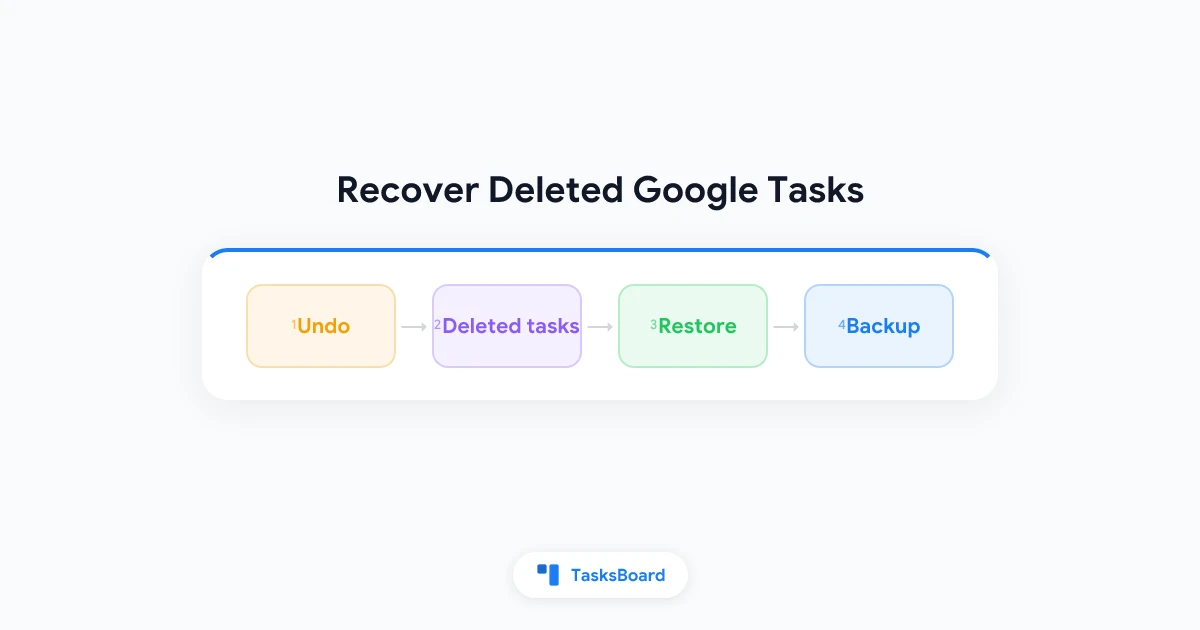
Recover Deleted Google Tasks: What Works and What Doesn't
Deleted a task by mistake? Learn how to recover deleted Google Tasks with undo and TasksBoard, what is gone for good, and how to back up your lists.
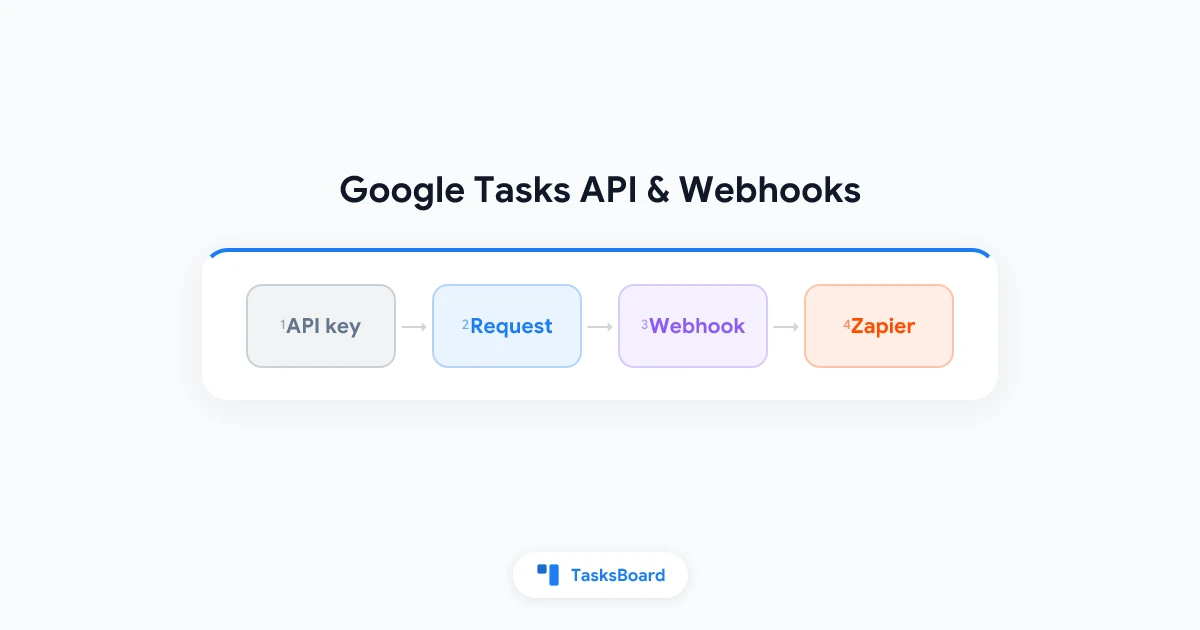
Google Tasks API, Webhooks and Zapier: A Public API for Power Users
Automate Google Tasks with the TasksBoard REST API: personal API keys, the main endpoints, signed webhooks when tasks change, polling for unshared lists, Zapier.
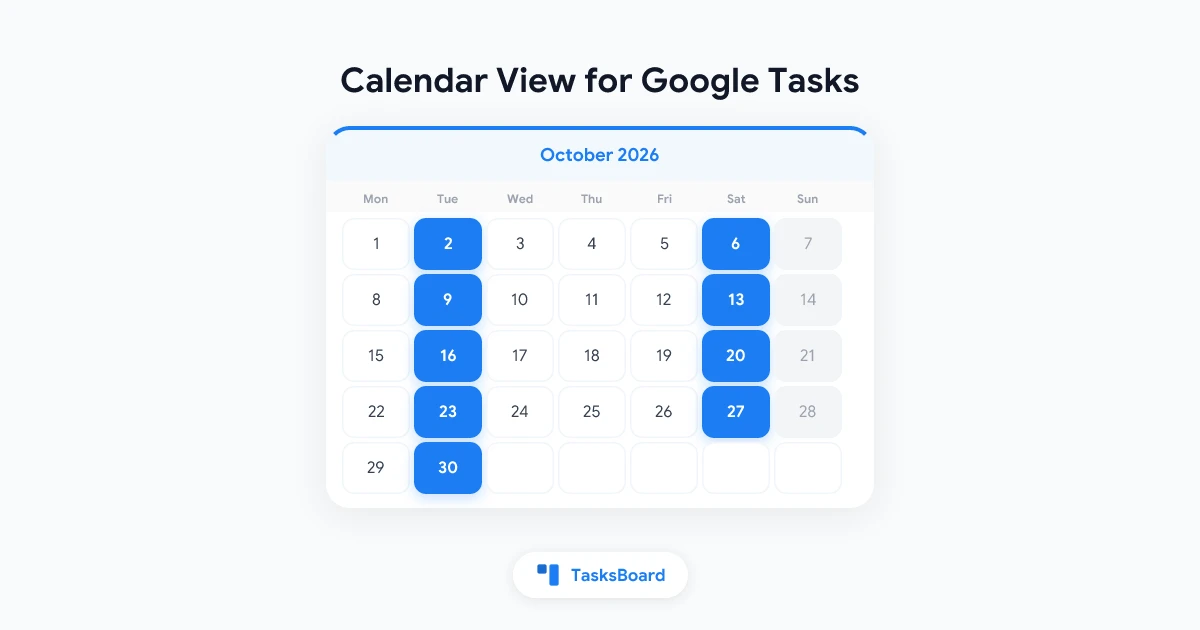
A Calendar View for Google Tasks: See Every Due Date on One Grid
TasksBoard adds a month and week calendar on top of Google Tasks. Drag tasks to reschedule, clear the Overdue panel, and schedule tasks that have no date yet.
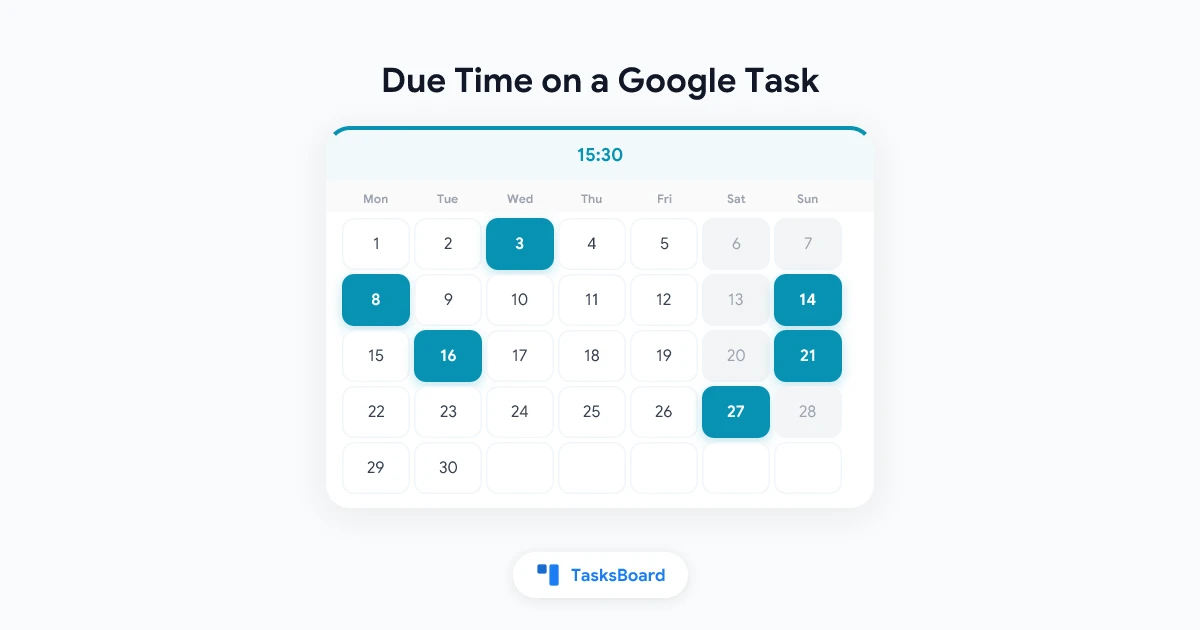
How to Set a Due Time on a Google Task
Google Tasks stores only the day a task is due. Learn how TasksBoard adds a due time, how it sorts and shows it, and what Google's own apps display.
Google Tasks Recurring Tasks: Repeat Rules in TasksBoard and the Remaining Workarounds
Google Tasks hides its repeat option from third-party apps. How TasksBoard adds daily, weekly, monthly and custom repeat rules, plus the workarounds that remain.
Task Reminders for Google Tasks: Push and Email Before a Task Is Due
Set a reminder on any Google task in TasksBoard: at the due time or 30 minutes, 1 hour or 1 day before. Browser notifications, optional email, edge cases.
Google Tasks Templates: How to Create Reusable Task Lists
Google Tasks has no template button. See the manual workaround and how TasksBoard saves a list or board as a template, with relative due dates and weekly or monthly repeats.
Google Tasks Move Task Between Lists: Every Method Explained
Learn how to move a task between lists in Google Tasks by drag and drop or the task menu, plus what happens to subtasks, repeating tasks, and bulk moves.
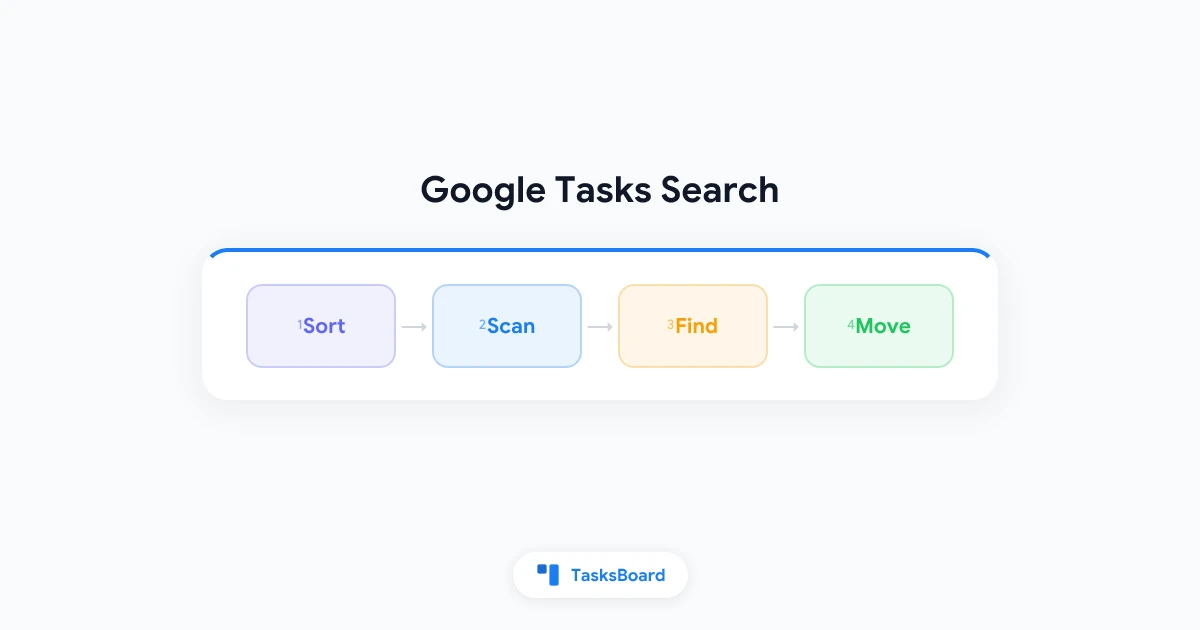
Google Tasks Search: How to Find Any Task Fast
Google Tasks has no keyword search box, but you can still find any task. Learn the built-in views, smart habits, and workarounds that save you time.
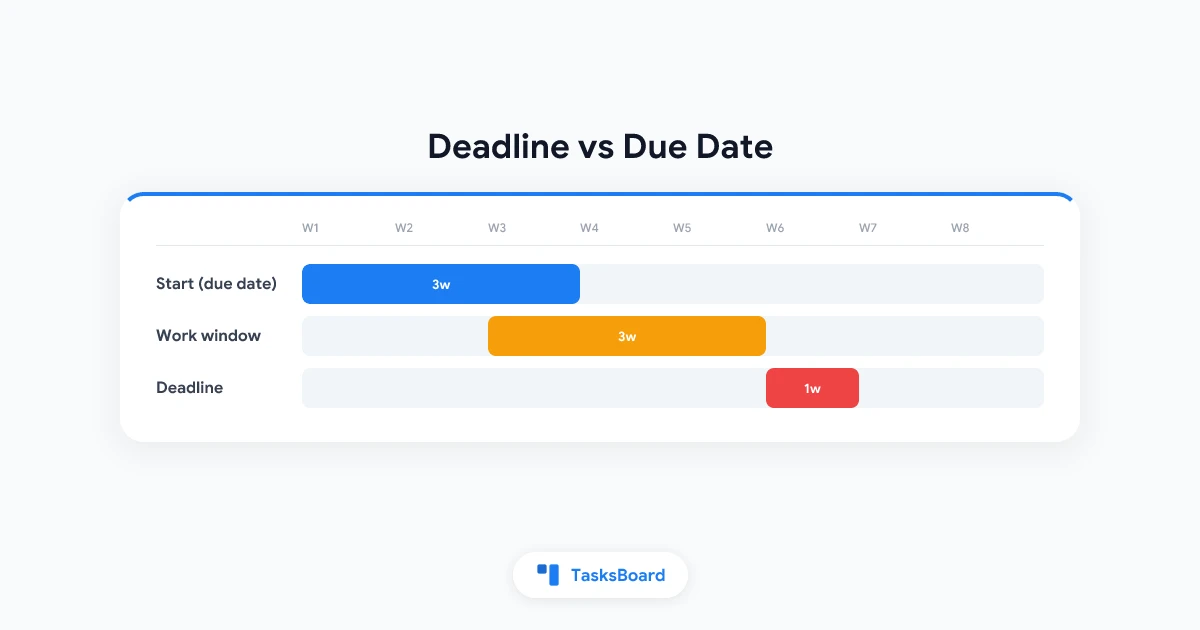
Google Tasks Deadline vs Due Date: What Each One Does
Google Tasks deadline vs due date explained: when each one notifies you, how they show in Calendar, and how to use both without missing work.
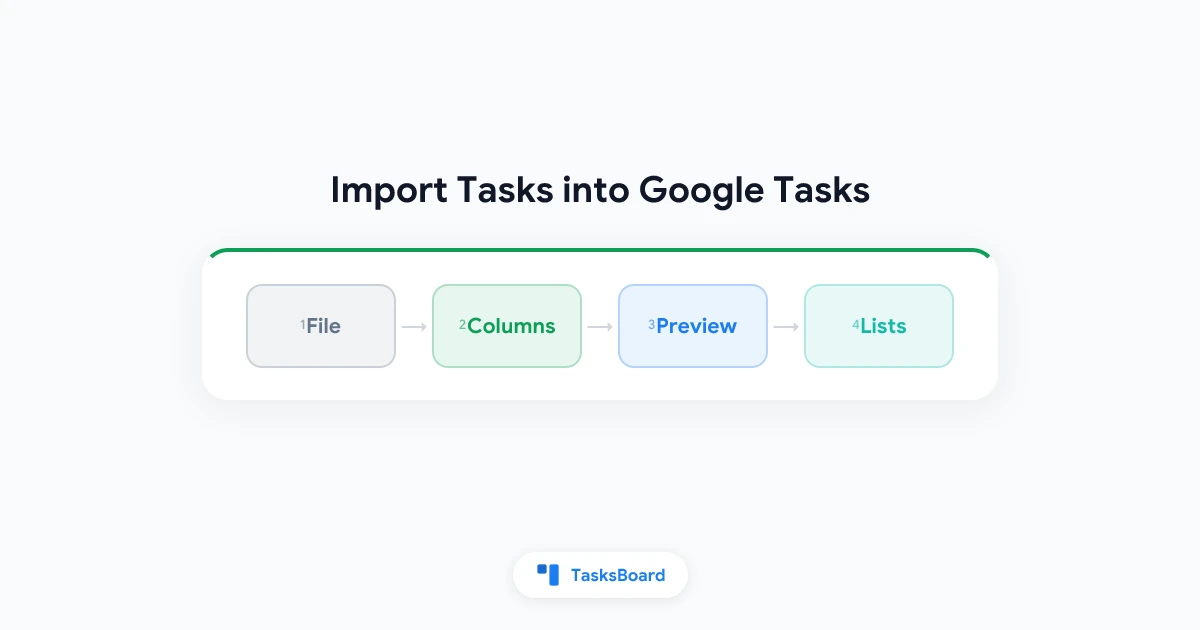
How to Import Tasks into Google Tasks from CSV, Excel, and Google Sheets
Google Tasks has no import button. Learn how to import tasks and whole lists into Google Tasks from a CSV, Excel file, Google Sheet, or text file with TasksBoard.
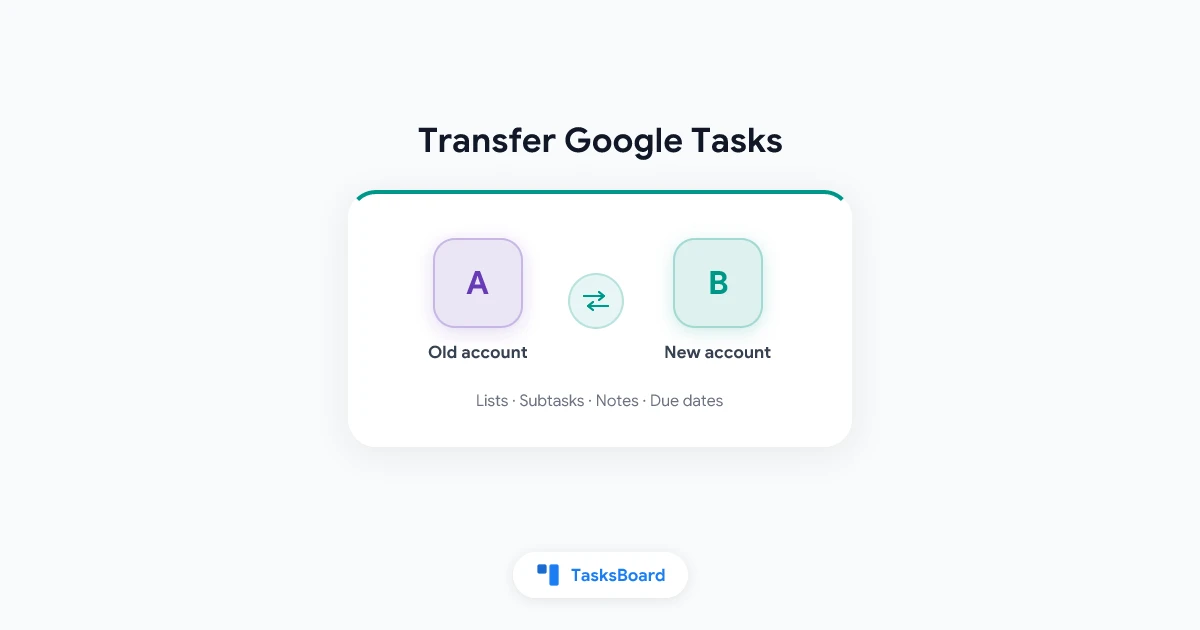
How to Transfer Google Tasks from One Account to Another
Learn how to transfer Google Tasks to another account in a few clicks. Copy every list, task, subtask, note, and due date to a new Google account with TasksBoard.
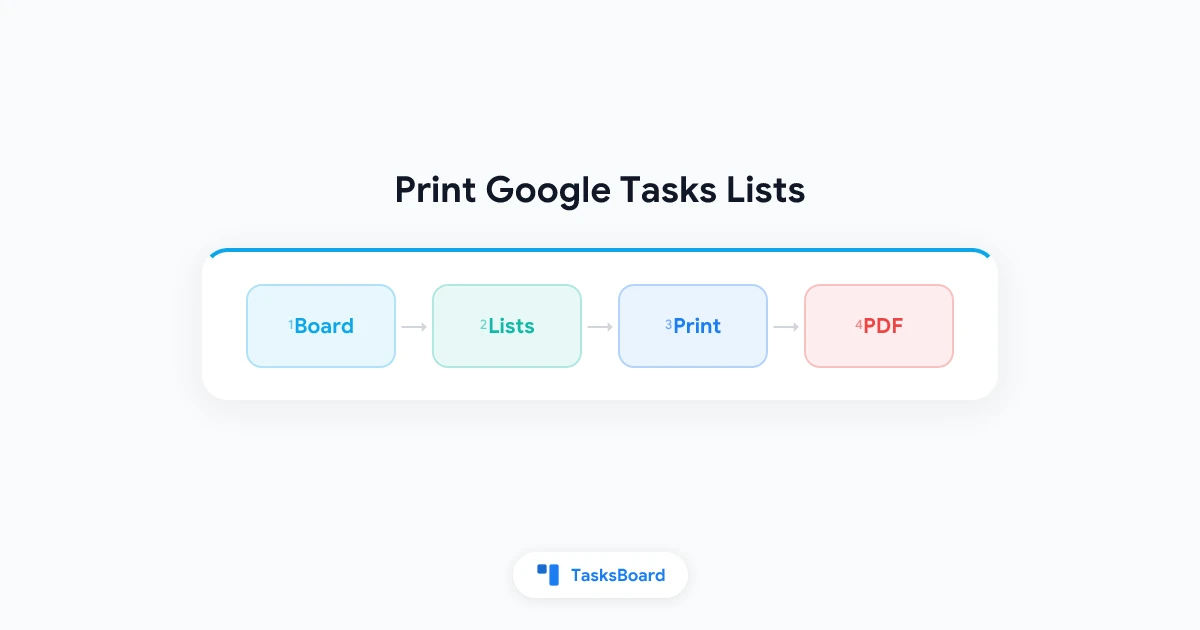
How to Print Google Tasks: Print Multiple Lists on One Page
Learn how to print a Google Tasks list, print several lists together on one page, or save them as a PDF with the new Print board feature in TasksBoard.
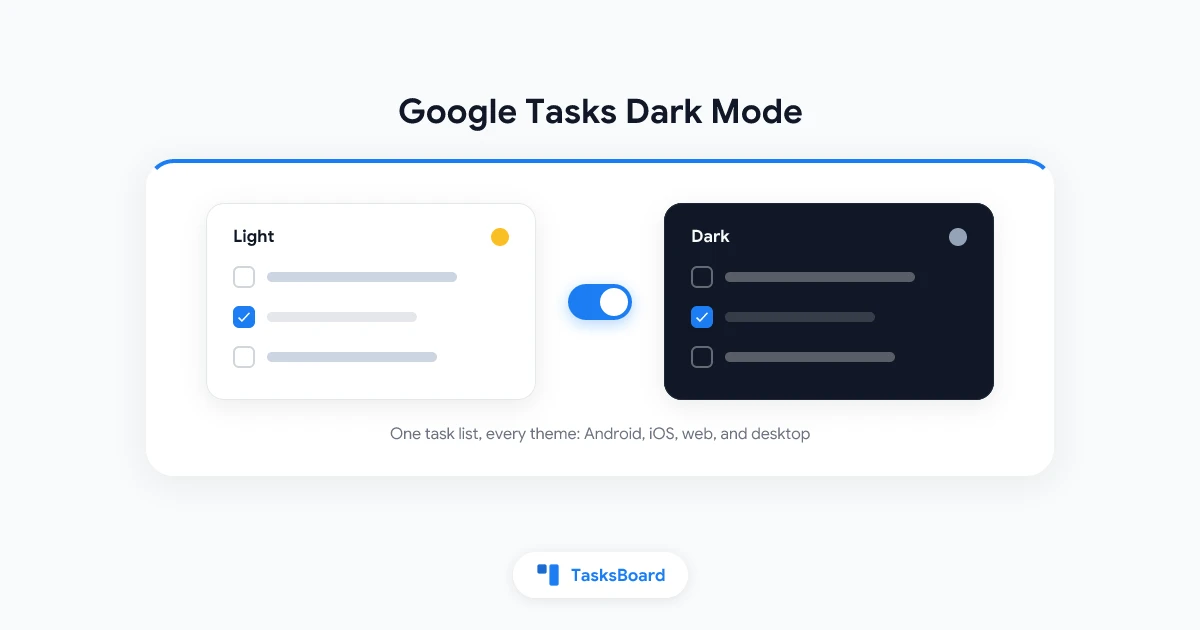
Google Tasks Dark Mode: How to Turn It On for Every Device
Turn on Google Tasks dark mode on Android, iPhone, and the web. Fix the white Gmail and Calendar panels and get a true dark desktop board in 2026.
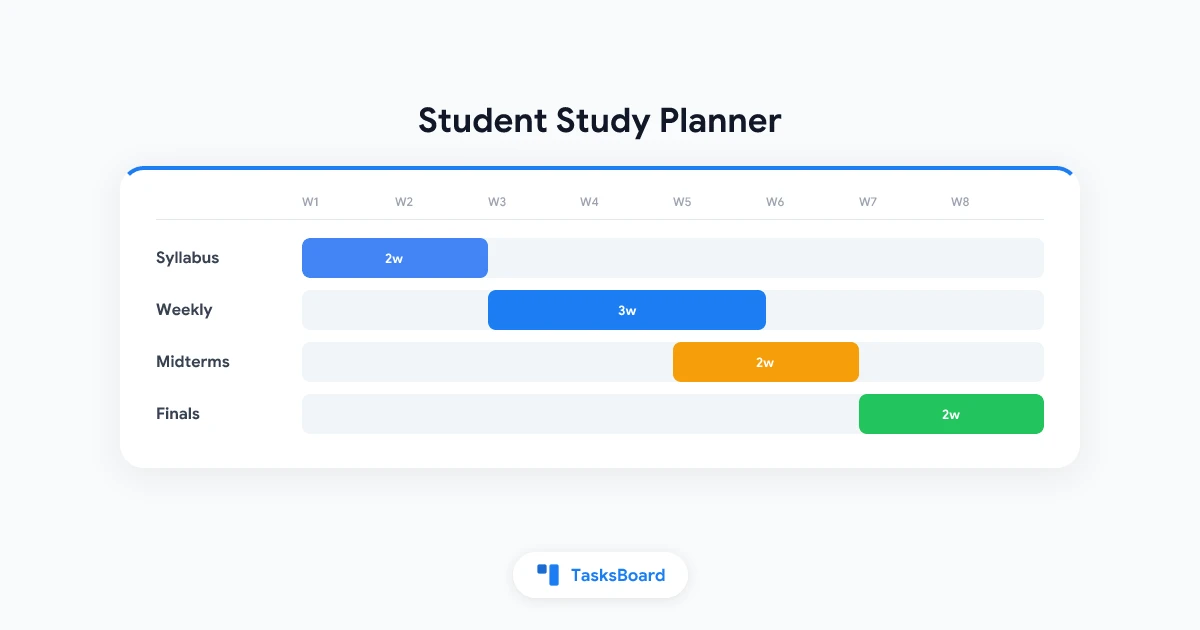
Google Tasks for Students: Build a Study Planner That Actually Sticks
Use Google Tasks as a student study planner with course lists, Calendar blocks, and subtasks. Free setup for Gmail and Google Workspace users in 2026.
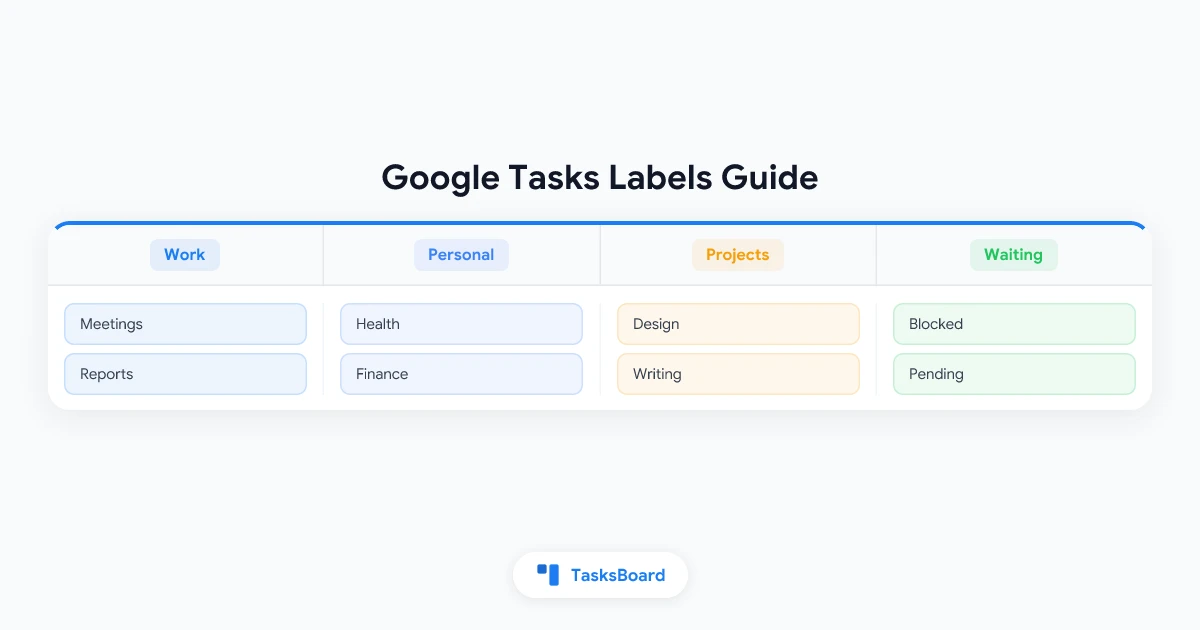
Google Tasks Labels and Tags: Workarounds for a Missing Feature
Google Tasks has no built-in labels or tags. This guide explains the best workarounds using lists, prefixes, and color coding to organize tasks the way labels would.
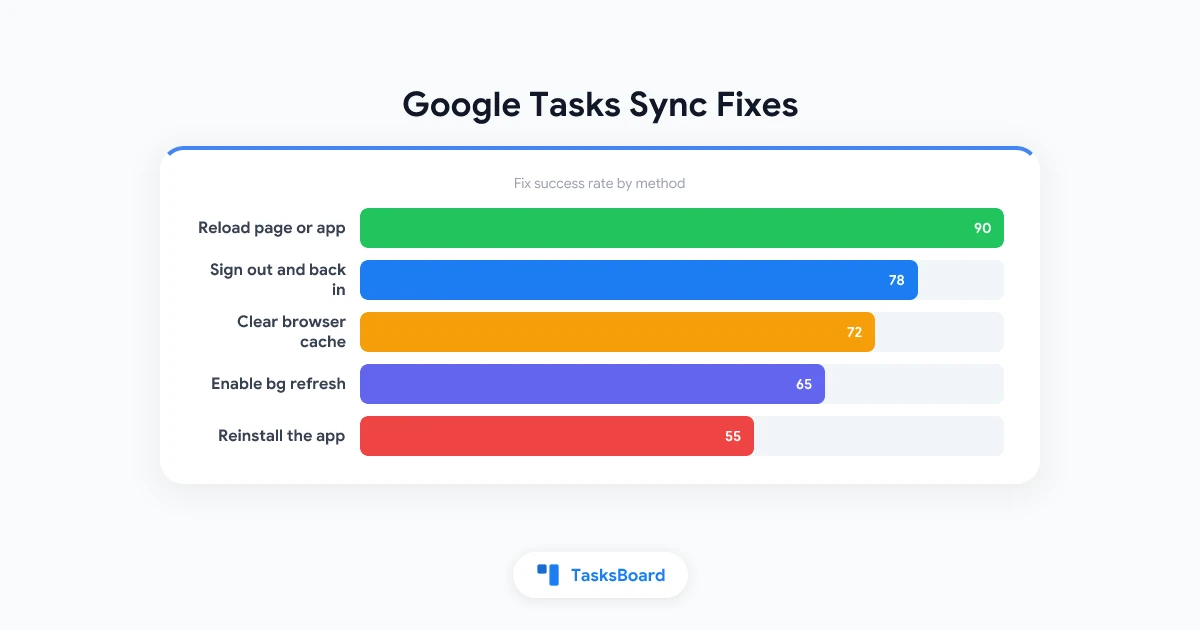
Google Tasks Not Syncing: How to Fix It on Any Device
Google Tasks not syncing across devices? Step-by-step fixes for Android, iOS, Chrome, and Gmail when tasks stop updating or disappearing between devices.
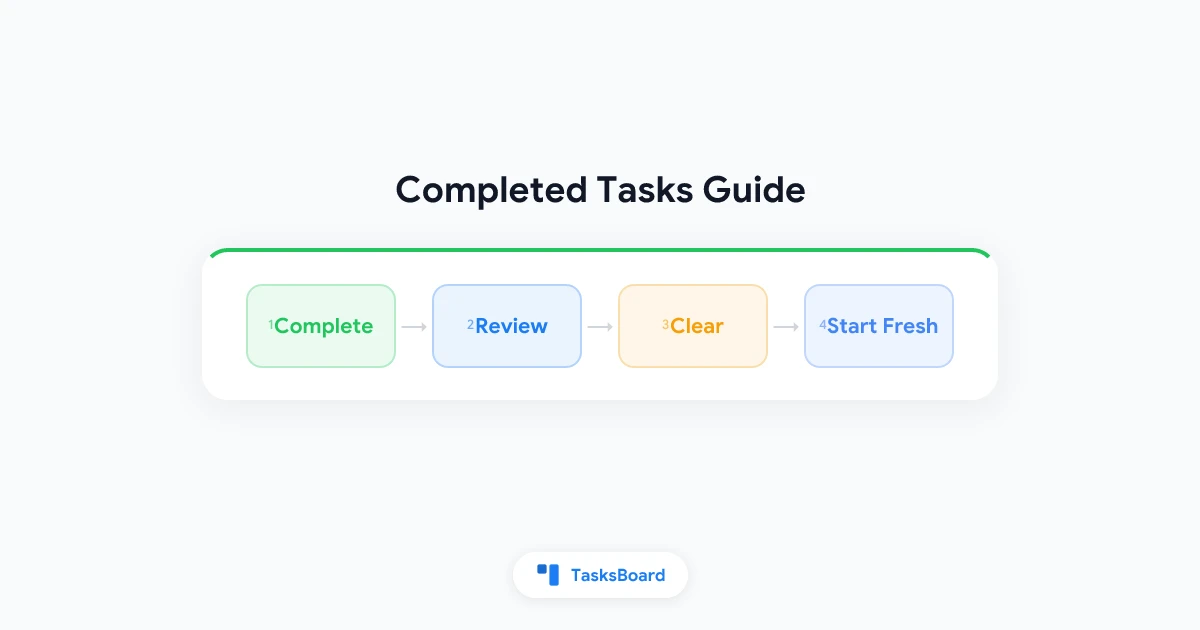
How to View and Clear Completed Tasks in Google Tasks
Learn how to view completed tasks in Google Tasks, hide them from your active list, and clear them permanently. Plus tips for managing done tasks as a team.
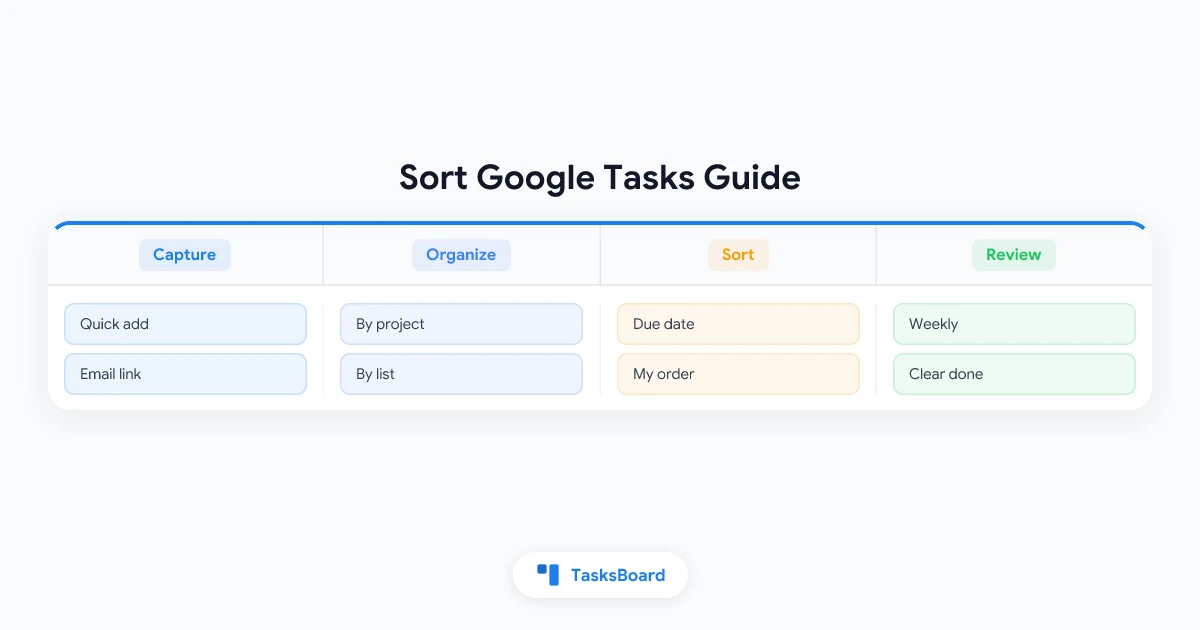
How to Sort Google Tasks by Due Date, Priority, and Name
A complete guide to sorting Google Tasks by due date and custom order, plus workarounds for alphabetical and priority sorting that the native app lacks.
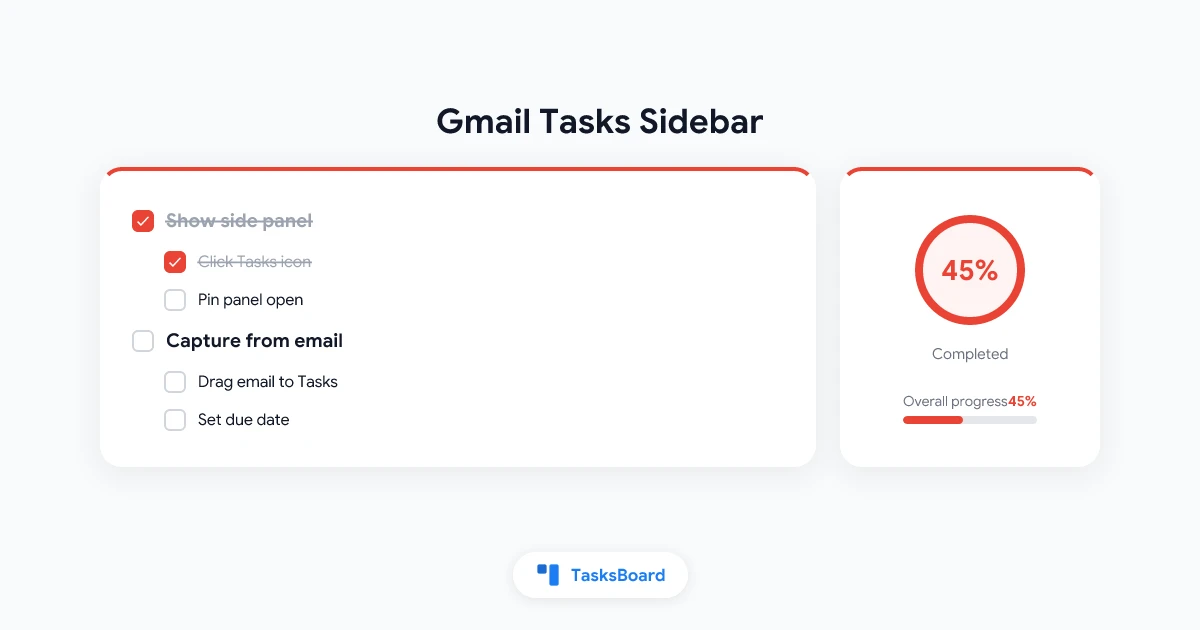
Google Tasks Gmail Sidebar: How to Open, Use, and Fix the Panel
Learn how the Google Tasks Gmail sidebar works, how to show or hide the right panel, capture tasks from email, and when to move beyond the narrow sidebar.
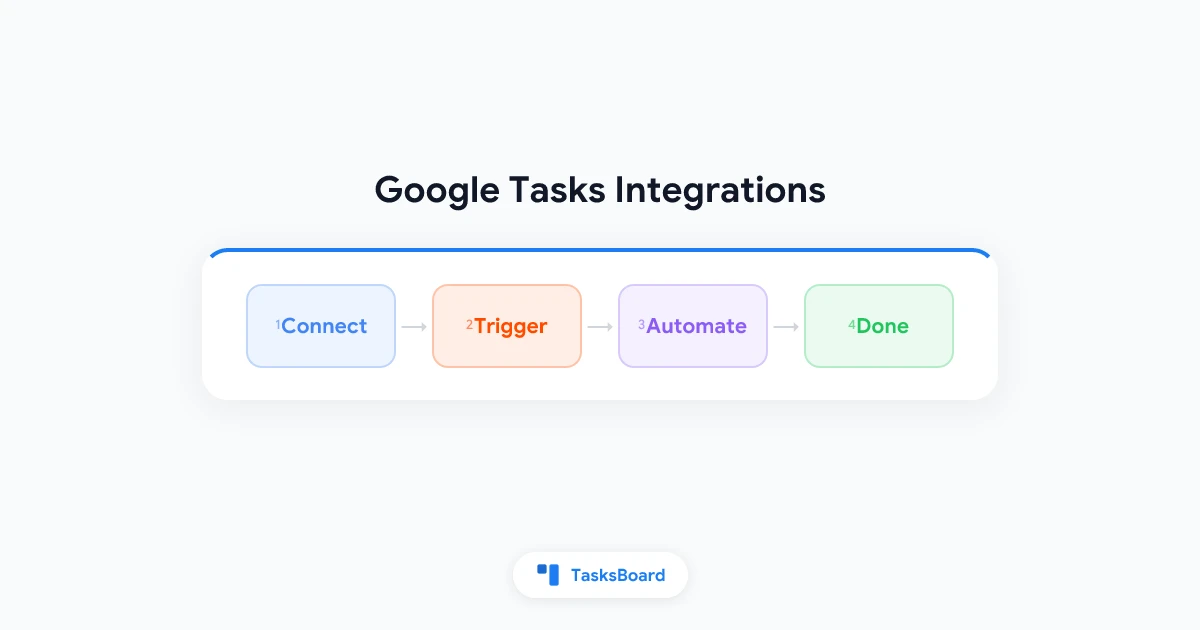
Google Tasks Integrations: Connect Tasks to Your Favorite Apps (2026)
Learn which Google Tasks integrations exist natively and through Zapier, how to set up automations step by step, and when TasksBoard is the smarter upgrade.
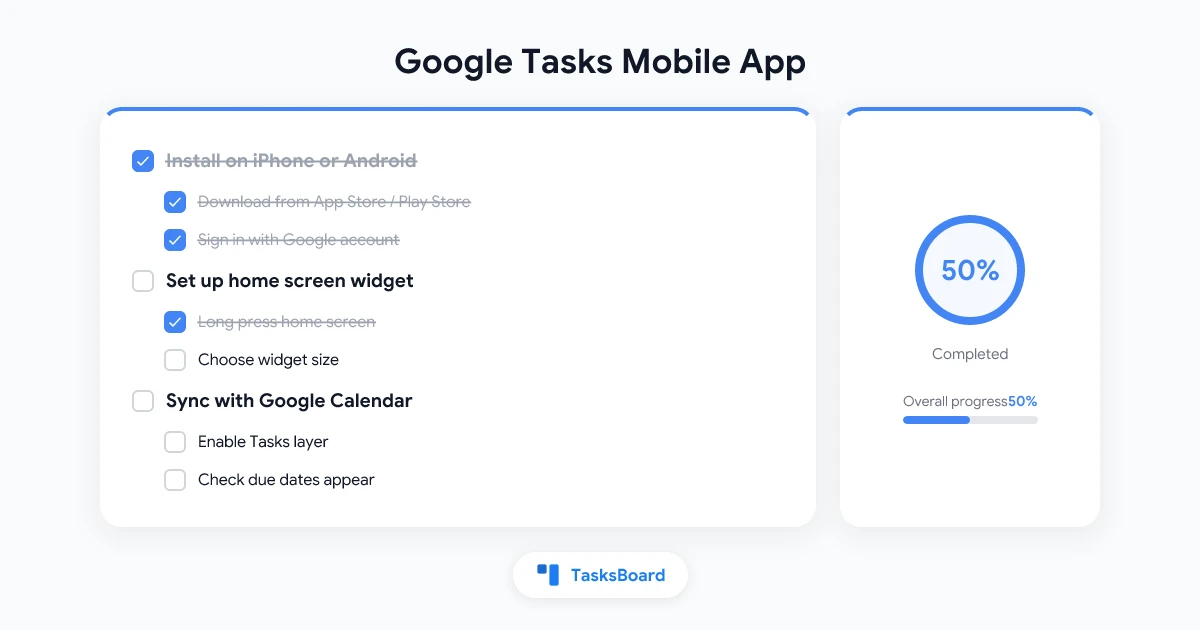
Google Tasks Mobile App: The Complete Guide for iPhone and Android (2026)
Download, set up, and master Google Tasks on iPhone and Android. Widgets, notifications, offline mode, and TasksBoard's phone layout and home screen app.
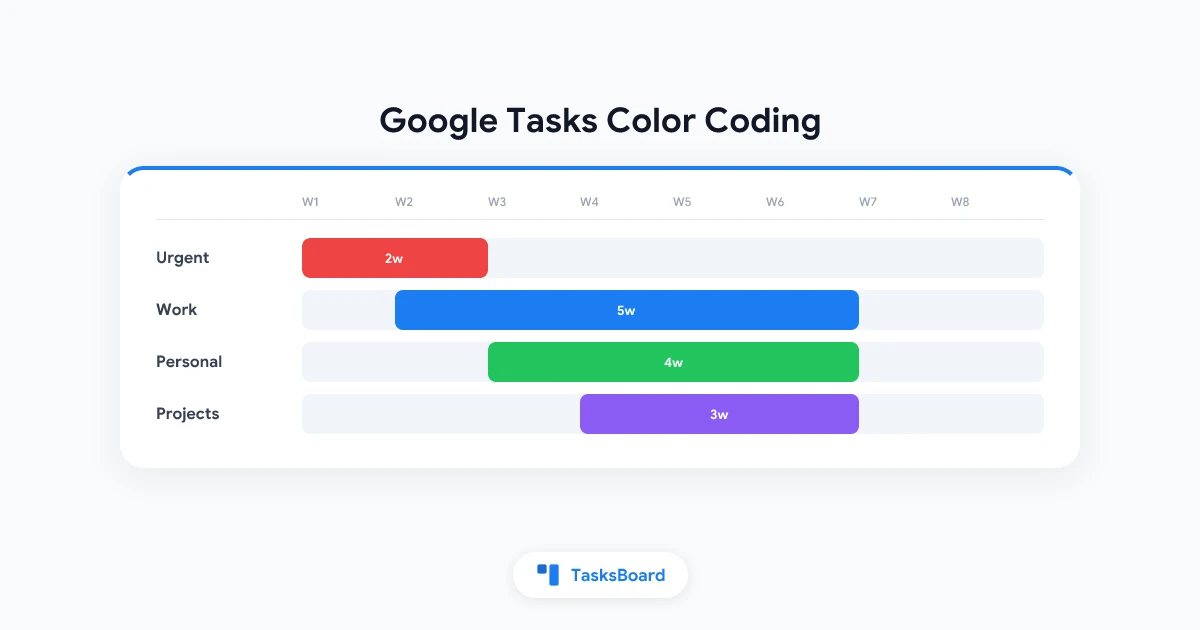
Google Tasks Color Coding: The Complete Guide to Visual Task Organization
Learn how to color code Google Tasks using list colors, smart naming systems, and TasksBoard's visual kanban boards. A practical 2026 guide to visual task organization.
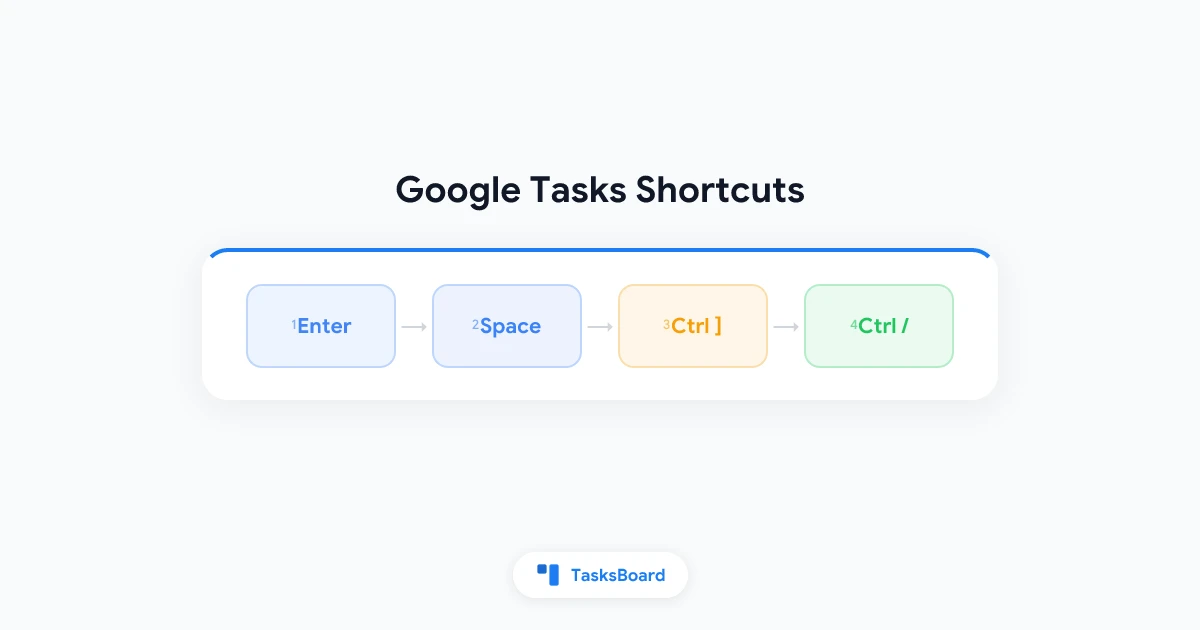
Google Tasks Keyboard Shortcuts: The Full List and How to Use Them (2026)
Google Tasks keyboard shortcuts let you add, complete, and reorder tasks without a mouse. Here is the full list, how to use it, and the keys worth memorizing.
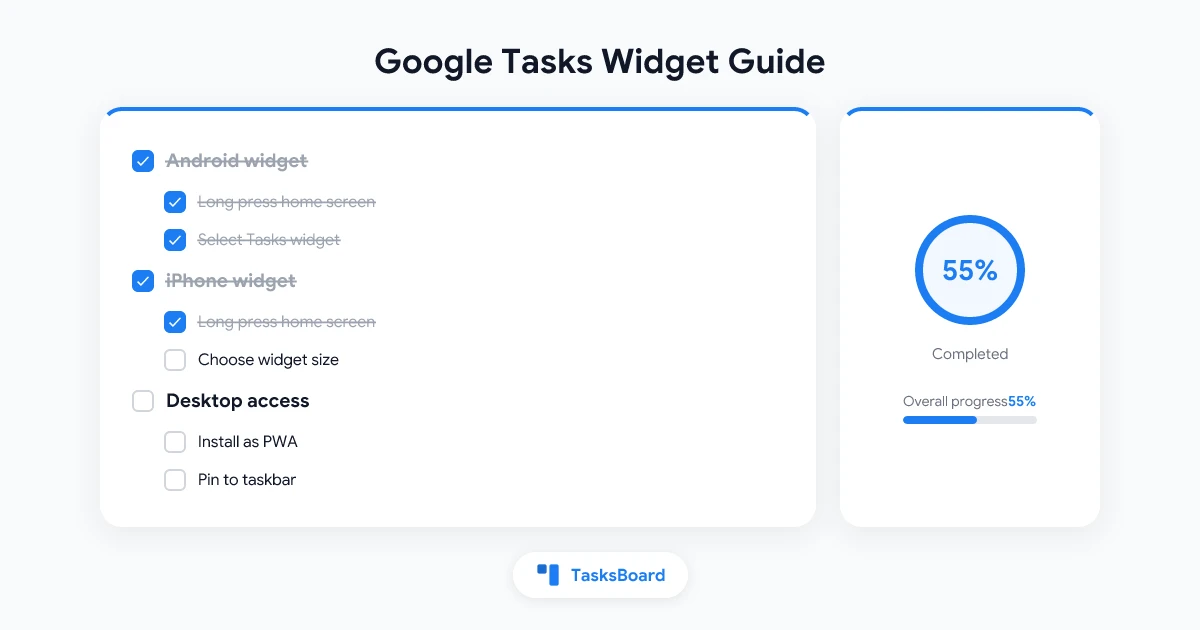
Google Tasks Widget: How to Add It on Android, iPhone, and Desktop (2026)
Learn how to add a Google Tasks widget on Android and iPhone, set up an iOS lock screen widget, and access your tasks on any desktop without opening a tab.
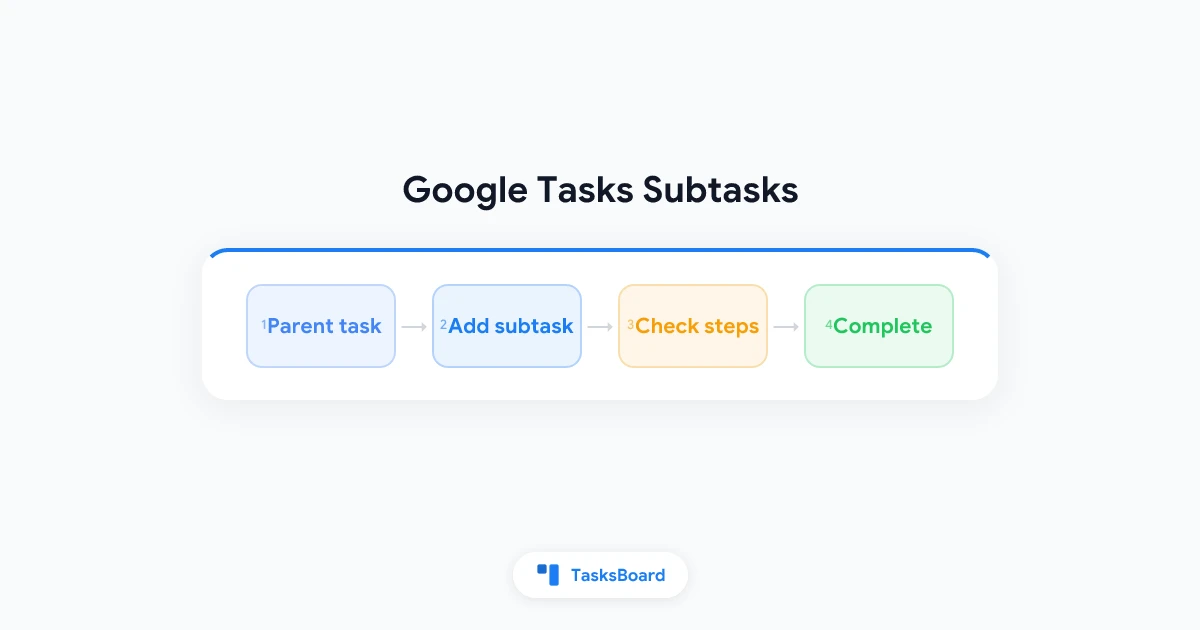
Google Tasks Subtasks: How to Break Down Tasks Step by Step
How Google Tasks subtasks work on web and mobile, their one-level limit, and how TasksBoard nests subtasks three levels deep with Tab and Shift+Tab.
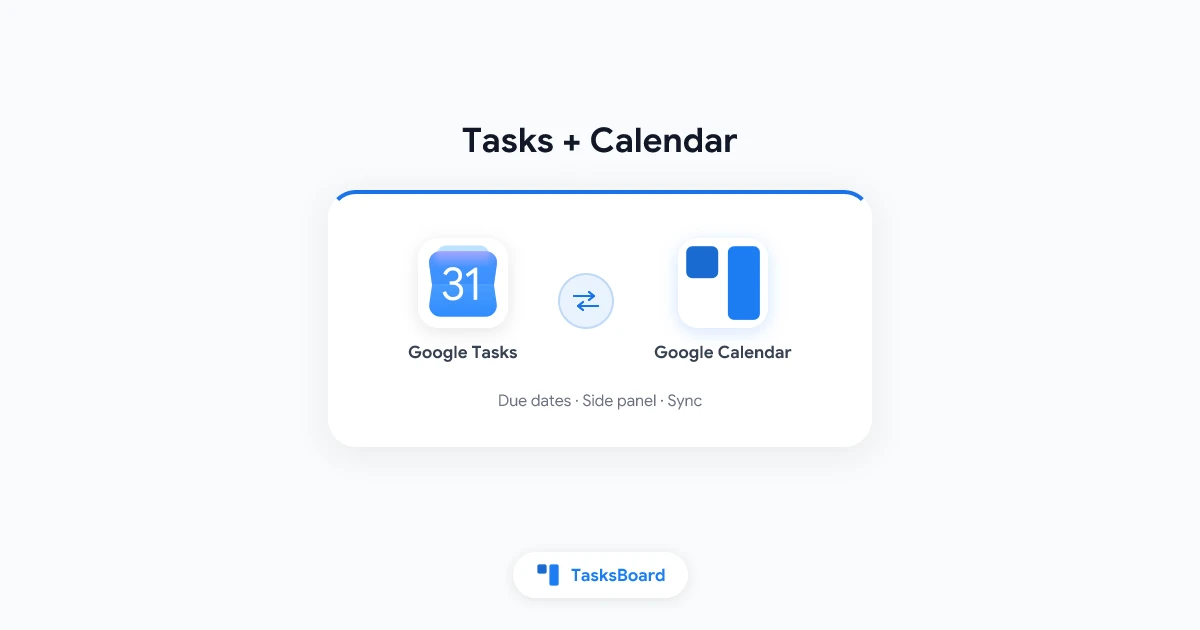
Google Tasks Calendar Integration: How to Sync Tasks and Due Dates
Learn how Google Tasks calendar integration works, how to show tasks on Google Calendar, fix sync issues, and when TasksBoard adds a kanban view on top.
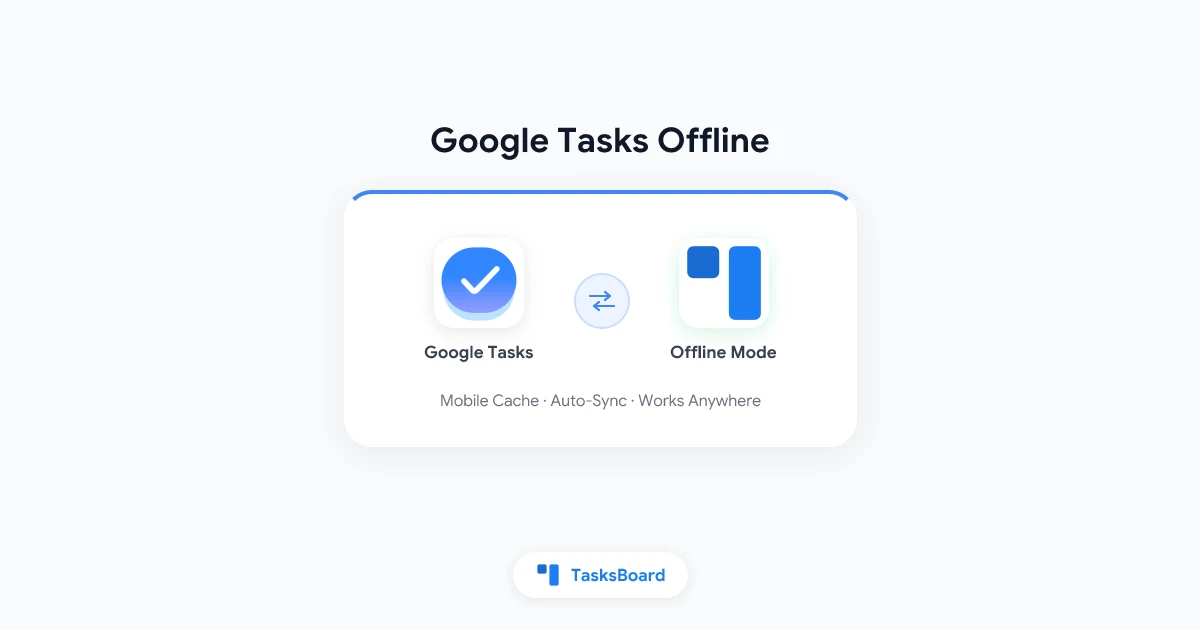
Google Tasks Offline: How to Keep Working Without Internet
Find out how Google Tasks works offline on Android, iOS, and desktop. Learn what syncs automatically, what to watch out for, and how TasksBoard extends offline access for teams.
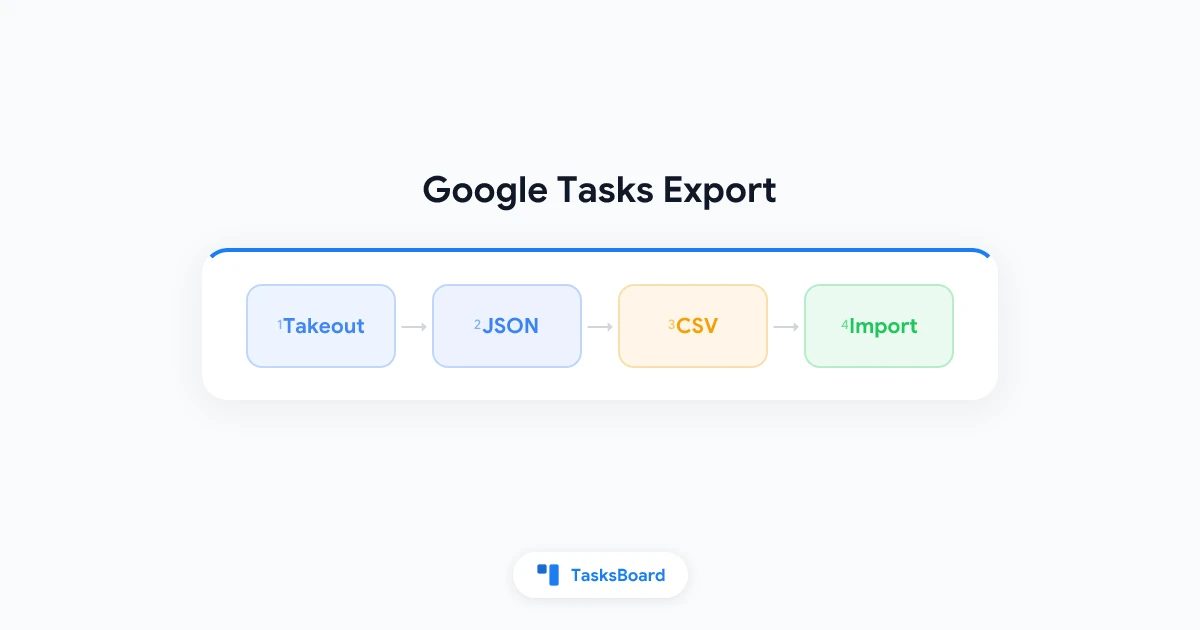
Google Tasks Export: How to Back Up, Move, and Share Your Lists
Learn how to export Google Tasks to CSV, Excel, or another account. Step-by-step backup methods, workarounds, and how TasksBoard keeps your lists safe.
Google Tasks Notifications: How They Work on Every Platform
Learn how Google Tasks notifications work on Android, iPhone, and desktop, due dates, Calendar sync, default alerts, and what to check before troubleshooting.
Google Tasks Notifications Not Working? Here's How to Fix It
Google Tasks notifications not working on Android, iPhone, or desktop? Follow this troubleshooting guide for permissions, Calendar sync, battery settings, and known limitations.
Google Tasks Reminders: Due Dates, Calendar Sync, and What Actually Works
How Google Tasks reminders work with due dates and Calendar, how they compare to Keep and Apple Reminders, and tips to never miss a deadline again.
How to Use Google Tasks Effectively: A Complete 2026 Guide
Learn how to use Google Tasks effectively with GTD workflows, list organization, keyboard shortcuts, Calendar integration, and when to add TasksBoard kanban.
Google Tasks Reminders: How to Set, Manage, and Never Miss a Deadline
Learn how to set Google Tasks reminders with due dates, use Google Calendar integration, and stay on top of every deadline with TasksBoard kanban boards.
Google Tasks Gmail Integration: How to Add and Use Tasks in Gmail
Learn how Google Tasks Gmail integration works, how to show tasks in the Gmail sidebar, turn emails into tasks, and when TasksBoard adds a full-screen view.
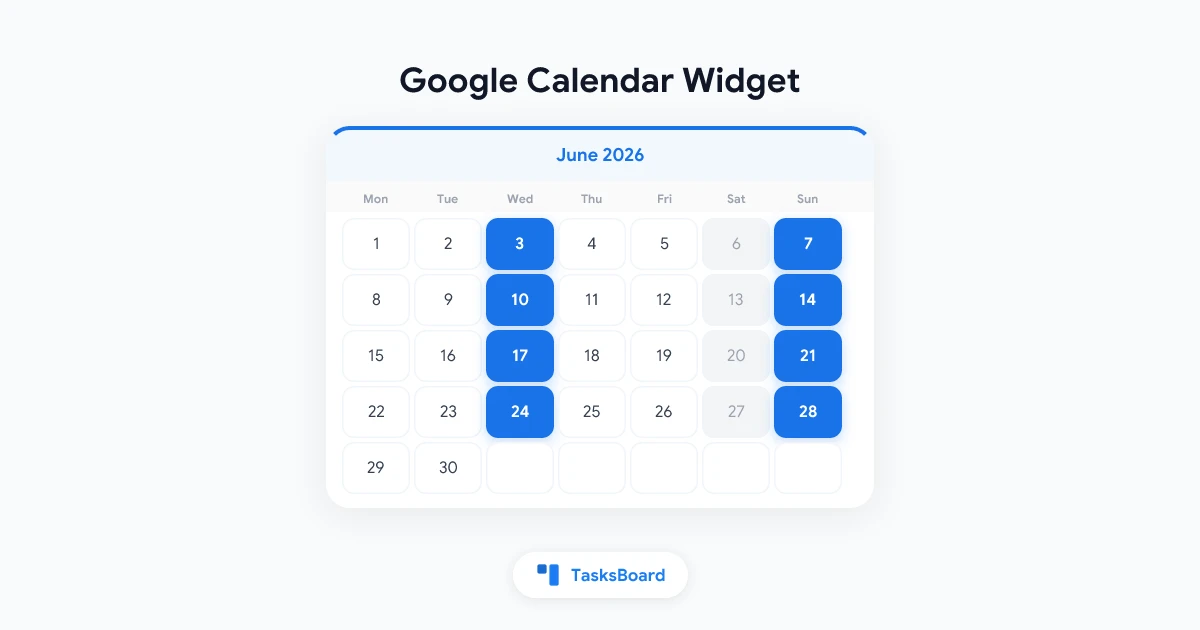
Google Calendar Widget: How to Add and Customize It in 2026
Learn how to add a Google Calendar widget on Android, iOS, desktop, and Chrome. Step-by-step setup guide for staying on top of your schedule without opening the app.
Google Workspace Tutorial: Getting Started Guide for 2026
A complete Google Workspace tutorial for beginners and new teams in 2026. Learn how to set up Gmail, Google Drive, Calendar, Meet, and Google Tasks step by step.