Google TasksGoogle CalendarIntegración con CalendarioGoogle WorkspaceGestión de Tareas
Integración de Google Tasks con Calendario: Cómo sincronizar tareas y fechas límite

TasksBoard Team
Here’s a concise, engaging summary of the Google Tasks and Calendar integration guide:
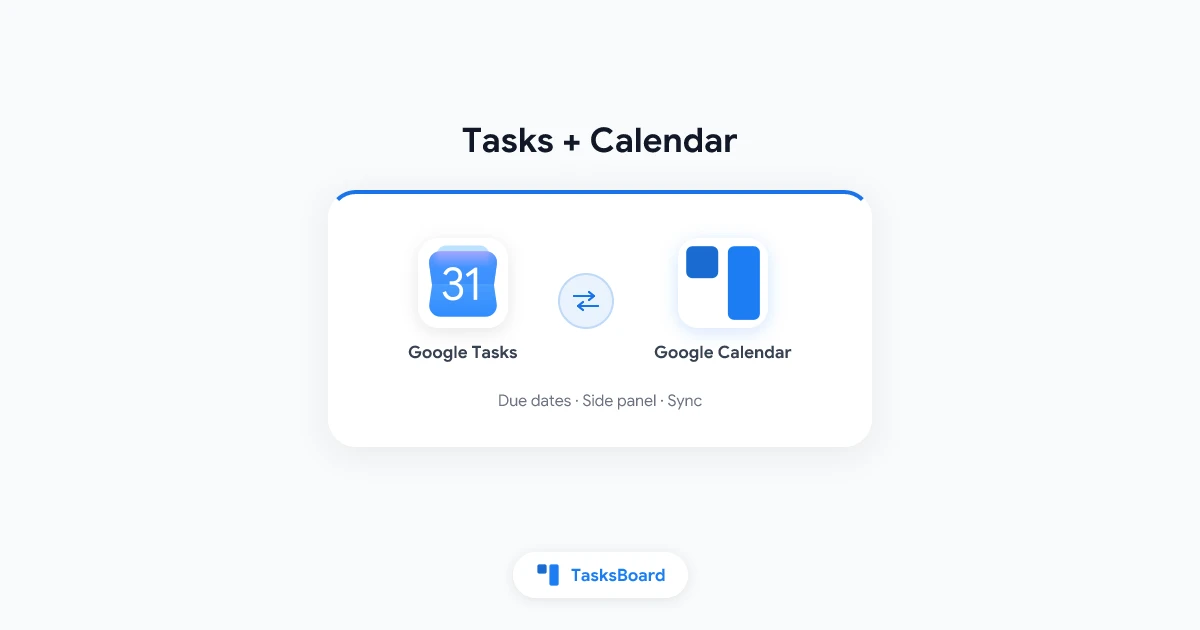
Google Tasks + Calendar: Your Visual To-Do System
Key points:
- Tasks with due dates automatically appear as all-day events in Google Calendar
- Sync works instantly across Gmail, Calendar, and Tasks mobile app
- Enable the Tasks panel in Calendar’s right sidebar for quick access
- Notifications come through Calendar’s all-day event alerts
Pro tip: For complex workflows, enhance Google Tasks with TasksBoard to add kanban views while keeping your existing Calendar sync.
Common issues solved:
- Tasks not showing? Check for missing due dates
- No notifications? Enable Calendar’s all-day event alerts
- Mobile sync problems? Verify Tasks calendar is enabled in app settings
This integration turns your calendar into a visual task dashboard - no switching between apps needed. Just add due dates and watch your to-dos appear where you already plan your day.
¿Listo para compartir tus Google Tasks?
Empieza con TasksBoard gratis, no se requiere tarjeta de crédito.
Iniciar sesión