
















For Google Tasks
Google Tasks — Full-Screen App, Kanban Boards & Team Sharing
TasksBoard upgrades your Google Tasks with a full-screen app, visual Kanban boards, and real-time collaboration — all without leaving the Google ecosystem.
Explore Topics
Google Tasks in Calendar
See your tasks alongside calendar events for better time planning and day-blocking.
Learn more →Google Tasks vs Google Keep
Compare two popular Google tools and find out which one fits your workflow best.
Learn more →Google Tasks for Workspace
Use Google Tasks across your entire Workspace domain with Drive, Sheets, and Calendar.
Learn more →Google Tasks for Projects
Manage projects and subtasks with Kanban boards powered by your Google Tasks.
Learn more →Google Tasks To-Do List
Turn Google Tasks into a powerful to-do list with a full-screen, distraction-free view.
Learn more →Why Google Tasks Deserves a Better Interface
Google Tasks is one of the most underrated productivity tools in the Google suite. It syncs across all your devices, integrates natively with Gmail and Google Calendar, and is completely free — yet its built-in interface keeps it cramped in a sidebar.
TasksBoard gives Google Tasks the full-screen experience it deserves. Turn your task lists into Kanban boards, share boards with teammates, and manage projects without switching to a third-party tool.
Whether you use Google Tasks for personal to-dos, team projects, or daily planning, the guides in this hub will help you get the most out of the combination of Google Tasks and TasksBoard.
Team collaboration
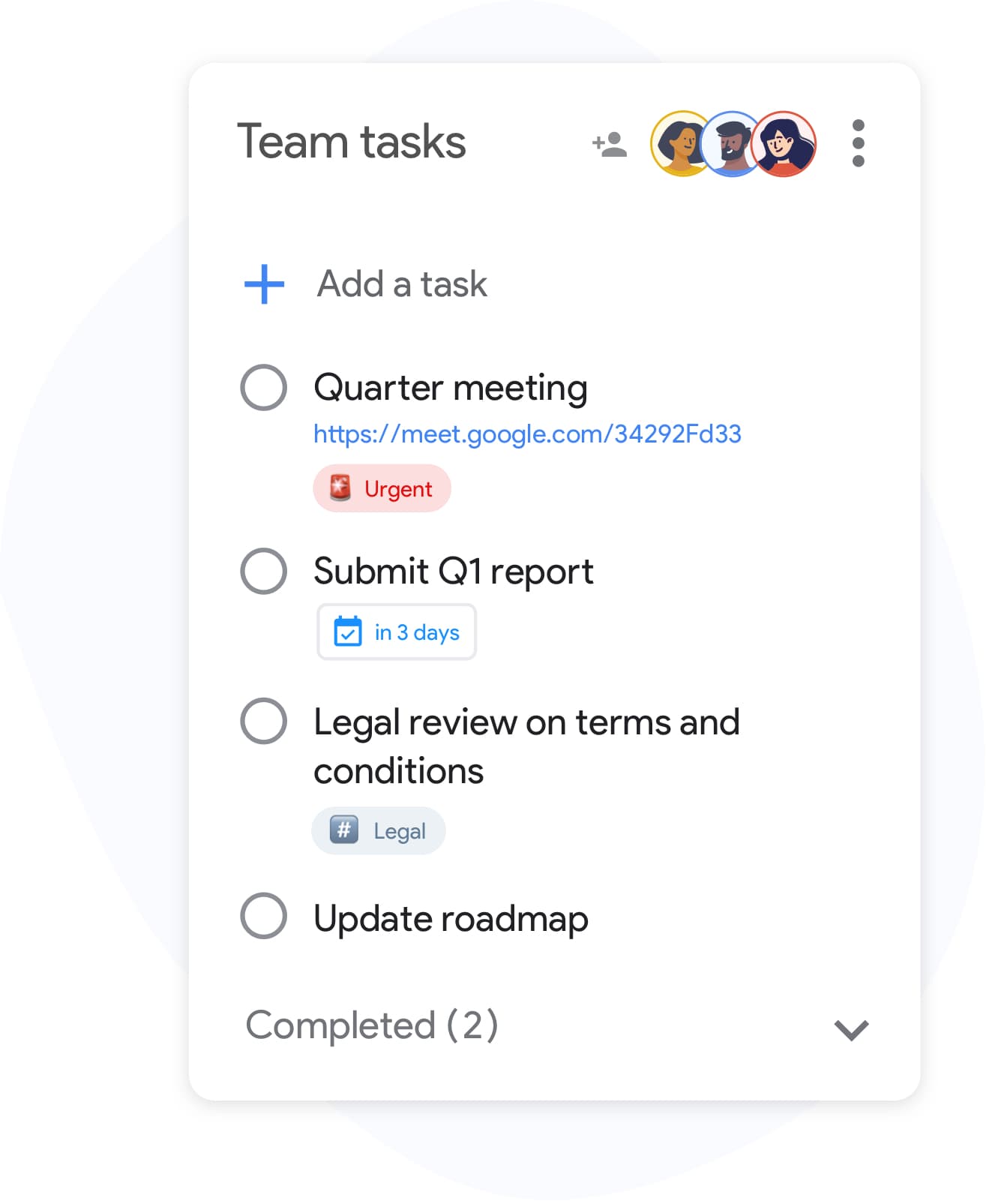
Share Google Tasks with your team
Team collaboration
Share Google Tasks with your team
Invite teammates to any board with one link and watch updates appear in real time. Every change syncs back to everyone's Google Tasks — no duplicated lists, no outdated copies.
Perfect for project handoffs, weekly planning, and keeping a single source of truth across the team.
See how teams use TasksBoardVisual labels
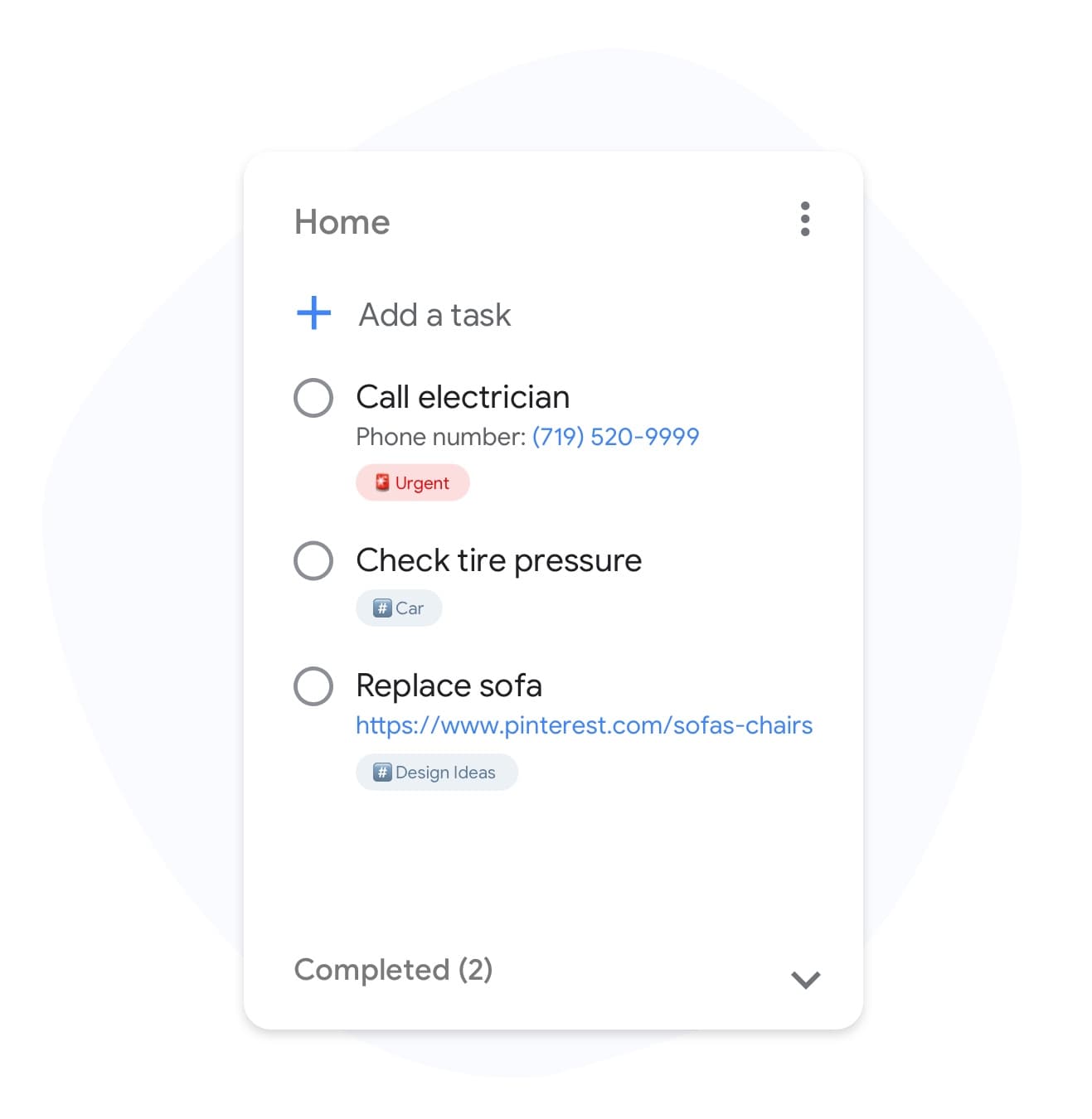
Tag Google Tasks with colored labels
Visual labels
Tag Google Tasks with colored labels
Add labels like "urgent", "client-work", or "blocked" to any Google Task. Filter your board by label in one click to see only the cards that matter right now.
Unlock labels in PremiumCustom backgrounds
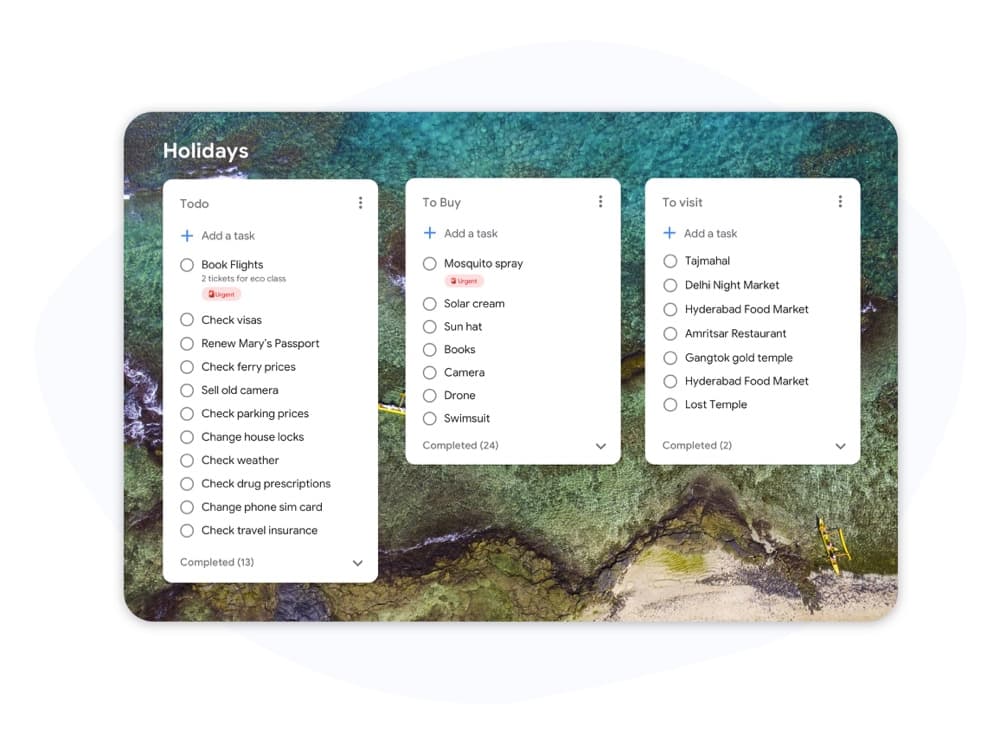
Make each Google Tasks board yours
Custom backgrounds
Make each Google Tasks board yours
Set a unique background for every board so you recognise "Work", "Home", and "Side project" at a glance. Pick from presets or upload your own image.
Try custom boardsList colors
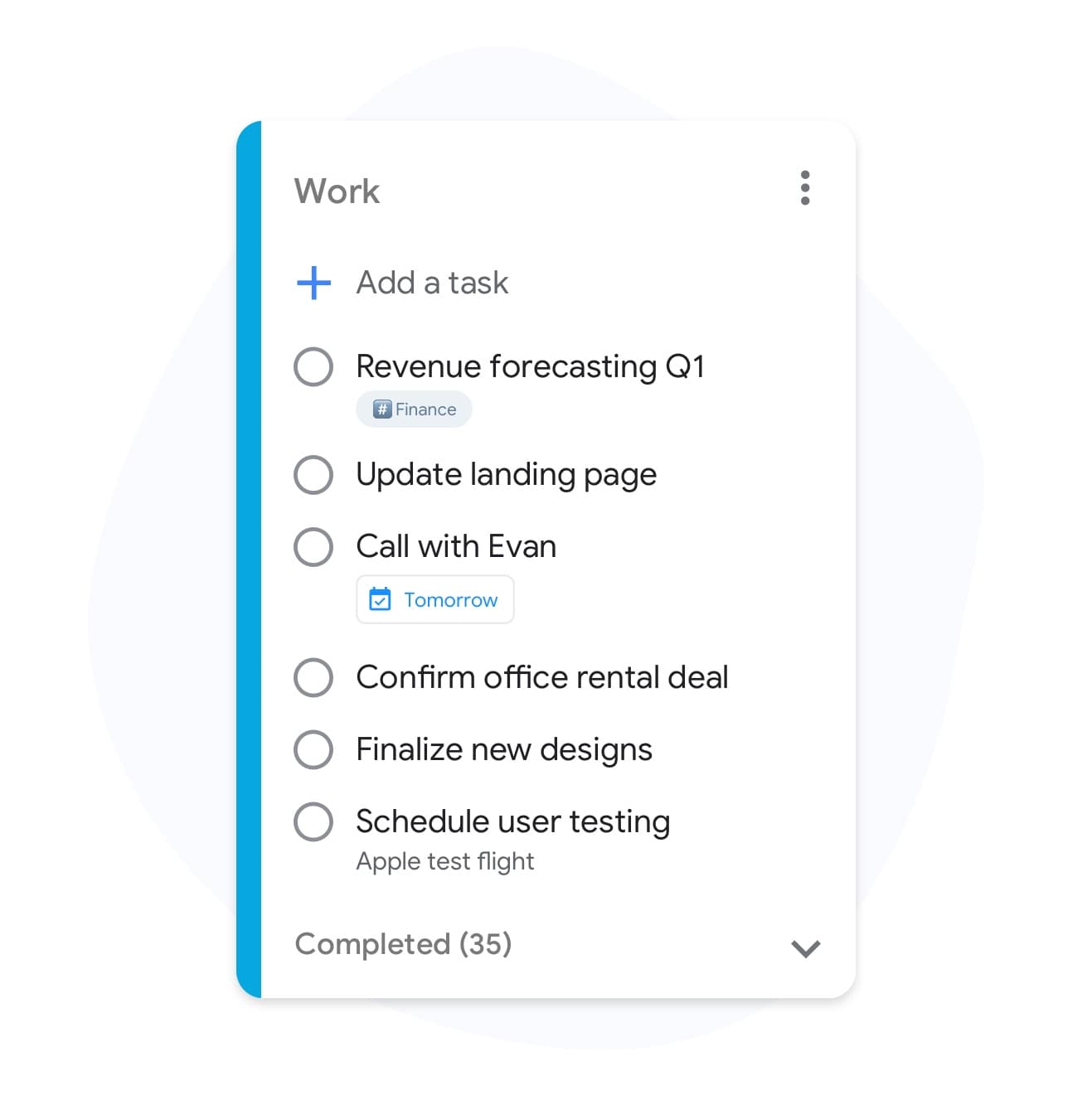
Color-code your Google Tasks lists
List colors
Color-code your Google Tasks lists
Give each Google Tasks list its own color so priorities stand out instantly. No more squinting at a wall of identical grey rows — your eye goes straight to what needs attention.
See Premium featuresMultiple boards
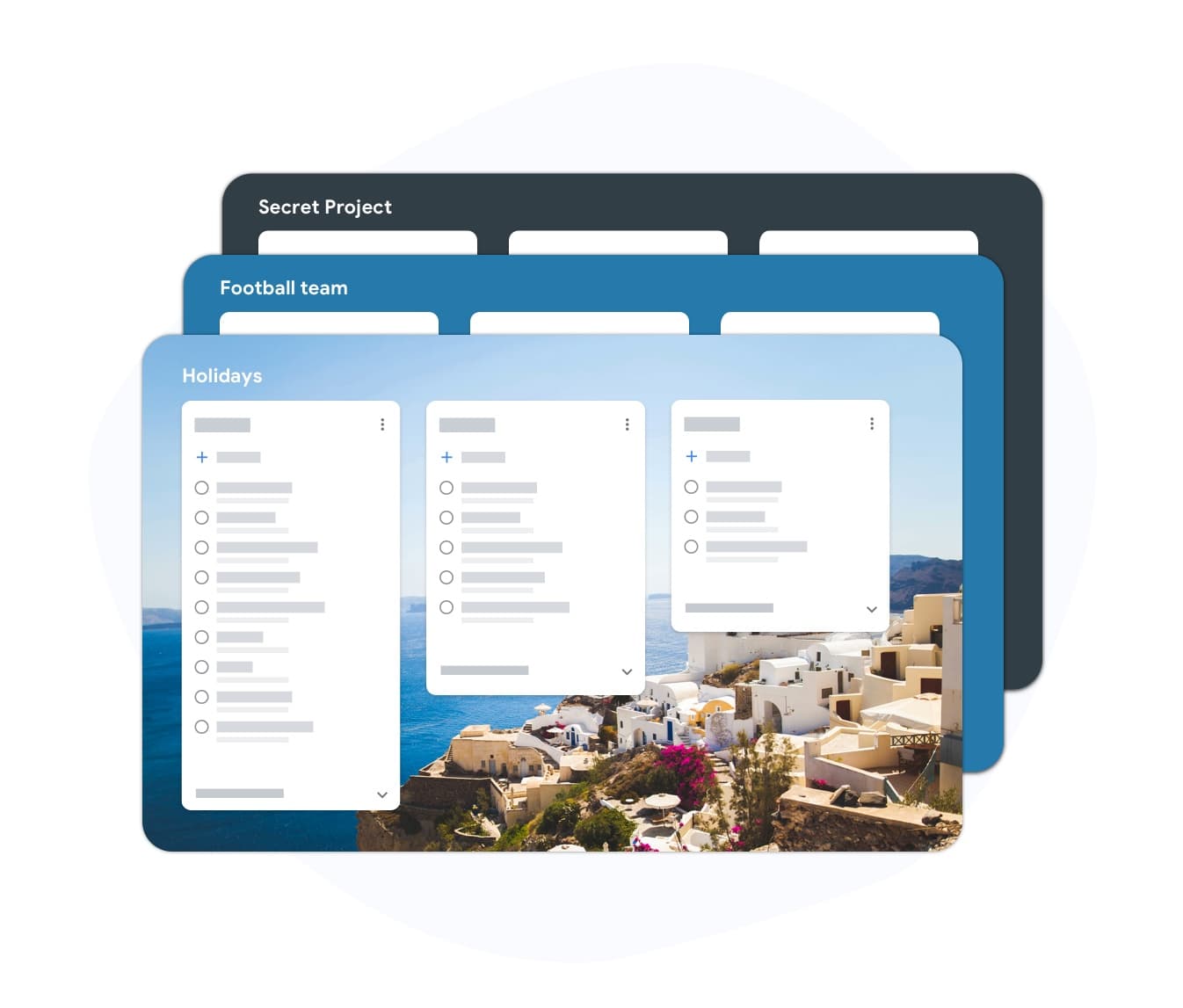
One app, every Google Tasks project
Multiple boards
One app, every Google Tasks project
Create separate boards for work, personal, and side projects — all backed by your Google Tasks account. Switch between them without losing context or closing tabs.
Get unlimited boardsTeam boards
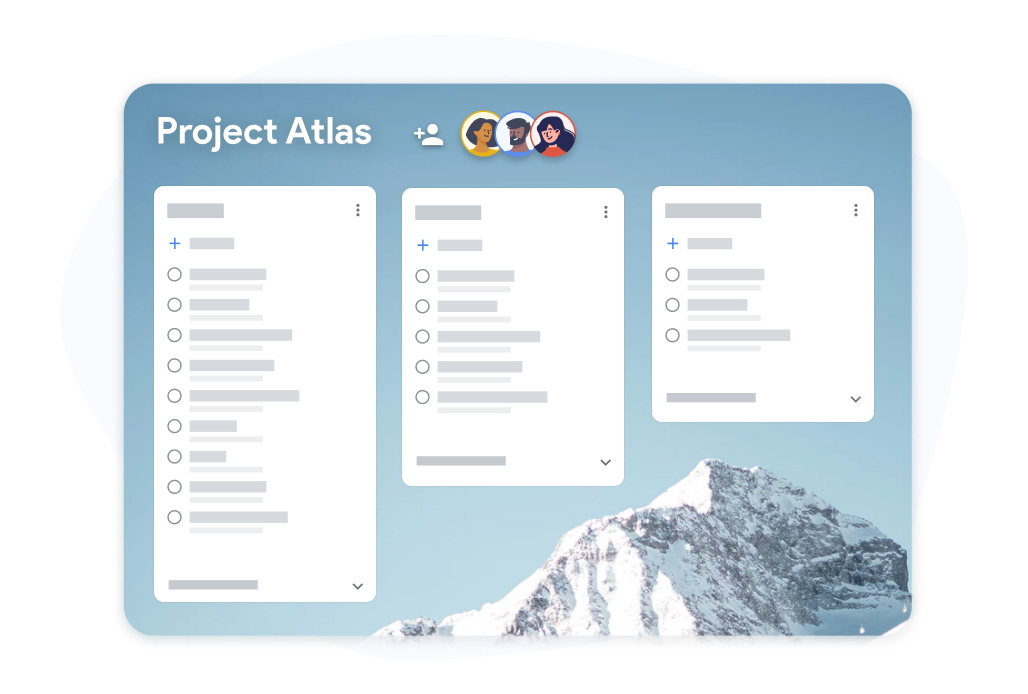
Share a Google Tasks board with everyone
Team boards
Share a Google Tasks board with everyone
Create a team board where every task is visible to the whole group. Assign owners, drop comments, and move cards across columns — all without leaving Google Tasks.
Upgrade for team boardsWhy TasksBoard for For Google Tasks
Full-Screen Experience
Stop squinting at the cramped Gmail sidebar. TasksBoard opens your Google Tasks in a full-screen app with a clean, spacious layout built for focus.
Visual Kanban Boards
Transform any Google Tasks list into a Kanban board with drag-and-drop cards. See your workflow at a glance and move tasks across columns as work progresses.
Real-Time Team Sharing
Share boards with teammates via a single link. Everyone sees live updates — no email threads, no manual status updates, no duplicate task lists.
Deep Google Workspace Integration
Attach Google Drive files to tasks, export boards to Sheets, see deadlines in Calendar, and add tasks directly from Gmail. Everything stays in the Google ecosystem.
Frequently asked questions
Is TasksBoard free to use with Google Tasks?
Yes. TasksBoard has a generous free plan that includes unlimited tasks, Kanban board view, and Google Tasks sync. A paid plan unlocks advanced features like custom board backgrounds and priority support.
Does TasksBoard replace Google Tasks or work alongside it?
TasksBoard works alongside Google Tasks — it does not replace it. Your tasks live in Google Tasks as always, and TasksBoard gives you a better interface to view and manage them. Changes sync instantly in both directions.
Can I share a Google Tasks board with someone who doesn't use Google?
Team sharing in TasksBoard requires a Google account for collaborators so that tasks sync properly to their Google Tasks. View-only sharing via public link is available on select plans.
Does TasksBoard work on mobile?
Yes. TasksBoard has iOS and Android apps that sync with your Google Tasks in real time. The Kanban board view is fully supported on mobile.
What happens to my tasks if I stop using TasksBoard?
Nothing happens to your tasks — they remain in Google Tasks as normal. TasksBoard is a layer on top of Google Tasks, so all your data stays in Google's infrastructure regardless of whether you use TasksBoard.
Sign in
Give Your Google Tasks the Interface They Deserve
Join 2 million+ users who upgraded their Google Tasks with full-screen boards, team sharing, and Calendar sync. No new account required.