
















Personal Planner
Personal Planner App for Google Tasks - Organize Your Life in One Place
TasksBoard turns your Google Tasks into a personal planner for life outside of work. Manage errands, goals, health habits, and personal projects without juggling three different apps.
Used by 2M+ people. Free to start.
Why TasksBoard for Personal Planning
Separate personal from work
Keep a personal board that is entirely separate from work. Your errands and goals are never mixed with your job tasks.
Track habits and recurring tasks
Set up recurring tasks for daily habits like exercise, journaling, or weekly reviews. TasksBoard surfaces them automatically each day.
Long-term goals alongside daily tasks
Create lists for big life goals and daily to-dos side by side. See how your daily actions connect to your bigger plans.
Available on every device
Your personal planner syncs across desktop, iPhone, and Android. Add a task on your phone and it appears on your computer the moment you open it.
Life organization
One board for every area of your personal life
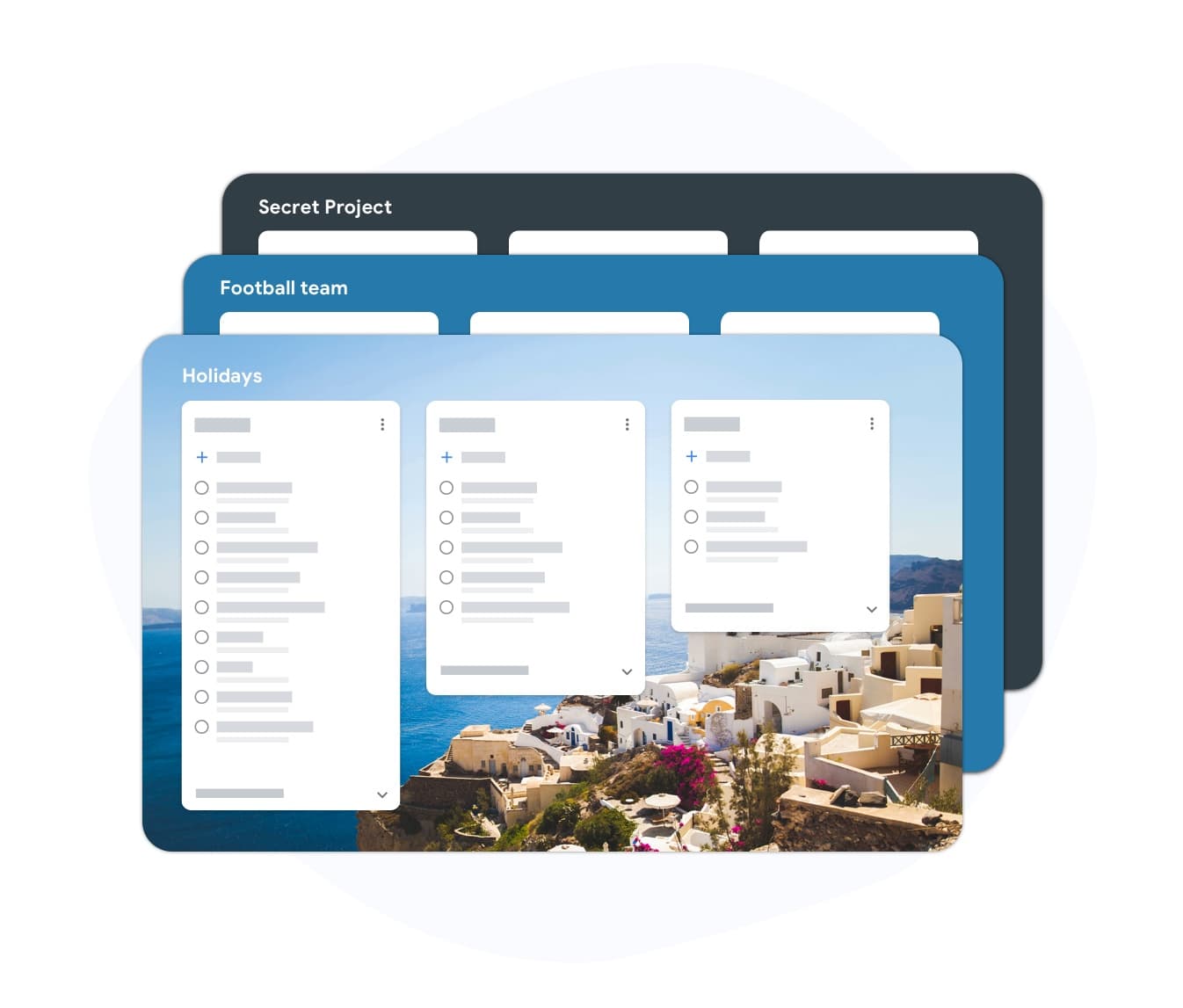
Life organization
One board for every area of your personal life
Create separate lists for Health, Home, Finance, Learning, and anything else that matters. TasksBoard shows them all on one screen so nothing is forgotten.
- Create unlimited personal lists by life area
- See all lists on one full-screen Kanban board
- Add a task in under five seconds from any device
Habit tracking
Build habits by making them visible every day

Habit tracking
Build habits by making them visible every day
Recurring tasks appear automatically each day. Whether you want to exercise, read 20 pages, or call your parents once a week, TasksBoard puts the reminder on your daily board.
- Set tasks to repeat daily, weekly, or monthly
- Recurring tasks appear in your Today column automatically
- Check off the habit and it resets for tomorrow
Goal tracking
Connect daily actions to long-term goals
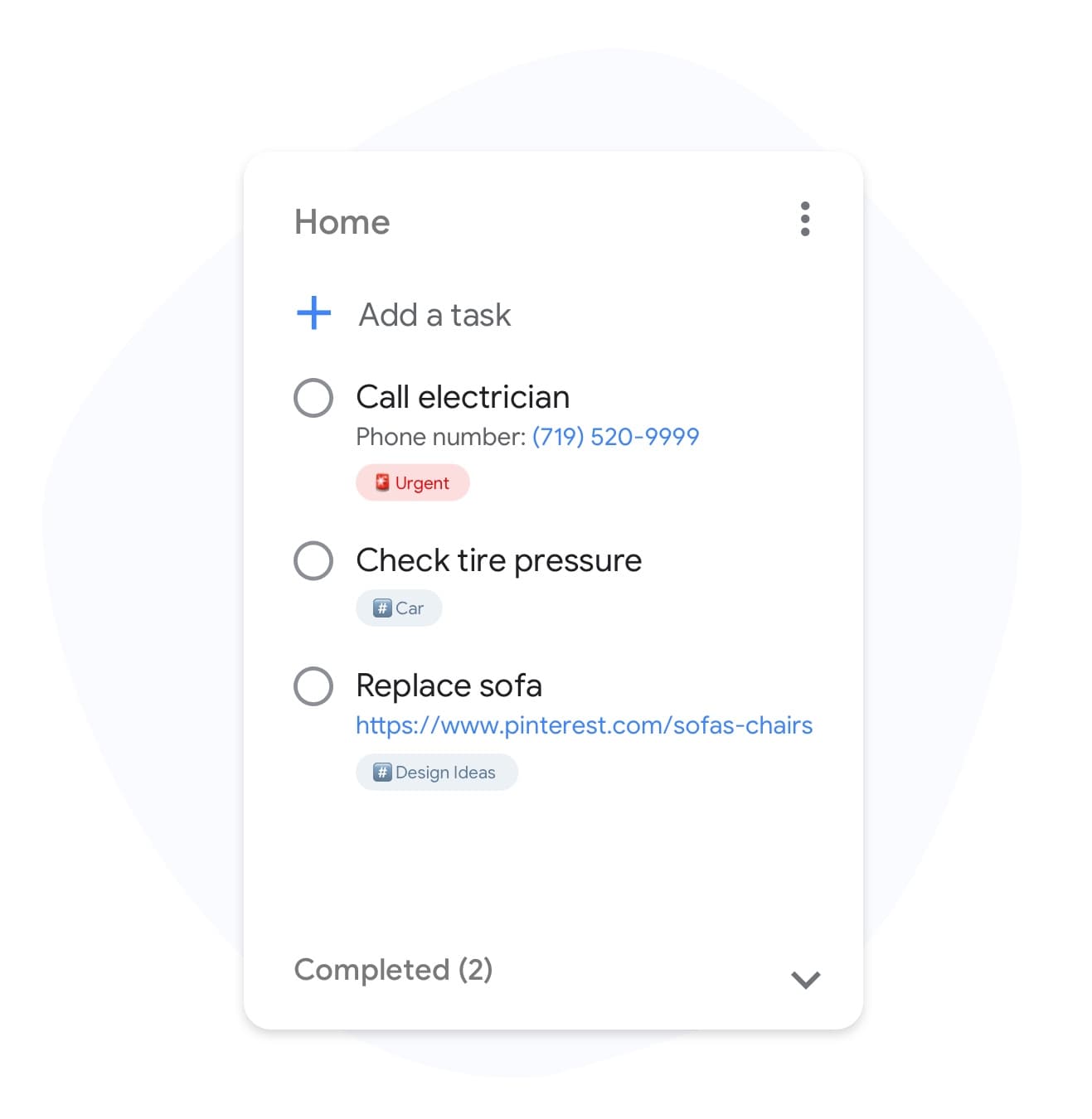
Goal tracking
Connect daily actions to long-term goals
Create a Goals list in TasksBoard and break each goal into concrete action steps. When you can see both the goal and the next action on the same board, progress accelerates.
- Goals list always visible alongside daily tasks
- Subtasks let you break goals into concrete steps
- Due dates on milestones keep long-term goals on track
How to use TasksBoard as a personal planner
-
Sign in with Google
Use your personal Gmail account. Your existing Google Tasks load instantly. No import needed.
-
Create lists by life area
Add lists for Health, Home, Learning, Finance, or whatever categories matter to you. Each list becomes a column on your personal board.
-
Plan daily, review weekly
Check your Today column every morning to see what is due. Do a weekly review on Sunday to add upcoming tasks and reschedule anything incomplete.
Loved by thousands of users
4.8 / 5 from 1,000+ reviews on the Chrome Web Store
"Always have 101 things to do and this helps me organize and prioritize like no other app can. It syncs to my phone and laptop, and when I add dates to tasks, they automatically integrate into my Google Calendar, which is immensely convenient. I can look at my daily, weekly, and monthly overview in Google Calendar and clearly see how much I was able to accomplish! Great tool indeed. Excited to see how it will evolve over time."

"Seriously, makes my tasks easier to share with the team, and the free version is quite nice for our little office. Eventually, we will expand, and this is definitely a great tool to do that! Syncs with my Workspace and Calendar."

"I love the simple, intuitive interface and the Add to Tasks feature, especially as I work through my emails! Sharing my tasks is also easy. Overall, outstanding and simple to use, and that means a lot with too many complex tasks out there!"

"Great too for managing daily routine and plan tasks. Would be perfect if it was updated for generating reports for statistics. For google tasks and google calendar"





Frequently asked questions
Can I use TasksBoard for personal tasks alongside work tasks?
Yes. Most users create a separate board for personal tasks and a separate board for work. You can switch between them instantly and they never overlap.
Is the personal planner free?
Yes. The free plan includes unlimited personal tasks, multiple lists, the Kanban board view, and Google Tasks sync. There is no time limit on the free plan.
Can I track recurring personal habits in TasksBoard?
Yes. You can set any task to repeat on a daily, weekly, or monthly schedule. Recurring tasks appear automatically in your Today column on the scheduled day.
Does TasksBoard work without a Google Workspace account?
Yes. TasksBoard works with any standard Gmail account. You do not need a paid Google Workspace subscription to use it as a personal planner.
Can I share a personal board with a family member?
Yes. With TasksBoard Premium you can share any board with another Google account holder. Useful for shared household to-do lists or planning family events together.
How do I keep personal tasks private from my work?
Create a separate board for personal tasks. That board is visible only to you (and anyone you explicitly invite). Your employer cannot see your personal TasksBoard data.
What is the difference between a personal planner and a daily planner?
A personal planner organizes all areas of your personal life - goals, habits, home tasks, and long-term projects. A daily planner focuses on what you need to do today. TasksBoard supports both views and you can switch between them anytime.
Get started
Organize your personal life in one board
Sign in with your Gmail account and build a personal planner in minutes. Free forever, no credit card required.
No credit card required. Works with any Google account.