
















Online Task Manager
An Online Task Manager That Works in Any Browser, on Any Device
TasksBoard runs entirely in the browser. No installation, no desktop app required. Open your Kanban board on any computer, sign in with Google, and your tasks are there.
Used by 2M+ people. Free to start.
Why TasksBoard Is the Best Online Task Manager
Works in any browser
Chrome, Safari, Firefox, Edge - TasksBoard runs on all of them. Open your board on a work laptop, a home computer, or a library PC without installing anything.
Cloud sync across all devices
Your tasks live in Google Tasks. Any change you make online syncs to every device instantly. Nothing is stored only on one machine.
Secure Google sign-in
Sign in with your existing Google account. No new password to remember. Access is protected by Google's own security, including 2FA if you use it.
Also available as a mobile app
When you need to capture tasks away from a browser, the TasksBoard iOS and Android apps have you covered. Same board, same tasks, always in sync.
No install needed
Open your task board in seconds - from any computer
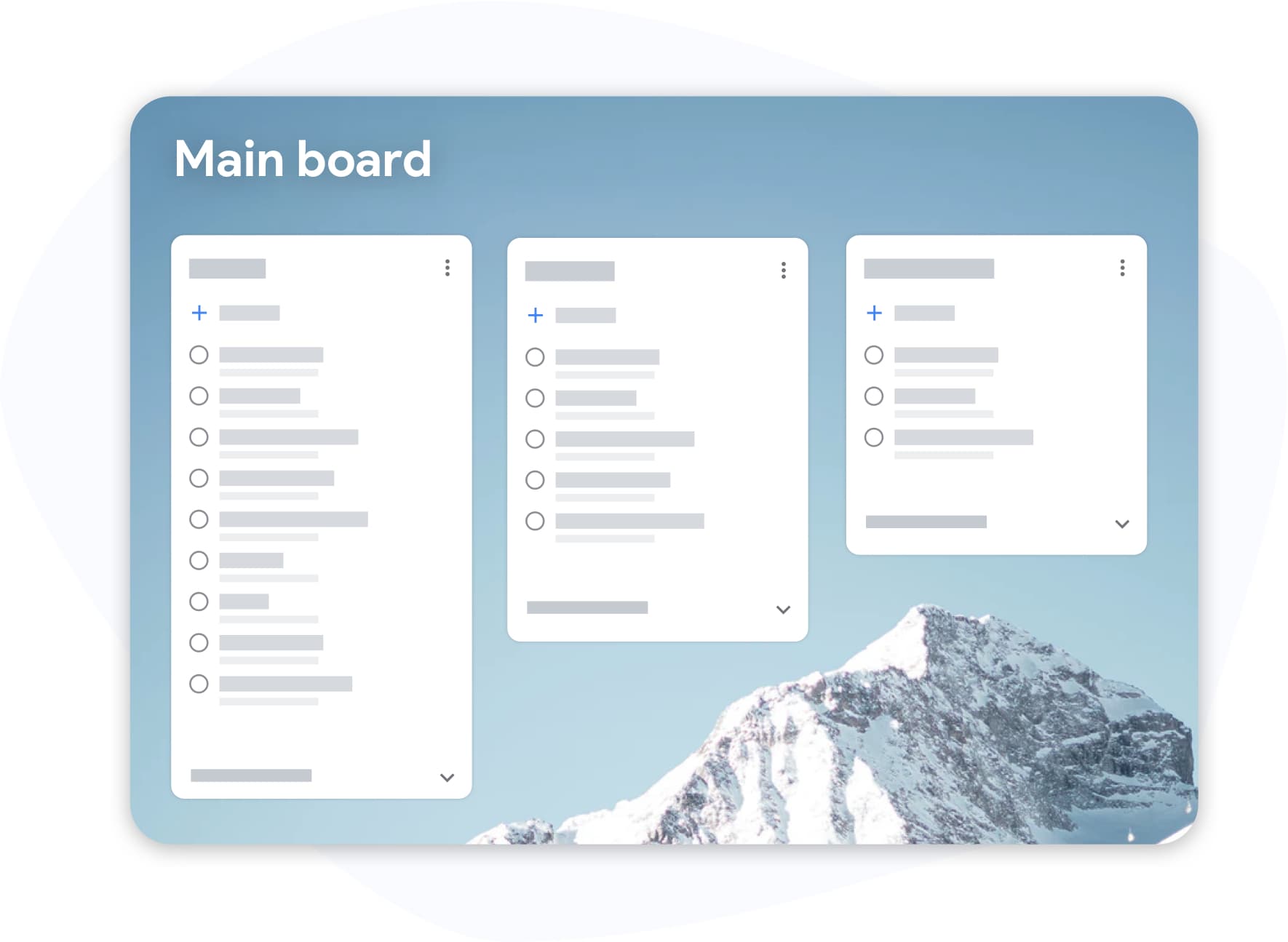
No install needed
Open your task board in seconds - from any computer
Most task manager apps require a download or a desktop install. TasksBoard lives at tasksboard.com. Sign in with Google and your full Kanban board is ready. Switch computers any time; your work follows you.
- Zero installation on any device
- Bookmark the URL and open from anywhere
- Chrome extension available for quick task capture
Real-time collaboration
Work with your team online without switching tools
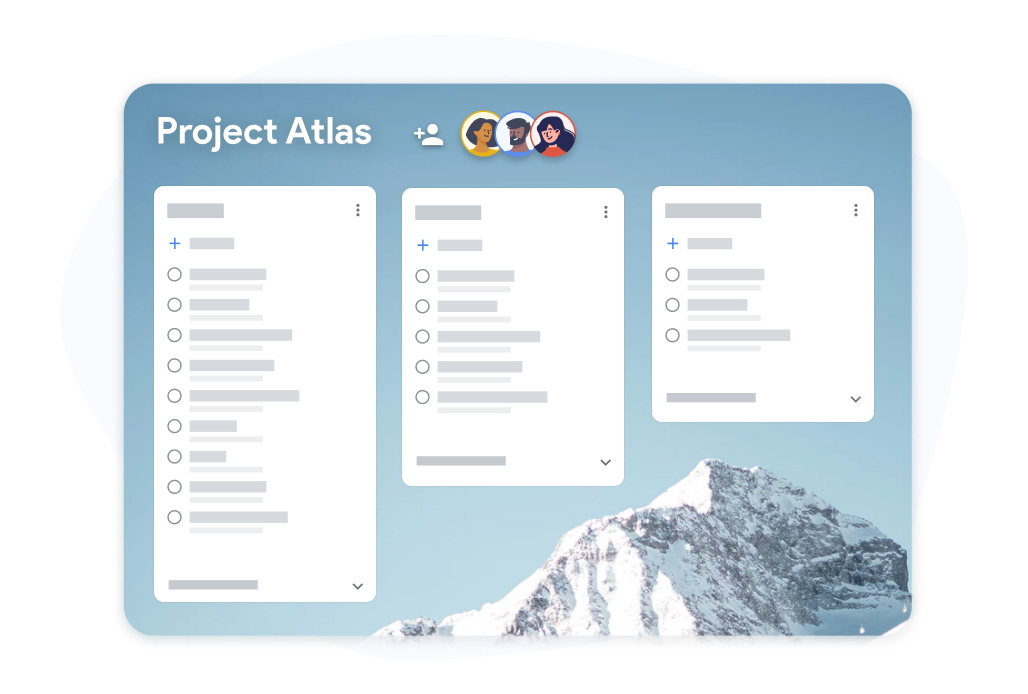
Real-time collaboration
Work with your team online without switching tools
Share a board and your teammates see every update the moment it happens. No refresh required, no merge conflicts. Everyone looks at the same board regardless of where they are working from.
- Live updates for all board members
- Comment on tasks and reply in context
- Assign tasks to specific team members
How to start managing tasks online with TasksBoard
-
Go to tasksboard.com
Open any browser and navigate to tasksboard.com. No download, no install, no waiting. The page loads in seconds.
-
Sign in with Google
Click "Sign in with Google". Your existing Google Tasks lists load immediately. If you have no tasks yet, you can create your first list right away.
-
Start working on the board
Your lists become columns on a Kanban board. Create tasks, set due dates, drag cards, and share the board with teammates.
Loved by thousands of users
4.8 / 5 from 1,000+ reviews on the Chrome Web Store
"Always have 101 things to do and this helps me organize and prioritize like no other app can. It syncs to my phone and laptop, and when I add dates to tasks, they automatically integrate into my Google Calendar, which is immensely convenient. I can look at my daily, weekly, and monthly overview in Google Calendar and clearly see how much I was able to accomplish! Great tool indeed. Excited to see how it will evolve over time."

"Seriously, makes my tasks easier to share with the team, and the free version is quite nice for our little office. Eventually, we will expand, and this is definitely a great tool to do that! Syncs with my Workspace and Calendar."

"I love the simple, intuitive interface and the Add to Tasks feature, especially as I work through my emails! Sharing my tasks is also easy. Overall, outstanding and simple to use, and that means a lot with too many complex tasks out there!"

"Great too for managing daily routine and plan tasks. Would be perfect if it was updated for generating reports for statistics. For google tasks and google calendar"





Frequently asked questions
Can I use TasksBoard without installing anything?
Yes. TasksBoard is a web app that runs entirely in your browser. Visit tasksboard.com, sign in with Google, and your task board is ready. No download or installation is needed.
Does TasksBoard work offline?
TasksBoard requires an internet connection to sync with Google Tasks. A basic offline mode caches recently viewed tasks, but full functionality requires connectivity.
Which browsers does TasksBoard support?
TasksBoard works in Chrome, Safari, Firefox, and Edge. The Chrome extension is available for quick task capture without opening the full app. Mobile browsers are also supported.
Is my data secure when managing tasks online?
Yes. TasksBoard connects to your Google account via OAuth. Your task data is stored in Google Tasks, not on TasksBoard's servers. Access is protected by Google's security including two-factor authentication.
Can I use TasksBoard on a shared or work computer?
Yes. Because TasksBoard is browser-based, you can use it on any computer. Sign in with your Google account, do your work, and sign out when done. No files are left on the machine.
Does the online version include all features?
Yes. The web version of TasksBoard has all features including Kanban board, subtasks, team sharing (premium), Google Calendar sync, and notifications. The mobile apps have the same features.
What is the best free online task manager?
For Google Workspace users, TasksBoard is the best free option because it adds a full Kanban board and team sharing to the Google Tasks you already use. Other popular choices include Todoist, TickTick, and Asana, but they do not integrate as deeply with Google.
Get started online
Open your task board right now - no install needed
Sign in with Google and get a full-screen Kanban board in your browser. Free for individuals, premium for teams.
No download needed. Works in Chrome, Safari, Firefox, and Edge.