
















Google Tasks + Workspace
Google Tasks for Google Workspace - One Task System Across Gmail, Drive, and Calendar
Google Tasks is built into every Workspace app. TasksBoard gives your team a full-screen Kanban board on top of it - shared boards, real-time updates, and zero new tools to learn.
Used by 2M+ people. Free to start.
Why TasksBoard for Google Workspace Teams
Turn Gmail emails into tasks
Click any email in Gmail and add it as a Google Task in one step. No copy-paste, no lost follow-ups - action items go straight from inbox to your task board.
Attach Drive files to tasks
Link Google Docs, Sheets, or Slides directly to a task card. Your team opens the file without leaving TasksBoard or hunting through Drive.
Due dates sync to Calendar
Every task deadline appears automatically in Google Calendar. Plan your sprint or workweek without switching between tabs.
Share boards with Workspace users
Invite any colleague via their Workspace email. They join the board in real time and all changes sync back to their own Google Tasks instantly.
Gmail integration
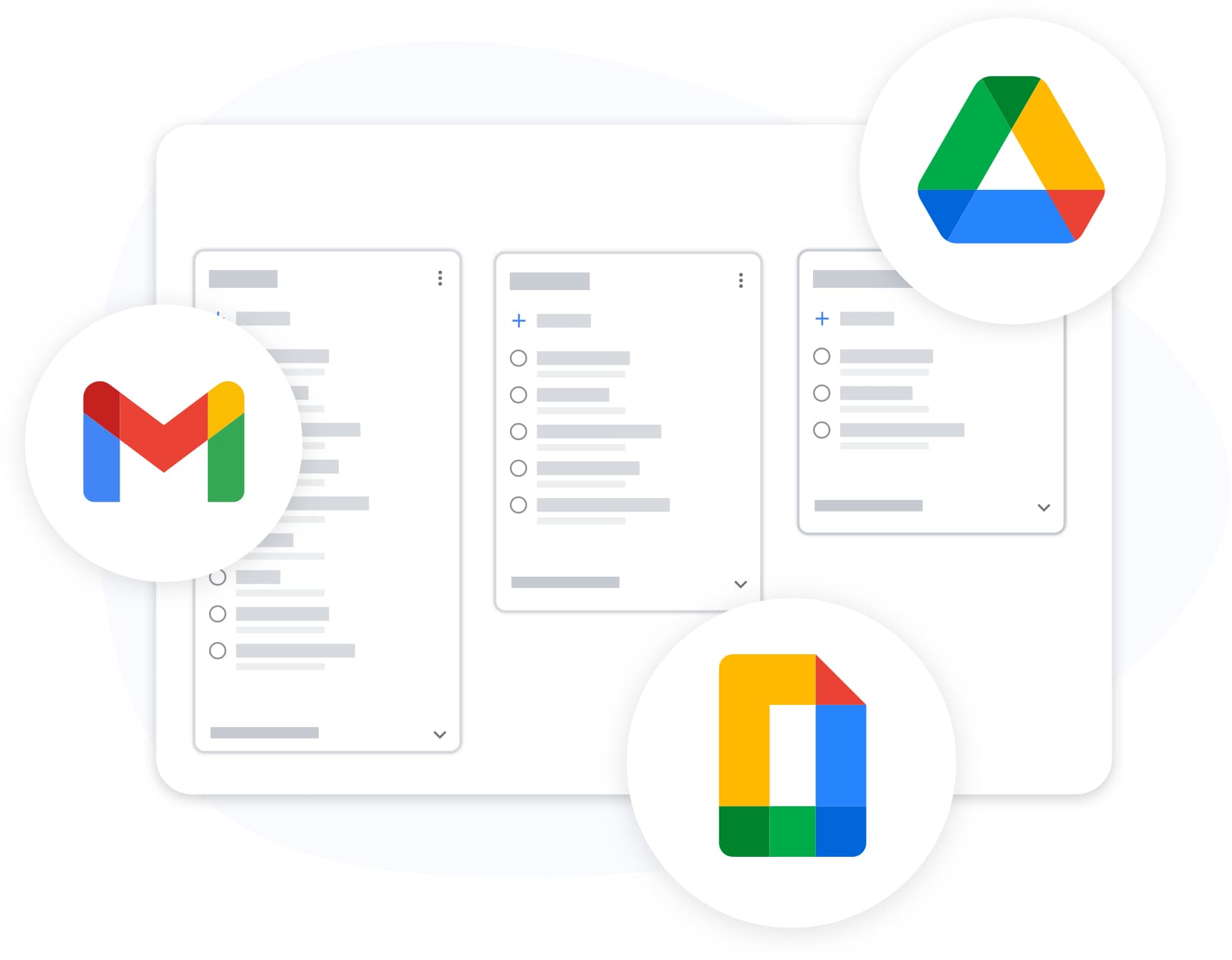
Convert emails to tasks without leaving your inbox
Gmail integration
Convert emails to tasks without leaving your inbox
In Gmail, open the Tasks panel in the right sidebar and drag any email thread directly into it. The subject becomes the task title and the original email stays linked for context.
- Works with any Gmail account on Workspace
- Email link stays attached to the task card
- Set a due date right from the Gmail sidebar
Team Kanban board
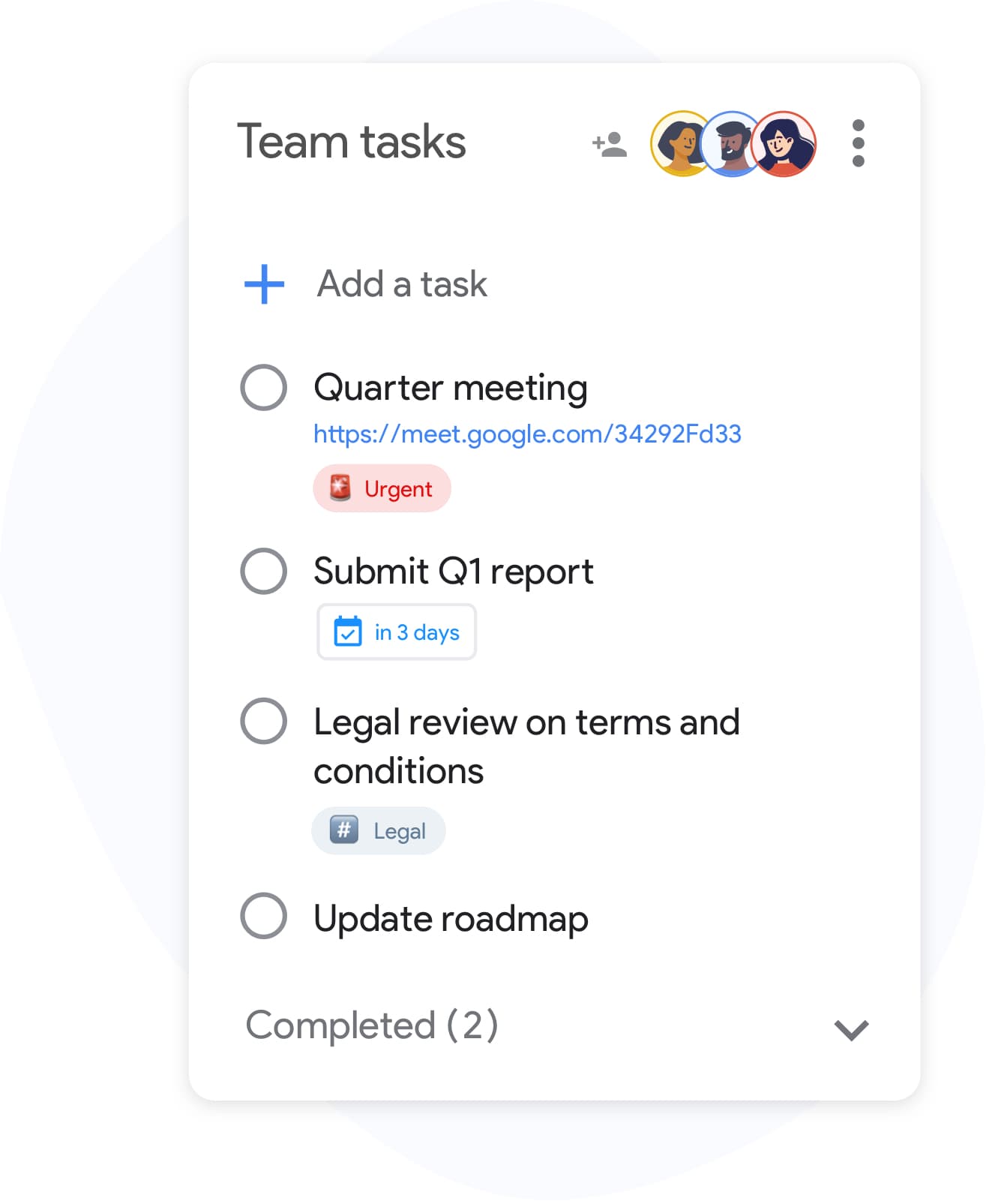
A shared board your whole Workspace team can use
Team Kanban board
A shared board your whole Workspace team can use
TasksBoard lets your team move task cards across columns, assign owners, and see each other's progress in real time. Everything stays inside the Google ecosystem you already pay for.
- Drag cards between To Do, In Progress, and Done
- Real-time sync across all team members
- No extra logins: sign in with Google
Full-screen board
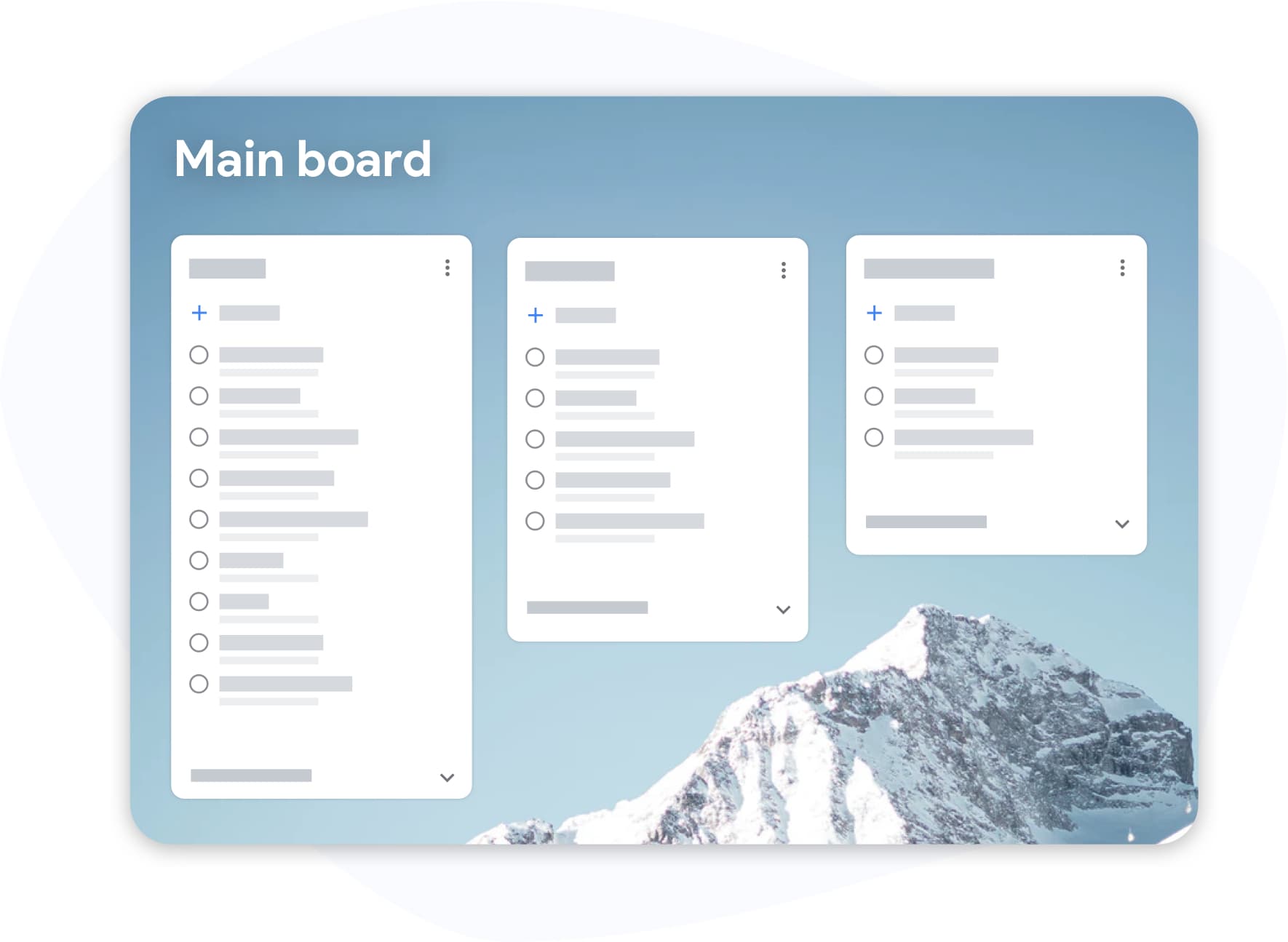
Stop managing work in a tiny sidebar
Full-screen board
Stop managing work in a tiny sidebar
The built-in Tasks panel in Gmail and Calendar is useful but cramped. TasksBoard opens everything full screen so you can see every list, every card, and every deadline at once.
- Multiple lists visible side by side
- Keyboard shortcuts for fast task entry
- Works on desktop, tablet, and mobile
How Google Tasks works inside Google Workspace
-
Create tasks from Gmail
Use the Gmail sidebar, Google Calendar, or TasksBoard directly. All three sync to the same Google Tasks account in real time.
-
Open your board
Sign in with your Google Workspace account and see all your tasks in a full-screen Kanban view. Invite teammates with one link.
-
Manage work as a team
Move cards, set due dates, attach Drive files, and track progress. Everything syncs back to each team member's Google Tasks automatically.
Loved by thousands of users
4.8 / 5 from 1,000+ reviews on the Chrome Web Store
"Always have 101 things to do and this helps me organize and prioritize like no other app can. It syncs to my phone and laptop, and when I add dates to tasks, they automatically integrate into my Google Calendar, which is immensely convenient. I can look at my daily, weekly, and monthly overview in Google Calendar and clearly see how much I was able to accomplish! Great tool indeed. Excited to see how it will evolve over time."

"Seriously, makes my tasks easier to share with the team, and the free version is quite nice for our little office. Eventually, we will expand, and this is definitely a great tool to do that! Syncs with my Workspace and Calendar."

"I love the simple, intuitive interface and the Add to Tasks feature, especially as I work through my emails! Sharing my tasks is also easy. Overall, outstanding and simple to use, and that means a lot with too many complex tasks out there!"

"Great too for managing daily routine and plan tasks. Would be perfect if it was updated for generating reports for statistics. For google tasks and google calendar"





Frequently asked questions
Does Google Workspace include Google Tasks?
Yes. Google Tasks is included in all Google Workspace plans at no extra cost. It is accessible from Gmail, Google Calendar, and Google Chat via the right sidebar.
Can I share Google Tasks with my team in Google Workspace?
Native Google Tasks does not support sharing. TasksBoard adds real-time team sharing on top of Google Tasks. You invite teammates by email and they see a live shared board backed by Google Tasks data.
How do Google Tasks connect to Gmail in Workspace?
In Gmail, click the Tasks icon (checkmark) in the right sidebar. You can create tasks directly from any email thread. The task gets the email subject as its title and links back to the original email.
Can I attach Google Drive files to Google Tasks?
Native Google Tasks does not support file attachments. TasksBoard allows you to add links to Google Drive documents on any task card, so your team can open files without leaving the board.
Is TasksBoard approved for Google Workspace environments?
TasksBoard is published on the Google Workspace Marketplace and uses OAuth 2.0 with standard Google Tasks API scopes. It does not store your task data outside of Google.
Does TasksBoard work with Google Workspace for Education or Nonprofits?
Yes. TasksBoard works with any Google account type, including Workspace for Education, Nonprofits, and Business editions. Sign in with your organizational Google account and your tasks will appear immediately.
How many people can share a TasksBoard board in Workspace?
The free plan allows sharing with a limited number of collaborators. Premium and Business plans support larger teams. All collaborators need a Google account to join the board.
Get started
One task system for your entire Google Workspace team
Sign in with your Workspace account and get a shared Kanban board for Google Tasks in minutes. Free forever, no credit card required.
No credit card required. Works with every Google Workspace plan.