
















Scrum Board
Free Online Scrum Board - Manage Sprints with Google Tasks
TasksBoard turns your Google Tasks into a full-screen Scrum board. Organize work into sprint columns, track backlog, and move cards through the pipeline without installing anything.
Used by 2M+ people. Free to start.
Why Use TasksBoard as Your Scrum Board
Full-screen sprint board
See your entire sprint at once. No cramped sidebars - every column is visible and cards are easy to read and drag.
Syncs with Google Tasks
Every card is a real Google Task. Changes sync instantly across Gmail, Google Calendar, and any Google Workspace app your team uses.
Share with your whole team
Share your Scrum board with teammates. Everyone sees the same live board and can move cards, add tasks, and mark items done in real time.
Due dates link to Calendar
Set a sprint deadline or task due date and it appears automatically in Google Calendar. No duplicate entry, no missed deadlines.
Sprint columns
Structure your board like a real Scrum sprint
Sprint columns
Structure your board like a real Scrum sprint
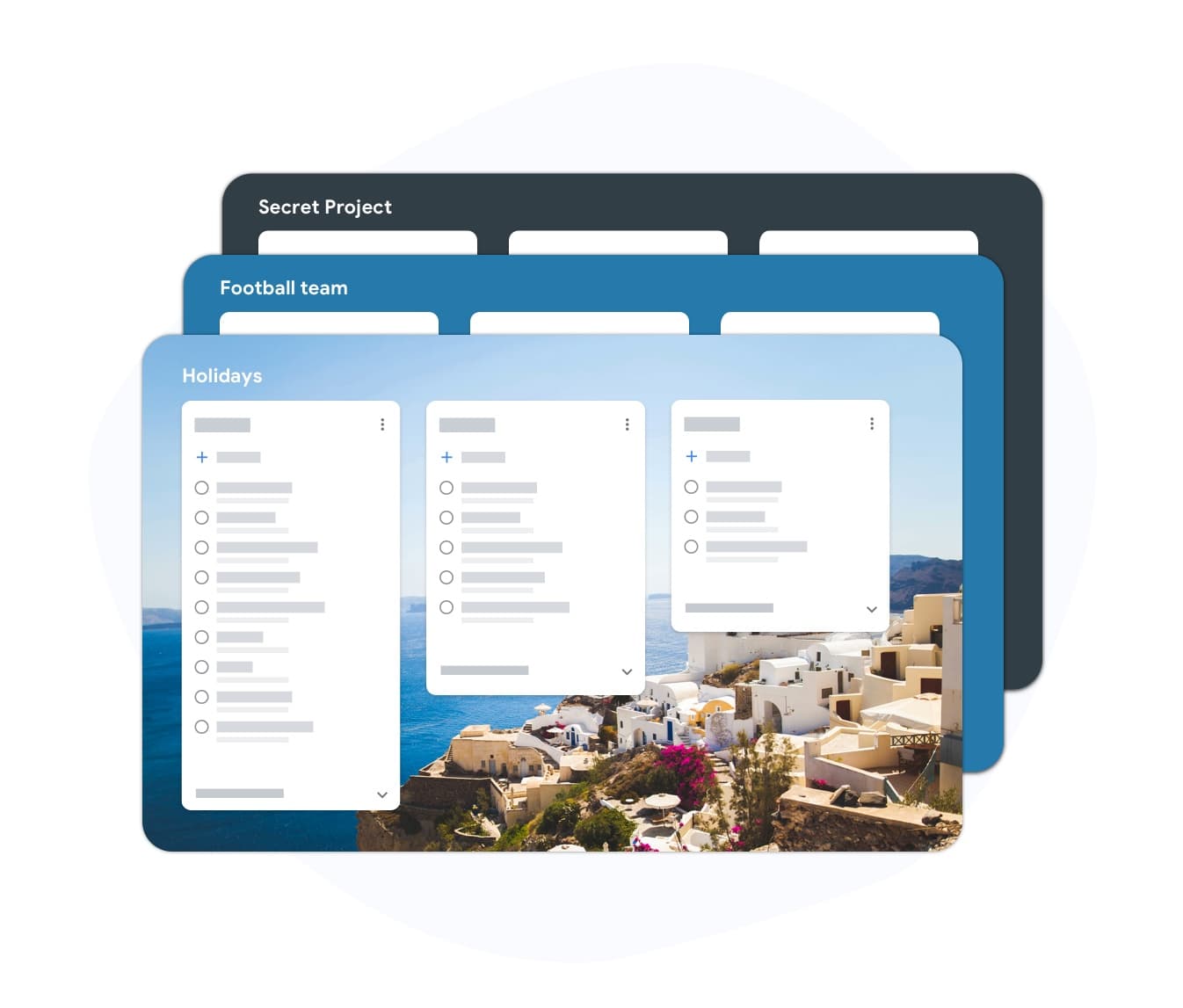
Create lists in TasksBoard to mirror a typical sprint workflow: Backlog, Sprint Backlog, In Progress, In Review, and Done. Cards move from left to right as work progresses through the sprint. You can adapt the column names to match your team conventions without changing the underlying Google Tasks structure.
- Create a list per sprint stage in seconds
- Drag cards between columns during standups
- Archive the Done column at the end of each sprint
Backlog management
Groom your backlog in the same tool
Backlog management
Groom your backlog in the same tool
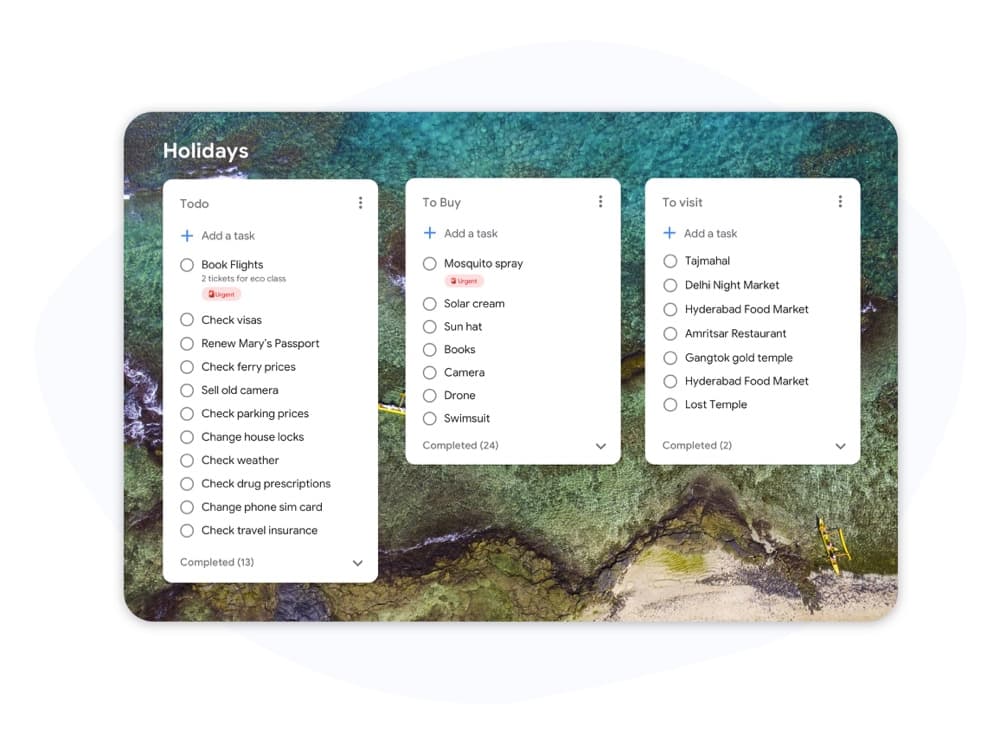
Keep your product backlog as a separate list in TasksBoard. During sprint planning, drag items from the backlog into the sprint column. No copy-pasting between tools. Due dates let you flag high-priority items and ensure they make it into the right sprint.
- Separate backlog list always visible alongside the sprint
- Drag to move items from backlog into the active sprint
- Subtasks let you break stories into checkable steps
How to set up a Scrum board in TasksBoard
-
Sign in with Google
TasksBoard connects directly to your Google account. Your existing Google Tasks are imported automatically - nothing to migrate.
-
Create sprint columns
Add lists named Backlog, Sprint, In Progress, Review, and Done. Each list becomes a column on the board. Rename them to match your team conventions.
-
Run your sprint
Move cards across columns during your daily standup. Add new tasks from the backlog as slots open. Mark items done and they sync back to Google Tasks.
Loved by thousands of users
4.8 / 5 from 1,000+ reviews on the Chrome Web Store
"Always have 101 things to do and this helps me organize and prioritize like no other app can. It syncs to my phone and laptop, and when I add dates to tasks, they automatically integrate into my Google Calendar, which is immensely convenient. I can look at my daily, weekly, and monthly overview in Google Calendar and clearly see how much I was able to accomplish! Great tool indeed. Excited to see how it will evolve over time."

"Seriously, makes my tasks easier to share with the team, and the free version is quite nice for our little office. Eventually, we will expand, and this is definitely a great tool to do that! Syncs with my Workspace and Calendar."

"I love the simple, intuitive interface and the Add to Tasks feature, especially as I work through my emails! Sharing my tasks is also easy. Overall, outstanding and simple to use, and that means a lot with too many complex tasks out there!"

"Great too for managing daily routine and plan tasks. Would be perfect if it was updated for generating reports for statistics. For google tasks and google calendar"





Frequently asked questions
What is a Scrum board?
A Scrum board is a visual tool that shows the state of work during a sprint. Columns typically represent Backlog, In Progress, In Review, and Done. Cards represent user stories or tasks and move across columns as work progresses.
What is the difference between a Scrum board and a Kanban board?
A Scrum board is reset at the start of each sprint and tracks work within a fixed time box. A Kanban board represents a continuous workflow with no sprint boundaries. Scrum boards focus on sprint commitments; Kanban boards focus on flow and WIP limits.
Can I use TasksBoard as a free Scrum board?
Yes. TasksBoard is free to use and works as a Scrum board when you organize your Google Tasks lists as sprint columns. You can share the board with your team, assign tasks, set due dates, and track progress in real time.
Does TasksBoard support sprint planning?
TasksBoard does not have dedicated sprint planning features like velocity charts or burndown graphs. However, you can replicate sprint planning by keeping a Backlog list and dragging items into a Sprint list before each sprint begins.
Who updates the Scrum board during the sprint?
In a Scrum team, each developer moves their own cards as work progresses. The Scrum Master monitors the board for blockers. TasksBoard supports real-time updates from multiple users, so anyone with board access can move and update cards.
Can I use a Scrum board for non-software projects?
Yes. Marketing, content, and operations teams use Scrum boards successfully. The sprint structure - plan, execute, review, retrospect - works for any project where work can be broken into deliverables and completed within a fixed time box.
Get started
Launch your Scrum board in TasksBoard today
Sign in with Google and set up a sprint board in minutes. Free plan includes unlimited tasks, board sharing, and Google Calendar sync.
No credit card required. Works with your existing Google Tasks.