
















Simple Task Manager
A Simple Task Manager That Gets Out of Your Way
TasksBoard is built on Google Tasks: a clean, fast, no-fuss foundation. Add a task, set a due date, check it off. No configuration menus, no learning curve.
Used by 2M+ people. Free to start.
Simple Does Not Mean Weak
Add a task in one keystroke
Press the keyboard shortcut and type. No forms, no required fields, no pop-up menus. The task is created and you are back to work immediately.
Due dates that actually work
Set a due date on any task and it appears in Google Calendar on that day. No manual calendar entry. Tasks show up exactly where you expect them.
Visual board when you need it
When your list gets long, switch to the Kanban board view. One click reveals all your tasks organized by list with drag-and-drop between columns.
Same simplicity on mobile
The iOS and Android apps are as clean as the web app. Capture tasks on the go and they sync to the board without any extra steps.
Fast task entry
Create and complete tasks without friction
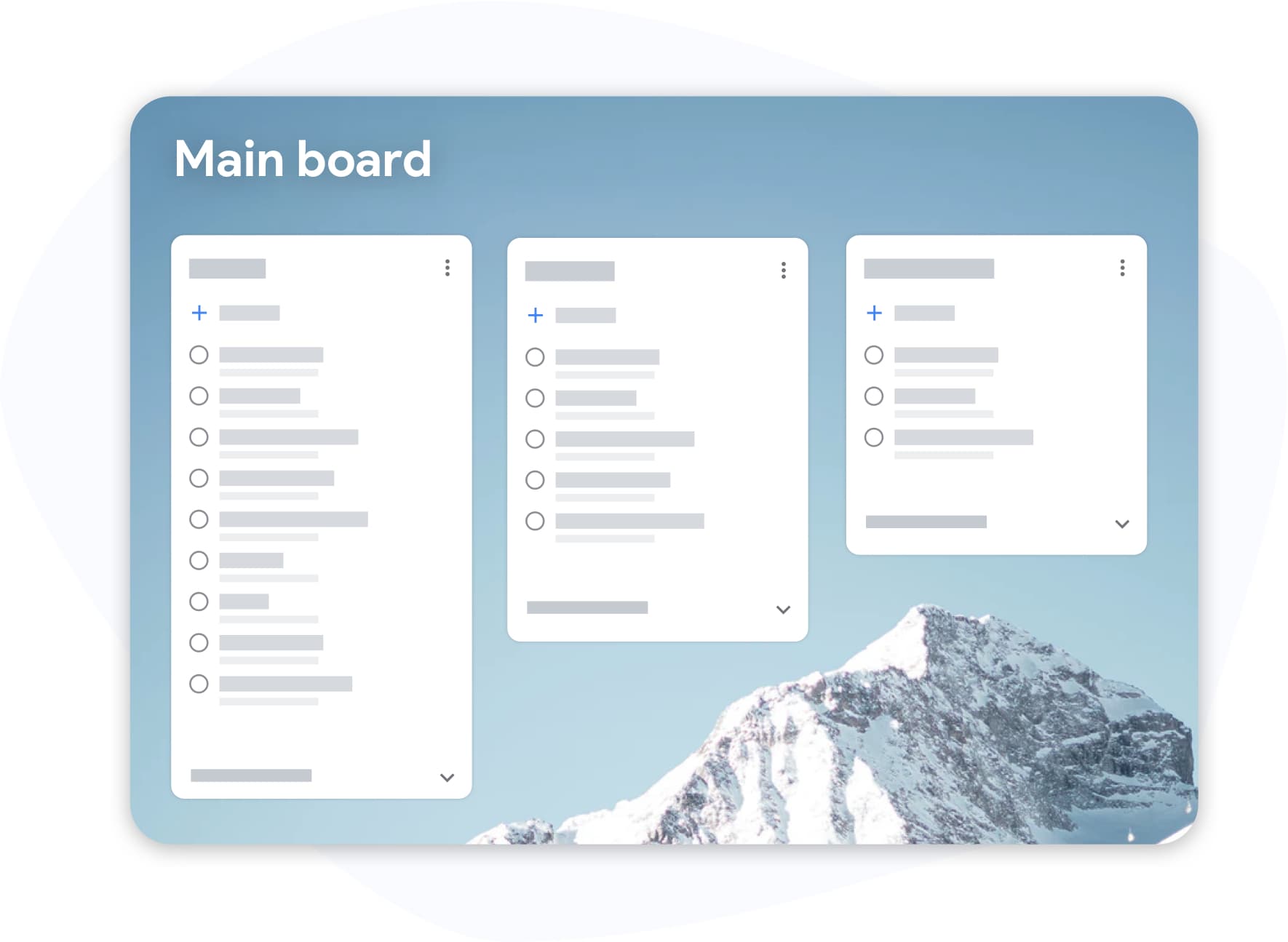
Fast task entry
Create and complete tasks without friction
The fastest task manager is the one you actually use. TasksBoard keeps the interface minimal: a text field, a due date, a list selector. Nothing else stands between you and getting things captured.
- Keyboard shortcut to add a task from anywhere
- Natural language due dates (type "tomorrow" or "Friday")
- One-click task completion from the board
Clean board view
When your list is long, the board keeps it clear
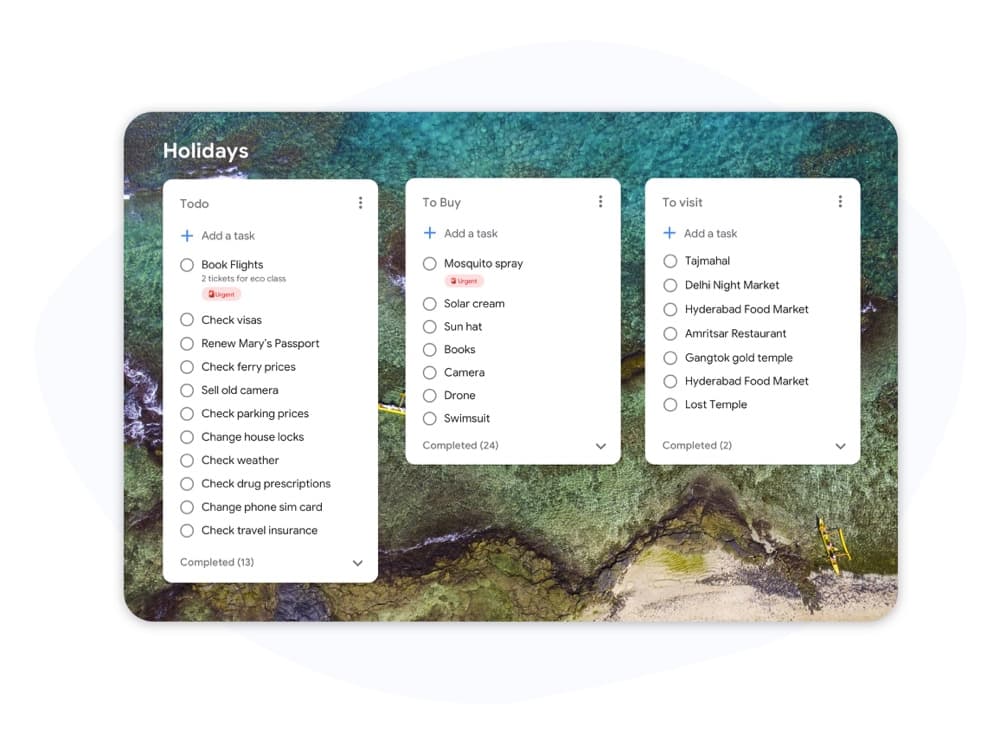
Clean board view
When your list is long, the board keeps it clear
A simple list works for ten tasks. For fifty, a visual board is easier to scan. TasksBoard's Kanban view shows all your lists as columns with cards you can drag and rearrange. No clutter, just your tasks.
- One column per task list
- Completed tasks hidden by default
- Collapse any column to reduce visual noise
How to get started in three steps
-
Sign in with Google
Click "Try TasksBoard Free" and sign in with your Google account. Your existing task lists appear immediately. No setup, no onboarding wizard.
-
Add your first task
Click the "+" button or press the keyboard shortcut. Type the task name, optionally set a due date, and press Enter. Done.
-
Check it off when done
Click the checkbox on any card to complete the task. It disappears from the board and is archived in Google Tasks. Your list stays clean.
Loved by thousands of users
4.8 / 5 from 1,000+ reviews on the Chrome Web Store
"Always have 101 things to do and this helps me organize and prioritize like no other app can. It syncs to my phone and laptop, and when I add dates to tasks, they automatically integrate into my Google Calendar, which is immensely convenient. I can look at my daily, weekly, and monthly overview in Google Calendar and clearly see how much I was able to accomplish! Great tool indeed. Excited to see how it will evolve over time."

"Seriously, makes my tasks easier to share with the team, and the free version is quite nice for our little office. Eventually, we will expand, and this is definitely a great tool to do that! Syncs with my Workspace and Calendar."

"I love the simple, intuitive interface and the Add to Tasks feature, especially as I work through my emails! Sharing my tasks is also easy. Overall, outstanding and simple to use, and that means a lot with too many complex tasks out there!"

"Great too for managing daily routine and plan tasks. Would be perfect if it was updated for generating reports for statistics. For google tasks and google calendar"





Frequently asked questions
What makes a task manager "simple"?
A simple task manager has fast task entry, a clean interface without unnecessary features, and a short learning curve. TasksBoard achieves this by building on Google Tasks, which is already minimal, and adding only a visual board and a few power features on top.
Is TasksBoard simpler than Todoist or Asana?
Yes. Todoist and Asana have many features that are powerful for large teams but feel heavy for individuals. TasksBoard focuses on what Google Tasks already does well and adds a Kanban board. Most users are productive within minutes of signing in.
Can I use TasksBoard as a simple daily to-do list?
Absolutely. Many users create a single list called "Today" or "To Do" and add tasks to it each morning. The board view shows the list as a column and you check tasks off throughout the day.
Does TasksBoard have a mobile app that is equally simple?
Yes. The iOS and Android apps match the clean design of the web app. The mobile apps are designed for quick task capture and checking off tasks on the go.
Is there a free version of the simple task manager?
Yes. The free plan includes unlimited tasks, the Kanban board, Google Tasks sync, and mobile apps. No credit card required.
Can I add subtasks without making things complicated?
Yes. Subtasks are optional. If you want to break a task into steps, click the task to expand it and add subtasks. If you prefer a flat list, just ignore the subtask feature entirely.
Does a simple task manager still sync with Google Calendar?
Yes. Even with the minimal interface, TasksBoard syncs due dates to Google Calendar automatically. Set a date on a task and it appears on the calendar that day.
Keep it simple
Start managing tasks without the clutter
Sign in with Google and use the clean task board for free. No configuration, no onboarding, no noise.
No credit card required. Simple setup, works in one minute.