
















Free Task Manager
A Free Task Manager With No Limits - Unlimited Tasks, Boards, and Sync
TasksBoard is free for individuals. Unlimited tasks, full-screen Kanban board, Google Tasks sync, and mobile apps. No trial period, no credit card, no catch.
Used by 2M+ people. Free to start.
What You Get on the Free Plan
Unlimited tasks and lists
No caps on tasks, lists, or subtasks. The free plan is not a limited trial; it is a full-featured plan for individual use.
Full-screen Kanban board
Your task lists become drag-and-drop columns on a Kanban board. See everything at once without upgrading.
Google Tasks sync
TasksBoard reads and writes your Google Tasks in real time. Everything you do stays synced with Google Tasks, Google Calendar, and Gmail.
iOS and Android apps
The free plan includes full access to mobile apps. Capture tasks on your phone and see them on the board instantly.
Kanban board - free
See all your tasks as a board, not a buried list
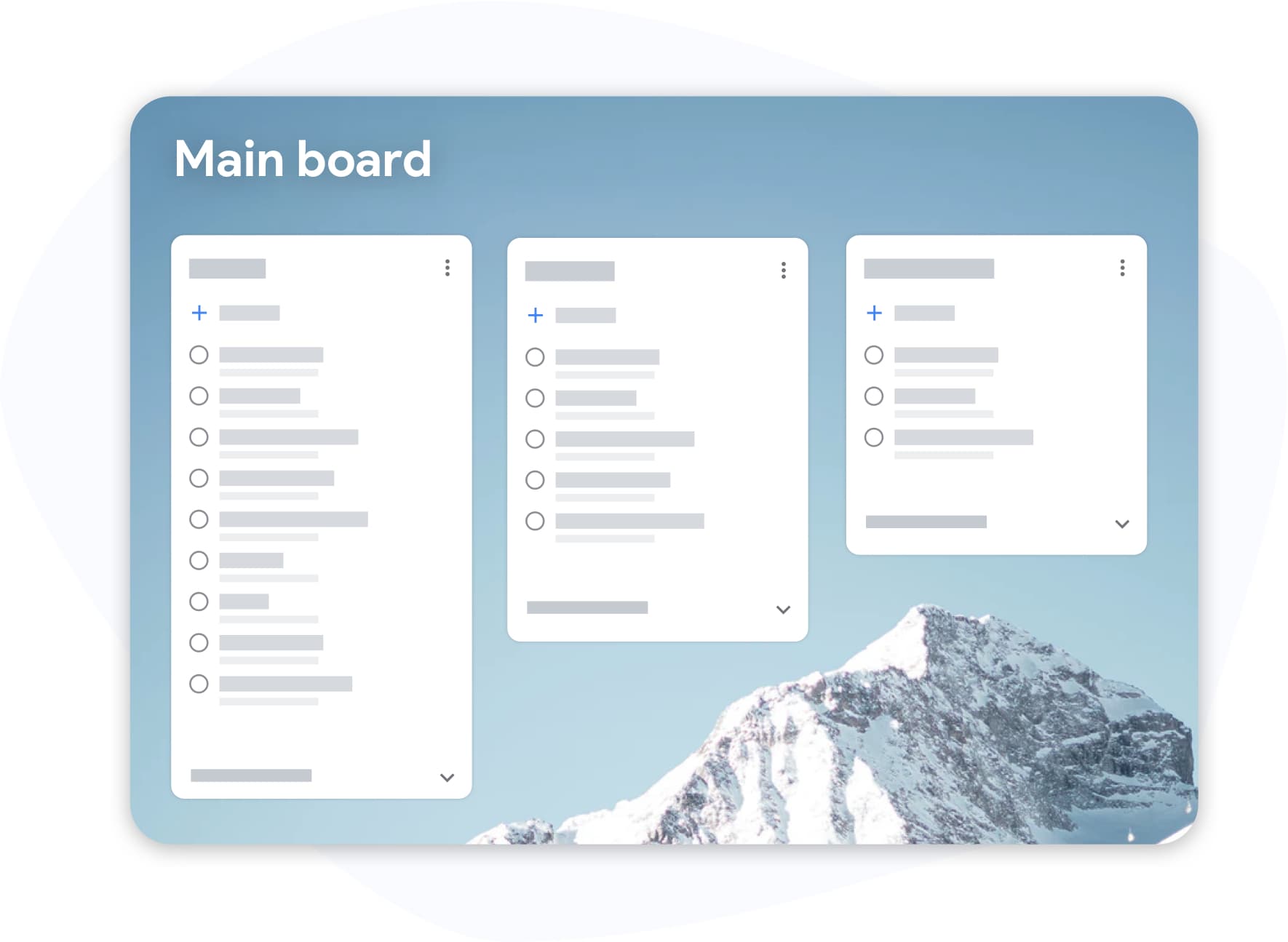
Kanban board - free
See all your tasks as a board, not a buried list
A flat list makes it easy to forget tasks at the bottom. TasksBoard puts all your task lists on a visual board so you can see every item, every list, and every deadline at once. It is free, no upgrade required.
- All task lists displayed as columns
- Drag cards between lists with a single move
- Due dates and labels visible on each card
Google integration - free
Your Google Tasks, supercharged at no cost
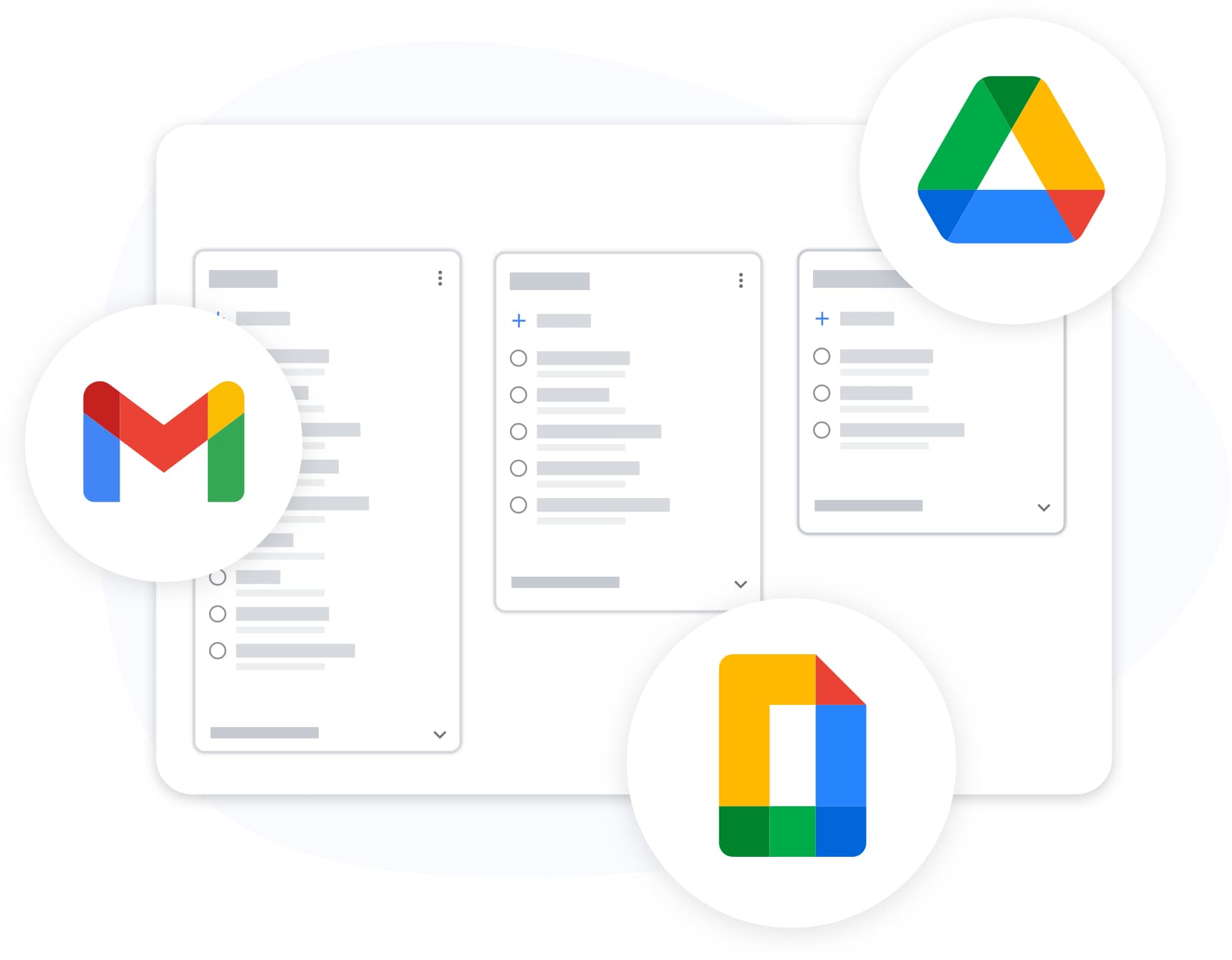
Google integration - free
Your Google Tasks, supercharged at no cost
TasksBoard connects to Google Tasks via the official API. Your data stays in Google; TasksBoard just adds a better interface. Sign in with Google and your lists appear in seconds. No export or import needed.
- Instant sync on sign in
- Changes sync back to Google Tasks immediately
- Works in every Google Workspace plan
Free vs Pro - what is included
| Feature | Free | Pro |
|---|---|---|
| Unlimited tasks and subtasks | ||
| Full-screen Kanban board | ||
| Sync with Google Tasks, Gmail and Calendar | ||
| Chrome extension and mobile apps | ||
| Shared lists | Up to 5 | Unlimited |
| Multiple boards | ||
| Boards and lists customization | ||
| Custom task labels | ||
| Export to Google Sheets | ||
| Attach Google Drive files |
Loved by thousands of users
4.8 / 5 from 1,000+ reviews on the Chrome Web Store
"Always have 101 things to do and this helps me organize and prioritize like no other app can. It syncs to my phone and laptop, and when I add dates to tasks, they automatically integrate into my Google Calendar, which is immensely convenient. I can look at my daily, weekly, and monthly overview in Google Calendar and clearly see how much I was able to accomplish! Great tool indeed. Excited to see how it will evolve over time."

"Seriously, makes my tasks easier to share with the team, and the free version is quite nice for our little office. Eventually, we will expand, and this is definitely a great tool to do that! Syncs with my Workspace and Calendar."

"I love the simple, intuitive interface and the Add to Tasks feature, especially as I work through my emails! Sharing my tasks is also easy. Overall, outstanding and simple to use, and that means a lot with too many complex tasks out there!"

"Great too for managing daily routine and plan tasks. Would be perfect if it was updated for generating reports for statistics. For google tasks and google calendar"





Frequently asked questions
Is TasksBoard really free?
Yes. TasksBoard has a free plan that is not time-limited. It includes unlimited tasks, full-screen Kanban boards, Google Tasks sync, and mobile apps. No credit card is required to sign up.
What is the difference between the free and pro plans?
The free plan covers everything an individual user needs: unlimited tasks, boards, subtasks, Google Tasks sync, and mobile apps with up to 5 shared lists. The Pro plan adds multiple boards, boards and lists customization, custom task labels, Export to Google Sheets, and Google Drive file attachments. You can upgrade any time.
Is there a task limit on the free plan?
No. The free plan has no cap on tasks, lists, or subtasks. You can create as many as your Google Tasks account supports.
Do I need a credit card to start using TasksBoard for free?
No credit card is required. Sign in with your Google account and you are ready. You only need payment details if you decide to upgrade to the premium plan.
Can I use the free plan forever?
Yes. The free plan is not a trial. There is no expiration date. You can use it as long as you like and only upgrade if you need team features.
What free task managers are available in 2024?
TasksBoard, Todoist (free tier), TickTick (free tier), and Google Tasks itself are popular free options. TasksBoard stands out for Google users because it adds a Kanban board and team sharing on top of Google Tasks without replacing it.
Is the mobile app free too?
Yes. The TasksBoard iOS and Android apps are free to download and included in the free plan. You can capture tasks on mobile and they sync to your board immediately.
Get started for free
Start organizing your tasks today - no cost, no catch
Sign in with Google and open your tasks on a full Kanban board. Free plan never expires. Upgrade only if your team needs sharing.
No credit card required. Free forever for individuals.