
















Daily Planner
Plan Your Day, Week, and Projects — All Synced with Google
TasksBoard is the planner that lives inside your Google account. Daily lists, weekly overviews, and full-project Kanban boards — all tied back to Google Tasks and Google Calendar.
Explore Topics
Daily Planner
Plan your day in minutes with a focused daily view that combines tasks and calendar events.
Learn more →Weekly Planner
A 7-day overview with tasks, events, and priorities side by side — perfect for Sunday planning.
Learn more →Project Planner
Plan projects end-to-end with Kanban boards, subtasks, and team assignments.
Learn more →Work Planner
Structure your work day — meetings, deep work, and follow-ups — in one connected view.
Learn more →Personal Planner
Plan personal goals, habits, and errands without mixing them into your work account.
Learn more →Why Your Planner Should Live Inside Google
A planner is only useful if you actually open it. Standalone planner apps lose that fight the moment you close the tab. TasksBoard wins it by piggy-backing on two tools you already open every day — Google Tasks and Google Calendar.
Every task you add in TasksBoard syncs to Google Tasks. Every due date shows up in Google Calendar. Every meeting in your calendar flows back into the planner. Nothing lives in a silo. Nothing requires you to remember to sync.
In this hub you will find guides for daily planning, weekly reviews, project planning, work-day structuring, and personal goal tracking — all built around the tools you already use.
Shared plans
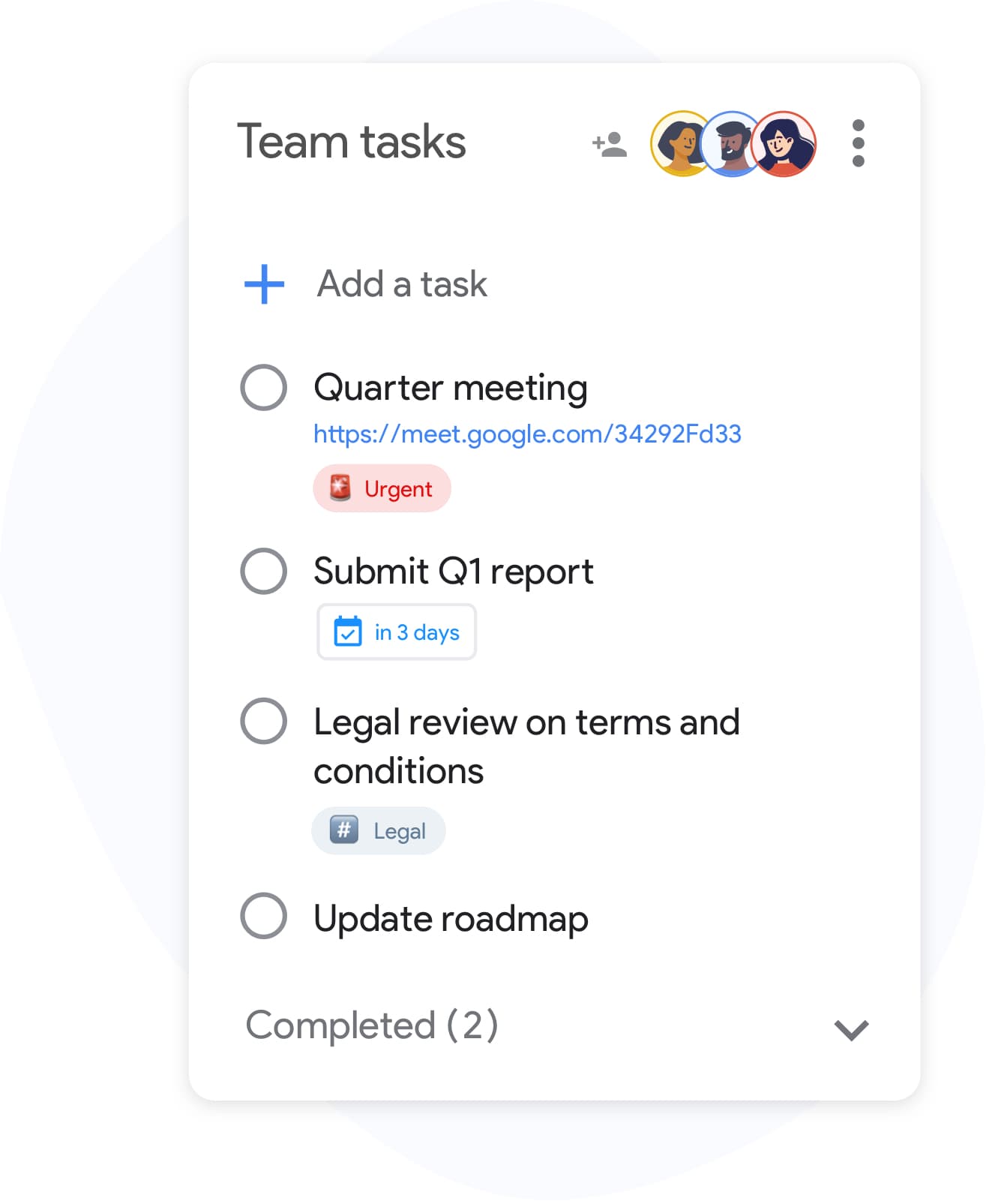
Plan together with your family or team
Shared plans
Plan together with your family or team
Share any plan — a weekly review, a trip plan, a launch board — with collaborators via one link. Everyone sees updates in real time.
See how teams use TasksBoardPriority labels
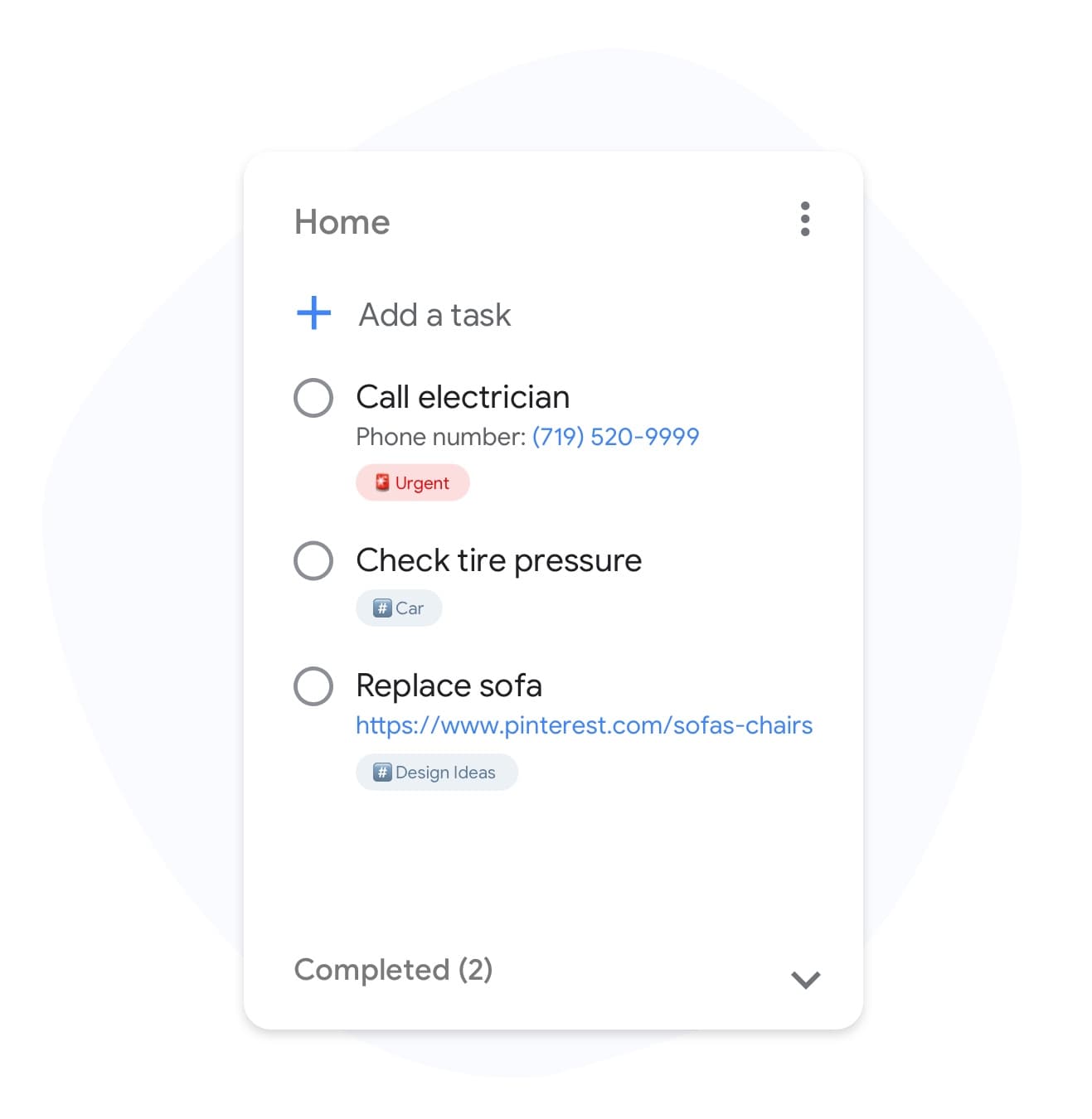
Tag plans by priority and energy level
Priority labels
Tag plans by priority and energy level
Label tasks "deep work", "quick wins", or "blocked" so your plan adapts to how you actually feel that day. Filter in one click.
Unlock labels in PremiumCustom backgrounds
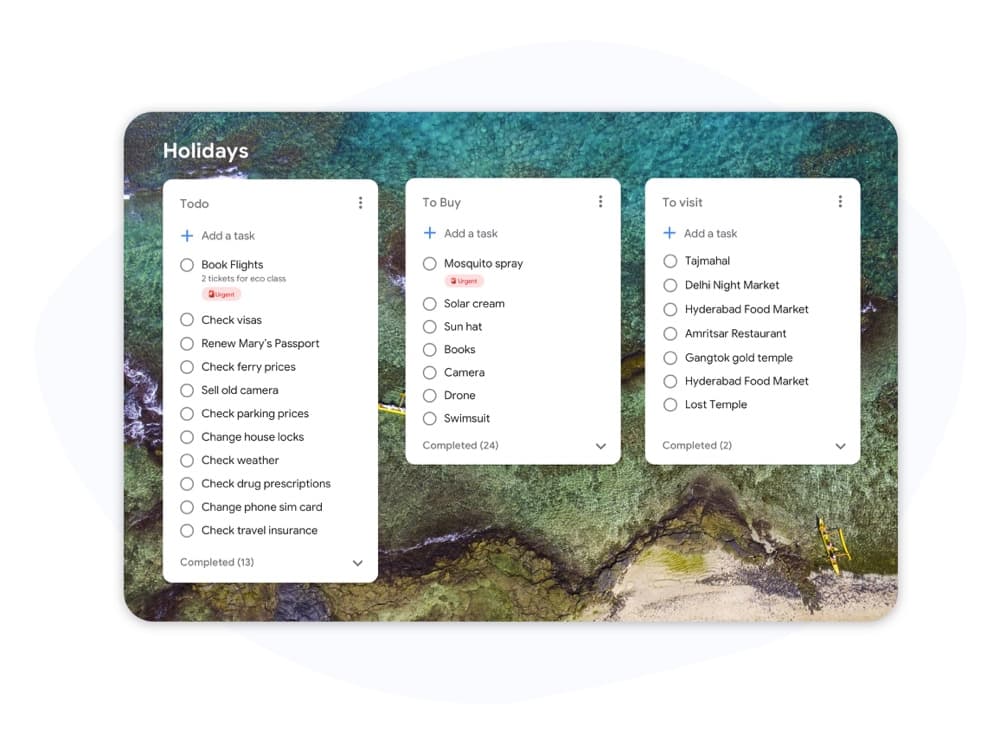
A different look for work, home, and project plans
Custom backgrounds
A different look for work, home, and project plans
Set a unique background for each plan board so switching between "This Week", "Home", and "Project X" is visually clear at a glance.
Try custom boardsColor-coded days
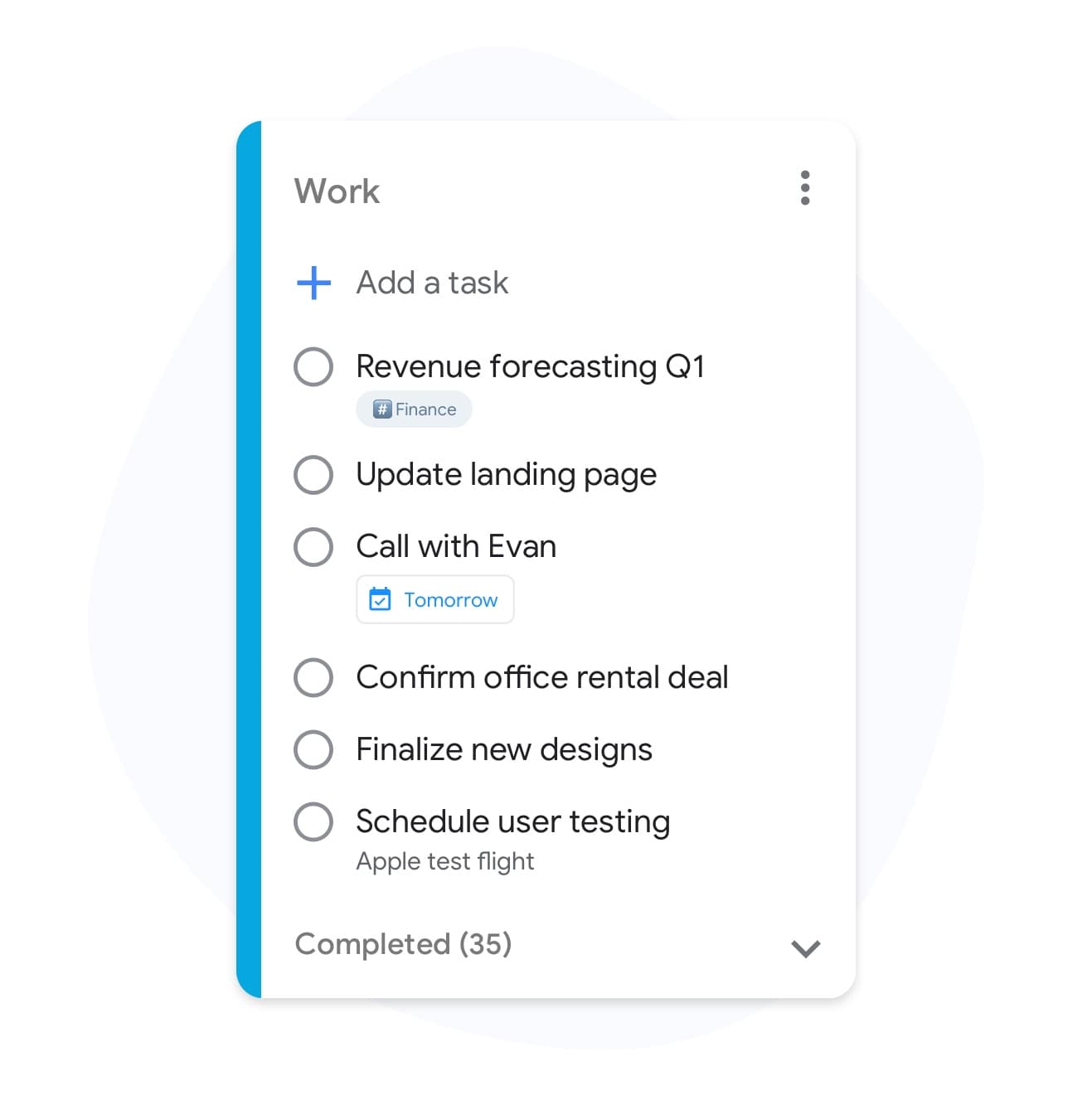
Color your planner by day, project, or theme
Color-coded days
Color your planner by day, project, or theme
Give each day of the week or each project its own color. Weekly planning becomes a quick glance, not a long read.
See Premium featuresMultiple planners
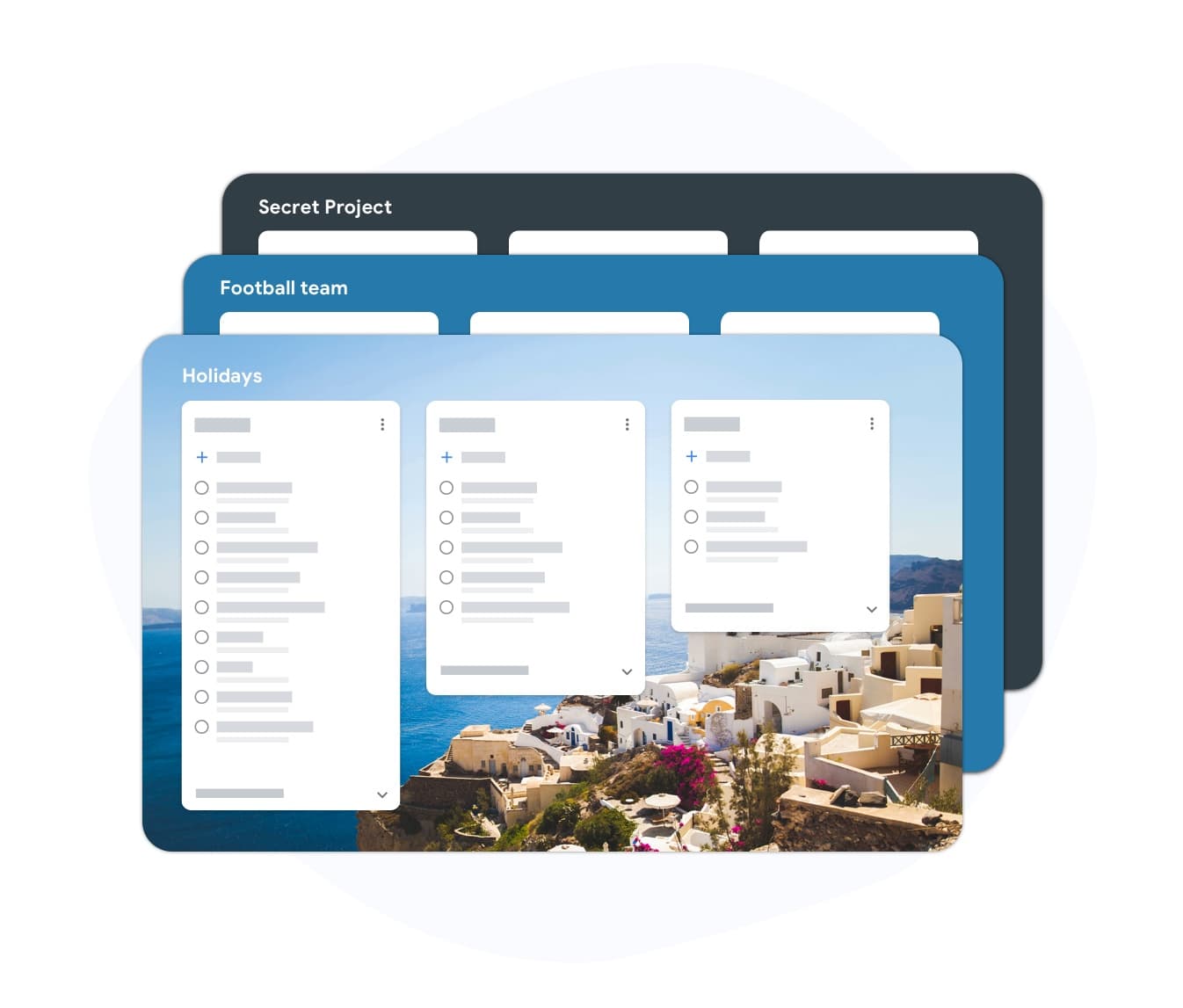
Separate planners for every area of life
Multiple planners
Separate planners for every area of life
Keep your daily planner, project planner, and weekly review on separate boards — all backed by the same Google Tasks account.
Get unlimited plannersTeam planners
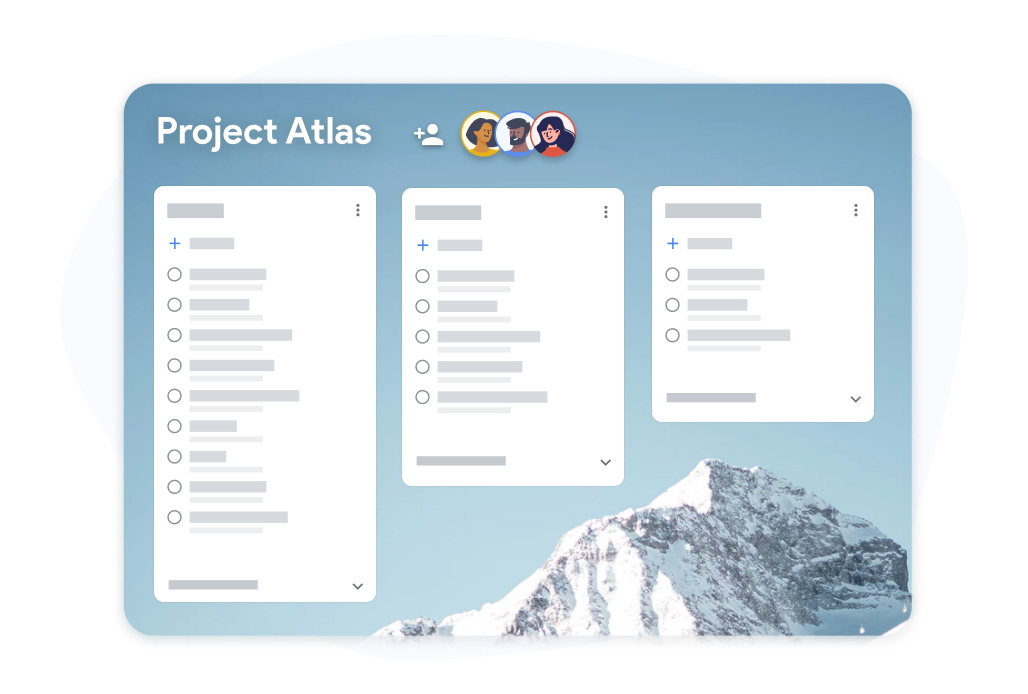
Plan the week with your whole team
Team planners
Plan the week with your whole team
Run weekly team plans on a shared board. Assign cards to owners, mark priorities, and see progress live throughout the week.
Upgrade for team boardsWhy TasksBoard for Daily Planner
Tasks and Calendar in One View
See Google Calendar events and Google Tasks side by side. Plan your day around the meetings that actually exist, not the ones you vaguely remember.
Built for Daily, Weekly, and Project Planning
Switch between a daily list, a weekly calendar view, and a project Kanban board without leaving TasksBoard. Your plan adapts to your horizon.
Syncs Back to Google
Every task you plan in TasksBoard appears in Google Tasks on your phone, in Gmail, and on calendar when a due date is set. No extra apps to check.
Designed for People Who Actually Finish Things
Time-block, batch similar tasks, and review your week — all without heavy configuration. Open it in the morning, close it by evening, repeat.
Frequently asked questions
What kinds of planning does TasksBoard support?
Daily planning, weekly planning, project planning, and team planning. You can run all of them from the same account with different boards — a daily board, a weekly board, and project-specific boards.
Is the planner free?
Yes. The free plan includes unlimited tasks, Kanban board view, Google Tasks sync, and mobile apps. Advanced features like team sharing, custom backgrounds, and labels are on paid plans.
Can I see my Google Calendar events in the planner?
Yes. TasksBoard shows your Google Calendar events alongside your Google Tasks in a daily and weekly view, so you can plan around real meetings rather than an abstract list.
Does TasksBoard work as a weekly planner?
Yes. A 7-day overview with tasks, events, and priorities is included. You can drag tasks between days, mark priorities, and review the week on Friday or Sunday.
Can I plan a project for my team with TasksBoard?
Yes. Share a project Kanban board with your team, assign cards to owners, and watch progress update in real time. Everyone works from the same board, so there is a single source of truth.
Sign in
The Planner That Already Lives in Your Google Account
Join 2 million+ users who plan their day, week, and projects on TasksBoard — synced with Google Tasks and Google Calendar. Free to start.