
















Checklist Template
Checklist Template - Build Once, Reuse Every Time
Stop rebuilding the same checklist from scratch. TasksBoard lets you create a checklist template, duplicate it in one click, and share it with your team - all backed by Google Tasks so it syncs everywhere.
Used by 2M+ people. Free to start.
Why TasksBoard Checklist Templates Beat Static Spreadsheets
Duplicate in one click
Clone any checklist template and all items reset to unchecked. Your next onboarding, sprint, or review cycle starts clean in seconds.
Share with teammates instantly
Send a checklist template to your whole team via a single link. Each member can run the checklist independently or collaborate on one shared instance.
Attach files to any item
Link a Google Doc, Sheet, or Drive file directly to a checklist item. The right reference is always one tap away when executing the checklist.
Synced across all devices
Every checklist template lives in Google Tasks. Open it on web, iOS, or Android and it is always up to date - no manual sync, no file sharing.
Template creation
Build a reusable checklist in under two minutes
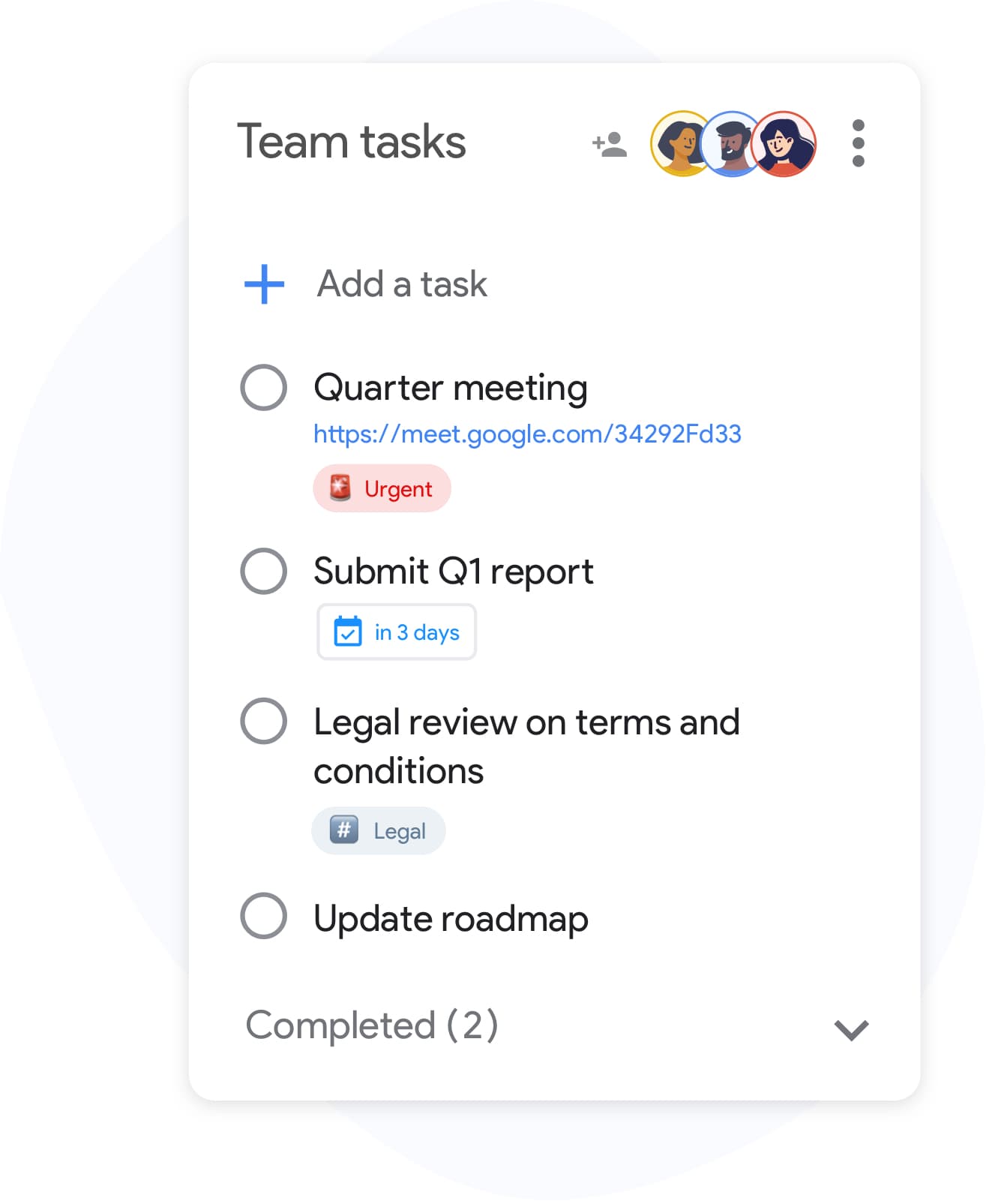
Template creation
Build a reusable checklist in under two minutes
Create a list in TasksBoard and add every step your process requires. Include subtasks for complex items and attach reference files to individual rows. When it is ready, name it clearly - "Client onboarding template" or "Weekly review" - so it is easy to find and duplicate.
- Add items quickly with Enter key - no mouse clicking required
- Nest subtasks under any checklist item for multi-step steps
- Attach Google Drive files to individual items for reference
Team checklists
Run the same checklist across your whole team
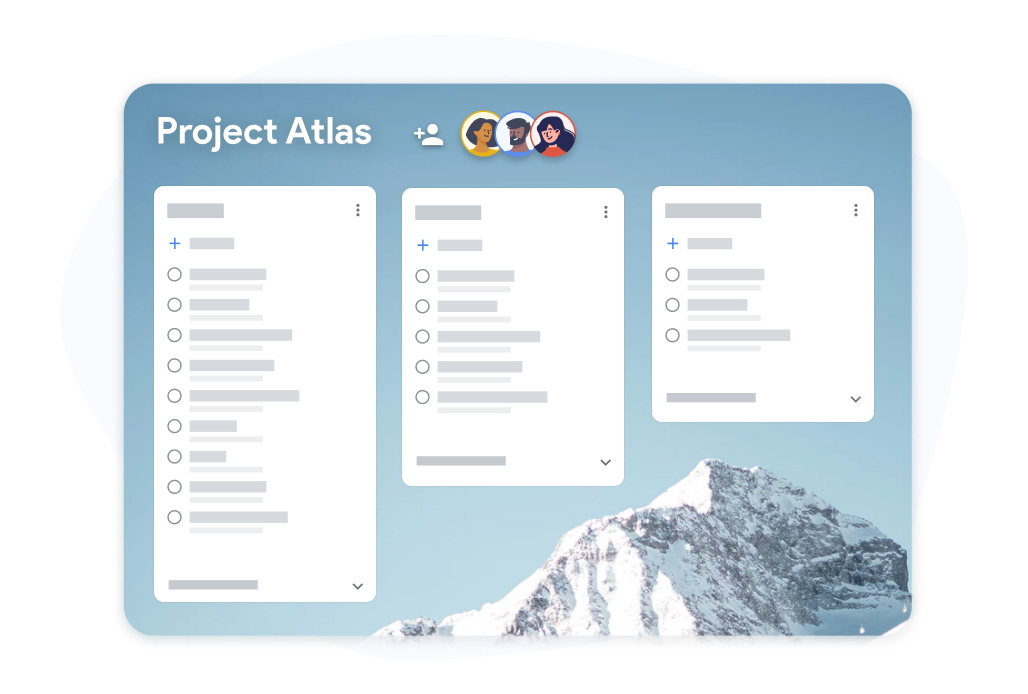
Team checklists
Run the same checklist across your whole team
Share a checklist template board with teammates. Each person checks off their own assigned items and progress is visible to everyone in real time. No more emailing a spreadsheet back and forth to track who did what.
- Real-time progress visible to all collaborators
- Each teammate can check off their own assigned items
- Export completed checklists to Google Sheets for records
How to create and reuse a checklist template in TasksBoard
-
Build a checklist template
Open TasksBoard and create a new list. Add every step, attach any reference files, and set due dates where needed. This becomes your master template.
-
Duplicate for each run
When you need to execute the checklist again, duplicate the list. All items reset to unchecked and you are ready to start fresh.
-
Share and track progress
Invite teammates to the duplicated checklist. Track progress in real time and export to Google Sheets when you need a completion record.
Loved by thousands of users
4.8 / 5 from 1,000+ reviews on the Chrome Web Store
"Always have 101 things to do and this helps me organize and prioritize like no other app can. It syncs to my phone and laptop, and when I add dates to tasks, they automatically integrate into my Google Calendar, which is immensely convenient. I can look at my daily, weekly, and monthly overview in Google Calendar and clearly see how much I was able to accomplish! Great tool indeed. Excited to see how it will evolve over time."

"Seriously, makes my tasks easier to share with the team, and the free version is quite nice for our little office. Eventually, we will expand, and this is definitely a great tool to do that! Syncs with my Workspace and Calendar."

"I love the simple, intuitive interface and the Add to Tasks feature, especially as I work through my emails! Sharing my tasks is also easy. Overall, outstanding and simple to use, and that means a lot with too many complex tasks out there!"

"Great too for managing daily routine and plan tasks. Would be perfect if it was updated for generating reports for statistics. For google tasks and google calendar"





Frequently asked questions
What is a checklist template?
A checklist template is a pre-built checklist you reuse for recurring processes. Instead of building the same list every time, you copy the template and start executing immediately.
Are checklist templates free in TasksBoard?
Yes. Creating, duplicating, and sharing checklist templates is included in the free plan. Advanced team features and expanded sharing are available on the premium plan.
How do I reuse a checklist template in TasksBoard?
Duplicate the checklist list in TasksBoard. All items copy over and reset to unchecked. You get a clean copy of the same template ready to use in under ten seconds.
Can I share a checklist template with someone who does not have TasksBoard?
Collaborators need a Google account to edit a shared checklist so changes sync back to Google Tasks. On select plans you can also share a view-only link so stakeholders can monitor progress without editing.
Can I attach files to checklist template items?
Yes. You can link Google Drive files (Docs, Sheets, Slides, PDFs) to any individual checklist item. This ensures the right reference material is always attached when someone executes the checklist.
What kinds of checklists work well as templates?
Onboarding checklists, sprint retrospective templates, event planning checklists, product launch steps, and weekly review lists are all great candidates. Any process you run more than once benefits from a reusable checklist template.
Does TasksBoard sync checklist templates to Google Calendar?
Yes. Items in a checklist template that have due dates will appear in Google Calendar when you duplicate and use the template. This keeps deadlines visible without any manual calendar entries.
Get started
Create your first checklist template in TasksBoard today
Sign in with Google and build a checklist you can reuse forever. Free for individuals, no credit card required.
No credit card required. Works with your existing Google Tasks.