
















Use Case
Manage All Your Clients Without Losing Your Mind
One board per client. Every brief, task, and deadline in one place. Built on Google Tasks — syncs with Gmail, Drive, and Calendar automatically.
Trusted by 2M+ users. 4.8/5 from 1,000+ reviews.
A real board for freelancers
The Hidden Cost of Juggling Clients Without a System
Every freelancer knows this feeling. It has a name: context collapse.
- Client A's brief is in Google Drive. Client B's feedback is in Gmail. Client C's task is on a sticky note. None of them talk to each other.
- You spend 12 minutes every morning figuring out what to work on — that's an hour a week
- A client emails asking for a status update. You know the work is done, but you can't quickly prove it.
- Your Notion board is beautifully organized — but you haven't updated it in 10 days
- You invoice late because "send invoice" wasn't on any list that you actually check
- The hardest part of a busy week isn't doing the work — it's knowing which work to do first
You don't need a productivity system. You need a simple board that shows all your clients at once — and connects to the tools you already use.
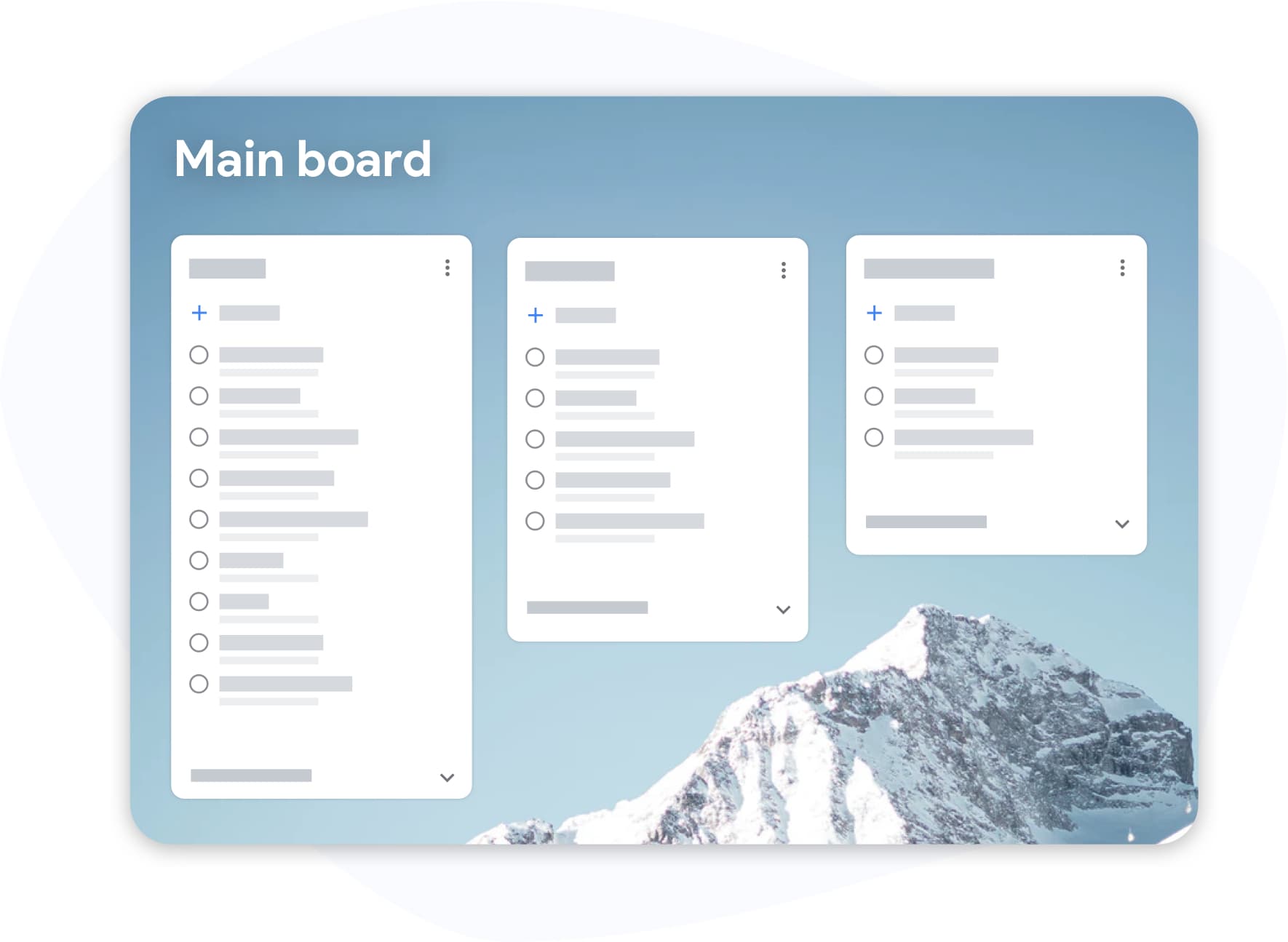
A Client Board That Runs Itself in 4 Steps
-
One column per client, connected to your Google account
Sign in with Google. Create a list (column) for each client. Add tasks as they come in from emails, calls, or briefs. Everything is in Google Tasks — which means it syncs to Calendar and your phone automatically.
-
Attach the brief, the feedback, the file — right on the card
Attach the Google Drive brief to the task. Forward a client email to link it to the task. Now the card carries everything you need to execute — no tab-switching mid-task.
-
Use labels to track retainer vs. project vs. admin
Tag tasks: "retainer", "project", "invoicing", "client waiting". Filter the board when you want to see only billable work or only this week's deadlines. Labels are visible at a glance — no digging.
-
End the week with a board that shows what you delivered
Export your completed tasks to Google Sheets. Send it to your retainer client as a monthly activity report. Or use it yourself to track your output — and justify a rate increase.
Features That Pay for Themselves
All clients. One screen. No scrolling.
Full-Screen Board View
Expand Google Tasks to full screen. See every client column side by side. Move tasks between columns as they progress: Briefed to In Progress to Delivered to Invoiced.
Stop hunting for the brief
Gmail and Google Drive Attachments
Attach a Google Drive file or a Gmail email directly to a task card. When you open a task, the brief is there, the feedback email is there, the working file is there. Context-switching cost drops to zero.
Know exactly what type of work is next
Labels for Multi-Client Organization
Tag tasks by client, project phase, or priority. Filter by "urgent" to see only what's due today. Filter by client name to batch all work for one retainer in one session.
Monthly reports in 60 seconds
Google Sheets Export
Export completed tasks to a Google Sheet. Use it as your monthly delivery summary for retainer clients. Use it to track your billable output. Use it to prep for rate negotiation — hard data, not memory.
How a Freelance Copywriter Manages 6 Retainer Clients With One Board
Alex is a freelance copywriter with six retainer clients. Before TasksBoard, their "system" was a Notion database, a Google Tasks sidebar, and Gmail starring. Every Monday was a 45-minute archaeology dig.
Now: Alex opens TasksBoard at 8:30 AM. Six columns, one per client. Each card has the Drive brief attached. Each revision request has the Gmail thread linked. Labels mark "this week" tasks in blue.
Monday's plan takes 4 minutes to build. The board answers "what do I work on today?" before the first coffee is finished.
At month-end, Alex exports the "Delivered" list to Google Sheets and sends each client a 1-page activity summary — three clients have responded by asking to increase the scope.
- 6 client retainers visible simultaneously on one board
- Brief + feedback + file attached to every task — zero tab-switching
- Monthly Sheets export used as delivery report — proactive transparency
- Monday planning reduced from 45 min to 4 min
Loved by thousands of users
4.8 / 5 from 1,000+ reviews on the Chrome Web Store
"Always have 101 things to do and this helps me organize and prioritize like no other app can. It syncs to my phone and laptop, and when I add dates to tasks, they automatically integrate into my Google Calendar, which is immensely convenient. I can look at my daily, weekly, and monthly overview in Google Calendar and clearly see how much I was able to accomplish! Great tool indeed. Excited to see how it will evolve over time."

"Seriously, makes my tasks easier to share with the team, and the free version is quite nice for our little office. Eventually, we will expand, and this is definitely a great tool to do that! Syncs with my Workspace and Calendar."

"I love the simple, intuitive interface and the Add to Tasks feature, especially as I work through my emails! Sharing my tasks is also easy. Overall, outstanding and simple to use, and that means a lot with too many complex tasks out there!"

"Great too for managing daily routine and plan tasks. Would be perfect if it was updated for generating reports for statistics. For google tasks and google calendar"





Built Around the Google Tools Freelancers Already Use
Gmail
Attach a client brief email, a feedback thread, or an approval email directly to a task. Open the task and the email is right there — no switching back to inbox.
Google Drive
Attach working files, final deliverables, or contracts to task cards. Share the final Google Doc directly from the task when delivery is done. Everything stays connected.
Google Sheets
Project deadlines sync to your calendar automatically. Client delivery dates, invoice days, revision windows — all visible alongside meetings and calls.
Google Calendar
Update tasks on your phone between client calls. Mark something delivered during the commute. The board updates immediately — you're always current, even when you're away from your desk.
Questions From Freelancers
I already use Notion for client management. Why switch?
You don't have to switch fully. Many freelancers use TasksBoard for active task tracking (daily execution) and keep Notion for project documentation and client notes. TasksBoard's advantage is Google integration — your tasks connect directly to Gmail, Drive, and Calendar without any setup.
Can I share a board with a client so they can see progress?
Yes. Share a list link with your client for live view access. Or export to Google Sheets for a cleaner, less overwhelming progress summary. Many freelancers use both: live board for ongoing retainers, monthly Sheets export for formal reporting.
Is it free for solo freelancers?
Yes. The free tier gives you full-screen board view, unlimited tasks, and basic sharing. Premium adds labels, multiple boards, unlimited sharing, and custom backgrounds. At $3.99/month, it typically costs less than 15 minutes of billable time.
How do I handle one-off projects vs. retainers differently?
Use separate boards: one for retainers (ongoing), one for one-off projects. Within each board, use labels to mark project phase: "Scoping", "Active", "Review", "Invoiced". Archive completed project boards to keep your workspace clean.
Can I track invoicing in TasksBoard?
You can create an "Invoicing" column and add cards like "Invoice — Client X — May". Attach the invoice file from Google Drive to the card. Mark it done when paid. It's not a full invoicing system, but it keeps your billing visible and prevents overdue invoices from disappearing into the inbox.
What if a client wants to use it too?
They can. Free-tier users can view and edit shared lists without paying. Your client gets a task view. You maintain control over the board. Some freelancers use this for collaborative deliverable approval workflows.
Does it work on iPad for freelancers who work across devices?
Yes. TasksBoard is a web app that works on any browser, including Safari on iPad. It's responsive and works well on tablet. Combined with the Google Tasks iOS app, your workflow is fully cross-device.
One Board. All Your Clients. Start Today.
Free to start. Connects to Google in 30 seconds. Premium pays for itself in the first week.
Try Premium free for one week. Then from $3.99/month. Cancel anytime.