
















Use Case
Stay Visible and Organized — The Task Board Built for Remote Work
Connect your Google Tasks to a full-screen board. Share progress in real time. Sync across every device. No more "quick status update?" messages.
Trusted by 2M+ users. 4.8/5 from 1,000+ reviews.
A real board for remote workers
Remote Work Is Great — Except for This
Working remotely is productive. Staying aligned remotely is where it breaks down.
- Every task discussed in a meeting needs to be logged manually — or it disappears by Thursday
- "Can you send a quick status update?" is the remote team's most common and most wasteful message
- Your Google Tasks list is invisible to your manager and your team — you're working hard but nobody can see it
- You context-switch between timezones, Slack threads, email threads, and Google Docs — your task list doesn't connect any of them
- Remote visibility pressure means you spend 20-30 min/day writing status updates that summarize work you already did
- The tools built for remote work (Notion, Linear, Jira) were built for developers — not for the other 90% of remote knowledge workers
Remote productivity doesn't need more communication. It needs shared visibility without the overhead.
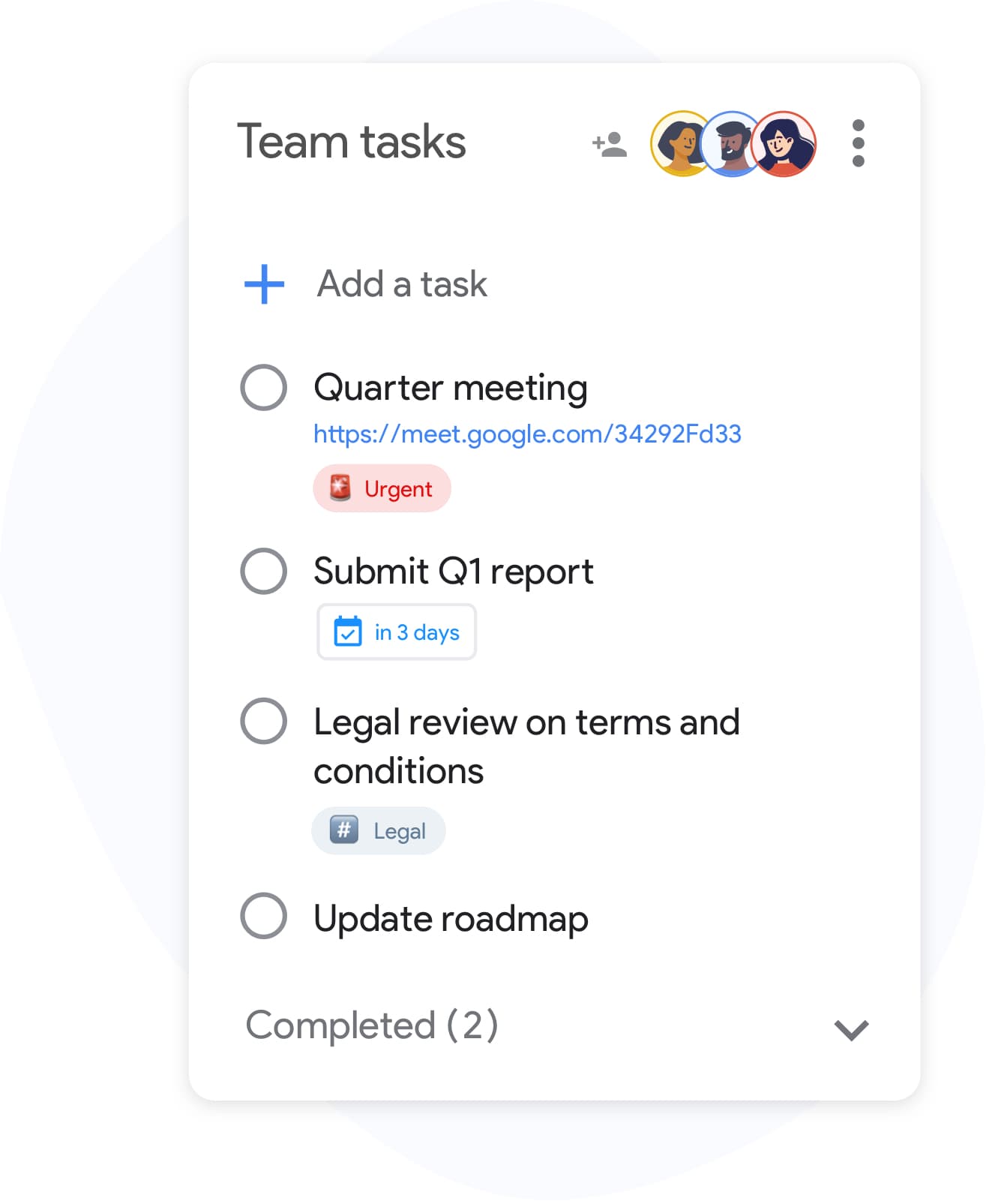
Remote Visibility Without the Overhead — 4 Steps
-
Build your board from your existing Google Tasks
Sign in with Google. Your existing lists become board columns instantly. No migration, no data entry, no setup call with a vendor.
-
Share your board with your team or manager
One link. Your manager can see your current workload in real time without asking. Your teammates see what you're working on. "What's your status on X?" becomes a question nobody needs to ask.
-
Attach the context — emails, docs, files — to the task
Every card can carry a Drive file, a Gmail thread, a meeting note. When you hand off a task, the next person has everything they need. No "where's the document?" message at 10 PM their time.
-
Let Calendar handle your deadlines
TasksBoard syncs with Google Calendar automatically. Deadlines and task due dates appear alongside meetings. No separate timeline tool, no duplicate entry, no missed due dates because the task manager didn't talk to the calendar.
Built for How Remote Work Actually Works
Your manager sees your work. Without you having to describe it.
Shared Real-Time Boards
Share your board — or individual lists — with your manager and team. Every task update, every completed item, every status change is visible in real time. You stop writing status updates. They stop asking for them.
Deadlines that work across timezones
Google Calendar Sync
TasksBoard syncs with Google Calendar. Task due dates appear on your calendar. When a colleague shares their board with you, their deadlines are visible in your context. No timezone calculation required for "when is this due?"
Async handoffs that don't break
Gmail and Drive Integration
Attach a Google Drive file or a Gmail thread to a task card. When you hand off work asynchronously — across a timezone gap — the recipient has full context without a Loom video explanation. This is the most underrated remote collaboration feature.
Separate your work contexts without switching apps
Multiple Boards for Work and Personal
Remote workers often blur work and personal tasks. Create separate boards — one for work, one for personal, one for a side project. Switch between them in seconds without changing apps or accounts.
How a Remote PM Stopped Writing Status Reports
Jordan is a product manager working for a London-based company from Toronto. A 6-hour timezone gap means async is the default. Jordan's manager used to ask for a Friday status email. Jordan spent 25 minutes writing it every week — summarizing work they had already done.
After setting up TasksBoard: Jordan shared their board with their manager via a link. The manager can see the current state of every sprint item without asking. The Friday email became a 3-bullet Slack message that links to the board for details.
Jordan's team uses it too. When the design lead in Singapore marks "wireframe complete", Jordan sees it immediately on their morning board check. No waiting for the London stand-up at 4 PM Toronto time.
- Manager visibility: real-time board share eliminated weekly status email
- Async handoff: Drive attachments on every card — recipient has full context
- Cross-timezone sync: Calendar integration shows deadlines in local time
- Separated boards: work board vs. personal board vs. side project board
Loved by thousands of users
4.8 / 5 from 1,000+ reviews on the Chrome Web Store
"Always have 101 things to do and this helps me organize and prioritize like no other app can. It syncs to my phone and laptop, and when I add dates to tasks, they automatically integrate into my Google Calendar, which is immensely convenient. I can look at my daily, weekly, and monthly overview in Google Calendar and clearly see how much I was able to accomplish! Great tool indeed. Excited to see how it will evolve over time."

"Seriously, makes my tasks easier to share with the team, and the free version is quite nice for our little office. Eventually, we will expand, and this is definitely a great tool to do that! Syncs with my Workspace and Calendar."

"I love the simple, intuitive interface and the Add to Tasks feature, especially as I work through my emails! Sharing my tasks is also easy. Overall, outstanding and simple to use, and that means a lot with too many complex tasks out there!"

"Great too for managing daily routine and plan tasks. Would be perfect if it was updated for generating reports for statistics. For google tasks and google calendar"





Your Remote Stack — Finally Connected
Gmail
Link client emails, internal feedback threads, or meeting follow-up emails to the relevant task. When you pick up the task two days later, the email context is right there on the card — no inbox archaeology.
Google Drive
The working file, the brief, the research doc — attached to the task card. When you hand off async work across a timezone, the recipient opens the card and has everything they need in one place. No "where's the file?" message at 11 PM.
Google Sheets
Task deadlines appear automatically in your calendar. Critical for remote workers who use Calendar as their primary time management tool. See tasks and meetings together — plan your day in context.
Google Calendar
Check tasks off from your phone. Update status while commuting, between calls, or after a late-night message. The board updates immediately so your team sees it by their morning.
Questions From Remote Workers
My company uses Slack and Notion. Does TasksBoard replace them?
No, and it doesn't try to. TasksBoard is your personal and shared task layer on top of Google. Notion handles documentation. Slack handles communication. TasksBoard handles task visibility and deadline tracking — connected to the Google tools you already use.
My manager doesn't use Google Tasks. Can they still see my board?
Yes. Anyone with the sharing link can view your board in a browser — no Google account required to view a shared list. They don't need to install anything or create an account.
Does it work for async-first teams where people are in multiple timezones?
This is exactly the use case it was built for. Shared boards update in real time regardless of timezone. Attach context to tasks so the next person in the chain has everything they need without a synchronous handoff. Deadlines sync to Calendar in each person's local timezone.
I'm a remote worker but my company uses Microsoft. Does it work?
TasksBoard is built specifically around Google Tasks and Google Workspace. It won't sync with Microsoft To Do or Outlook Calendar. If your personal Google account is separate from work, you can still use it for personal task tracking alongside your work tools.
How do I handle "waiting on someone" tasks without a blocker system?
Use a label: "waiting" or "blocked". Create a "Waiting on Input" column on your board. Drag tasks there when they're blocked. Your board immediately shows your manager what's blocked and why — no explanation email required.
Can remote workers on the free tier use TasksBoard effectively?
Yes. The free tier provides full-screen board view, basic sharing, and unlimited tasks — which covers the core use case. Premium adds unlimited sharing (for larger teams), labels (for tagging and filtering), and multiple boards (for separating work and personal contexts).
Does TasksBoard have notifications for remote team updates?
TasksBoard does not send push notifications natively. Since it syncs with Google Tasks, you receive updates through the Google Tasks mobile app. For team notifications, most remote workers pair TasksBoard with their existing Slack or email workflow — the board is the single source of truth, Slack is where you announce updates.
Work Remotely. Stay Visible. Start Today.
Free to start. 30-second setup with your Google account. No new tools to adopt — just a better view of the ones you already use.
First week of Premium free. Then from $3.99/month. Billed monthly or annually.