
















Kanban Board
Free Online Kanban Board — Powered by Google Tasks
Turn your Google Tasks into a visual Kanban board. Drag cards across columns, track progress at a glance, and share the board with your whole team — no new account required.
Explore Topics
Kanban Board Example
See a step-by-step example of a Kanban board in action with real tasks and workflows.
Learn more →Kanban Guide
A beginner-friendly guide to the Kanban method — principles, rules, and how to start your first board.
Learn more →Kanban vs Scrum
Compare Kanban and Scrum head-to-head and find out which workflow fits your team best.
Learn more →Project Kanban Board
Manage projects end-to-end with a Kanban board that syncs with Google Tasks.
Learn more →Scrum Board
Run sprints, daily standups, and retrospectives with a Scrum board powered by Google Tasks.
Learn more →Why Kanban Works — and Why You Should Use It for Google Tasks
Kanban is the most effective way to visualise work in progress. Instead of a flat list that hides bottlenecks, Kanban gives each status a column: "To do", "In progress", "Done". The moment a card piles up in one column, the problem is obvious — and you can fix it.
TasksBoard brings that Kanban experience to Google Tasks without asking you to switch tools. Your existing lists become columns, your tasks become cards, and everything syncs in real time back to Google Tasks on every device.
The guides in this hub walk you through the Kanban method — from simple personal boards to team scrum boards and project management templates. Everything is free to start and works natively with Google Tasks.
Shared boards
A Kanban board your whole team can see
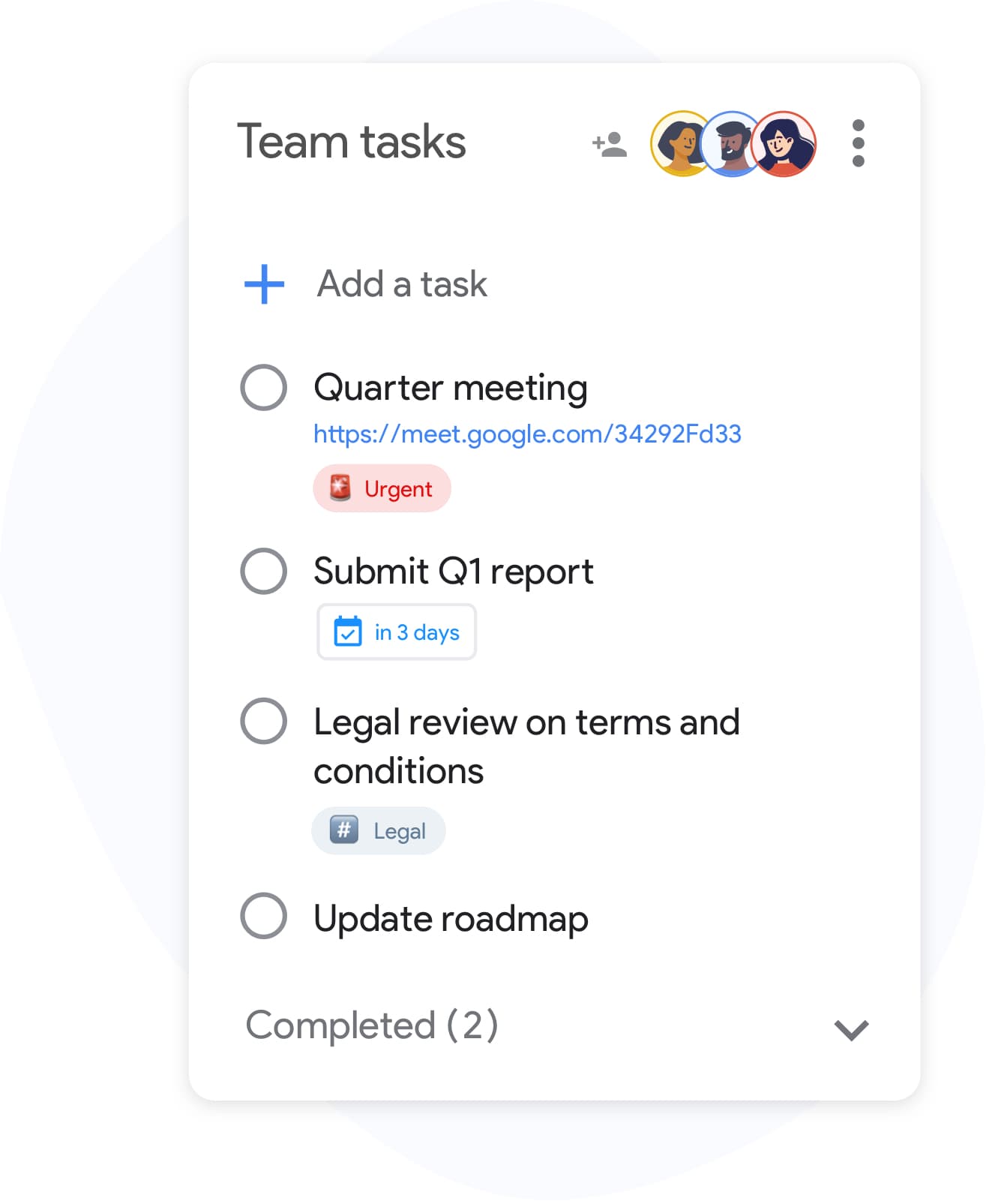
Shared boards
A Kanban board your whole team can see
Share any Kanban board with teammates via one link. Everyone sees cards move in real time — no status meetings, no manual updates.
See how teams use TasksBoardCard labels
Classify every Kanban card at a glance
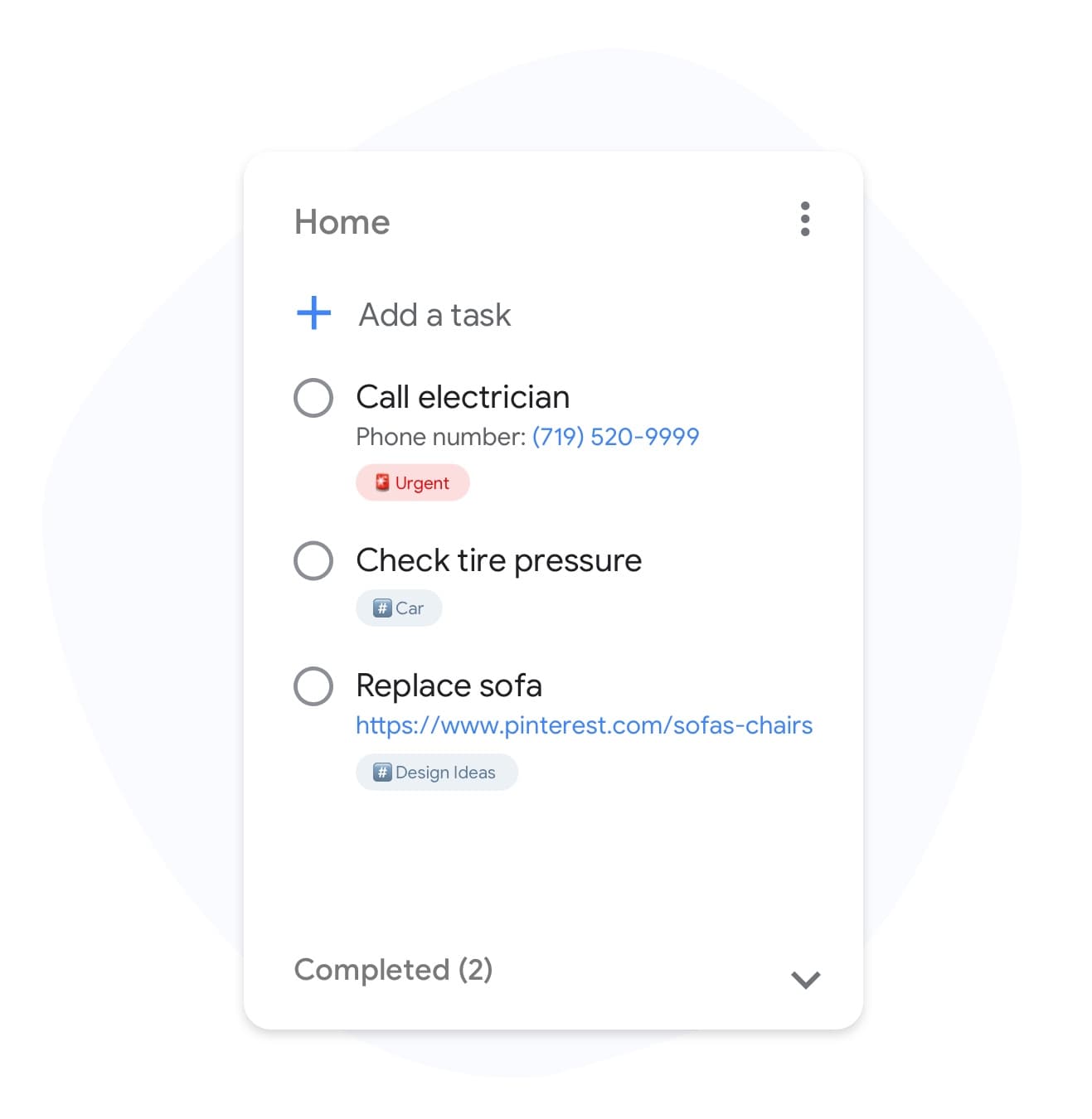
Card labels
Classify every Kanban card at a glance
Tag cards with labels like "bug", "feature", or "urgent". Filter the board by label to run focused standups or spot blockers instantly.
Unlock labels in PremiumBoard backgrounds
Make each Kanban board instantly recognisable
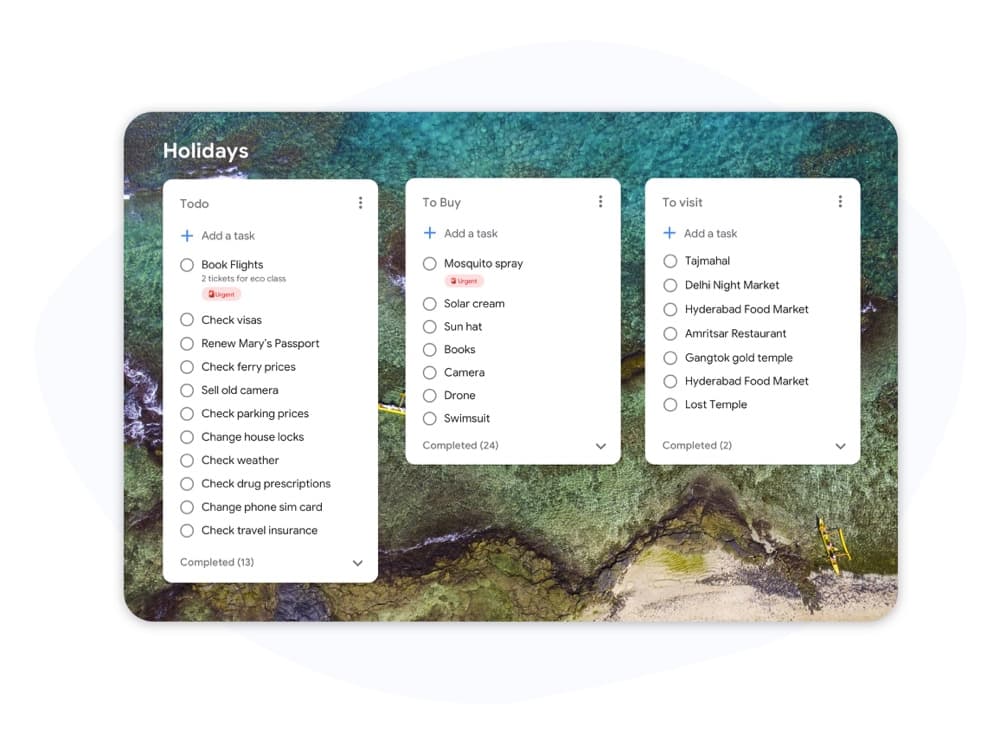
Board backgrounds
Make each Kanban board instantly recognisable
Assign a custom background to every board so switching between "Sprint 12", "Marketing", and "Bug triage" is one glance, not two clicks.
Try custom boardsColumn colors
Color-code Kanban columns by status
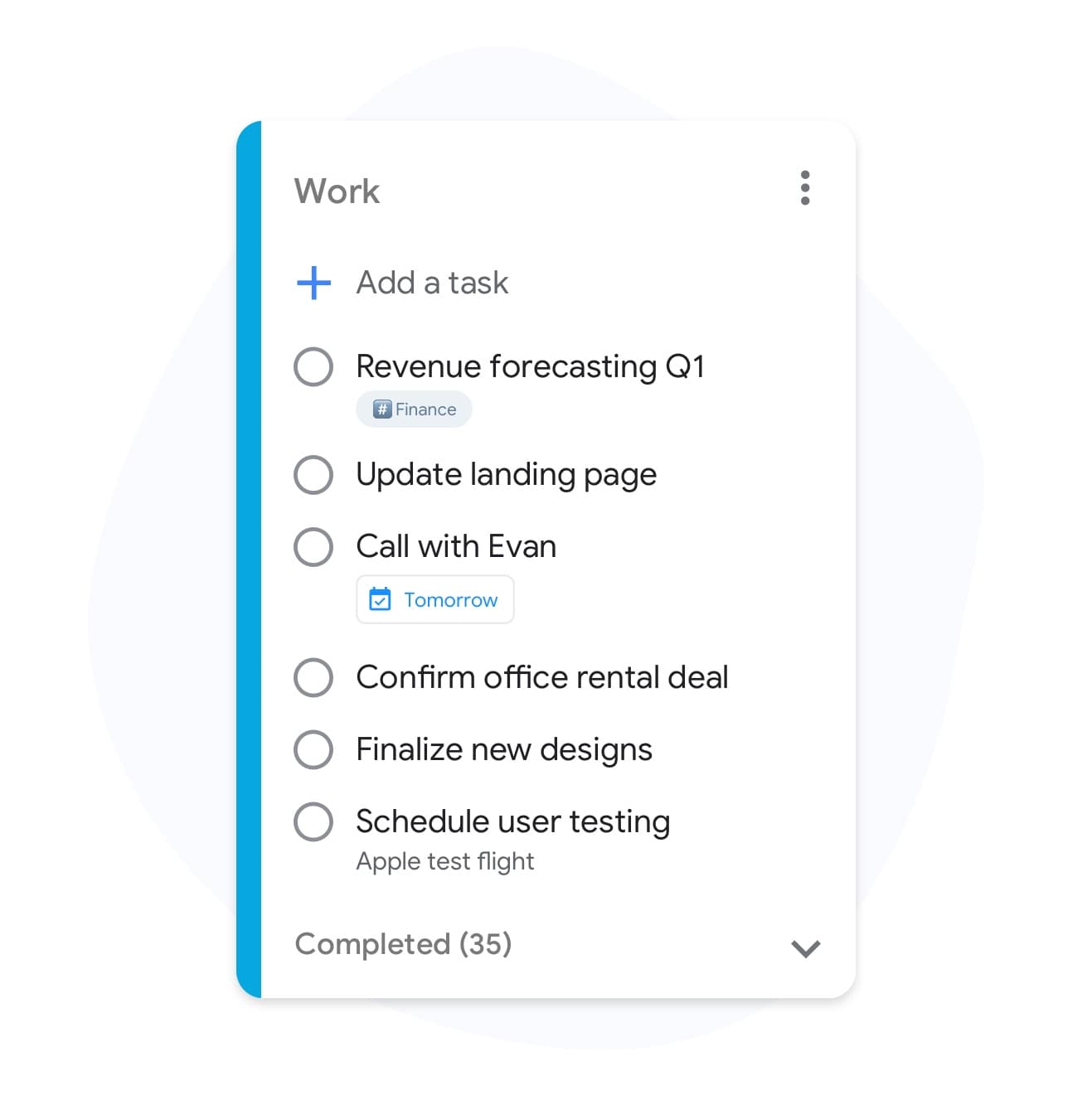
Column colors
Color-code Kanban columns by status
Give "To do", "In progress", "Review", and "Done" each their own color so the board reads like a progress bar, not a spreadsheet.
See Premium featuresMultiple boards
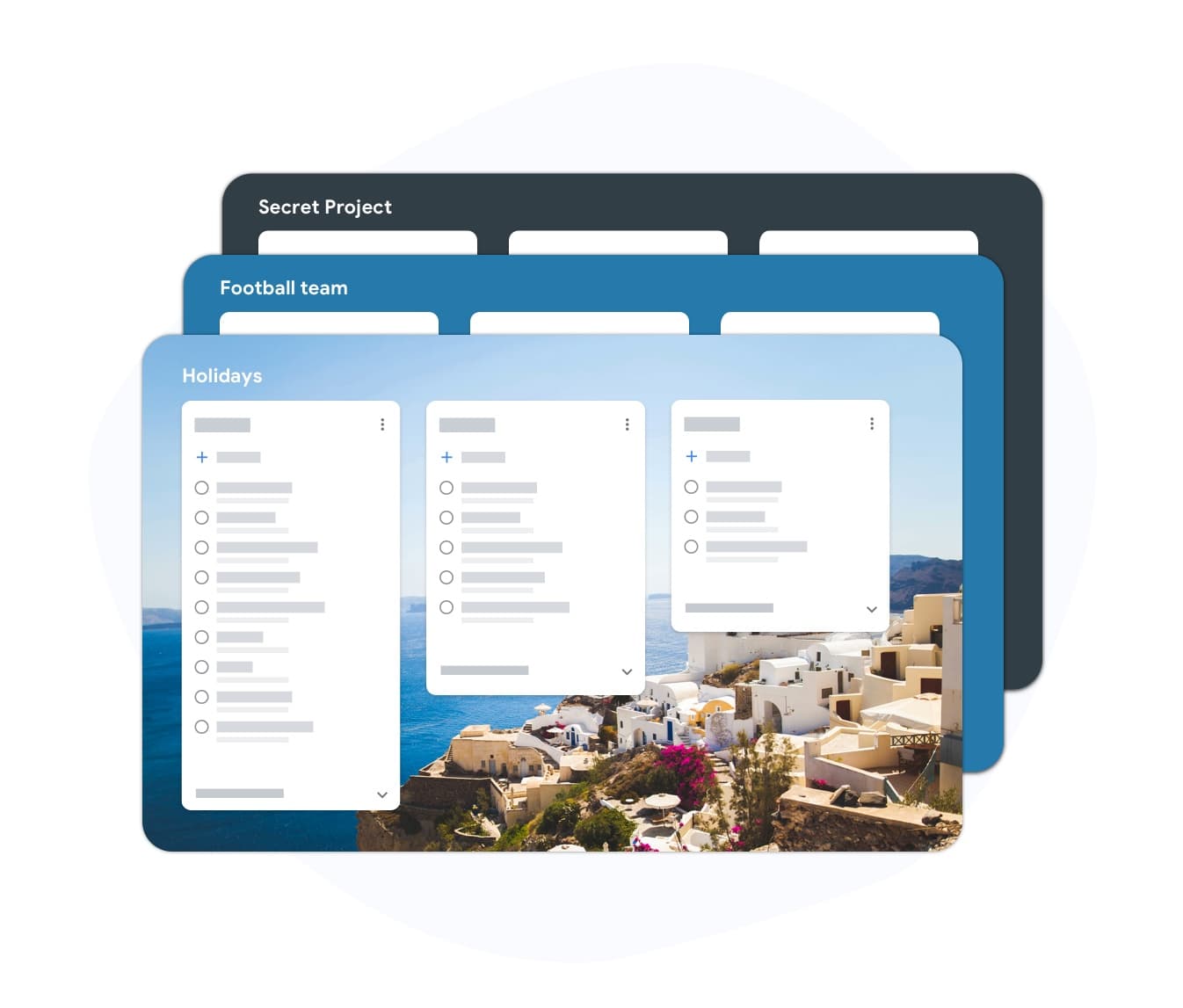
A board for every project
Multiple boards
A board for every project
Run separate Kanban boards for each project, team, or area of focus. All of them backed by your Google Tasks, all of them in sync.
Get unlimited boardsTeam ownership
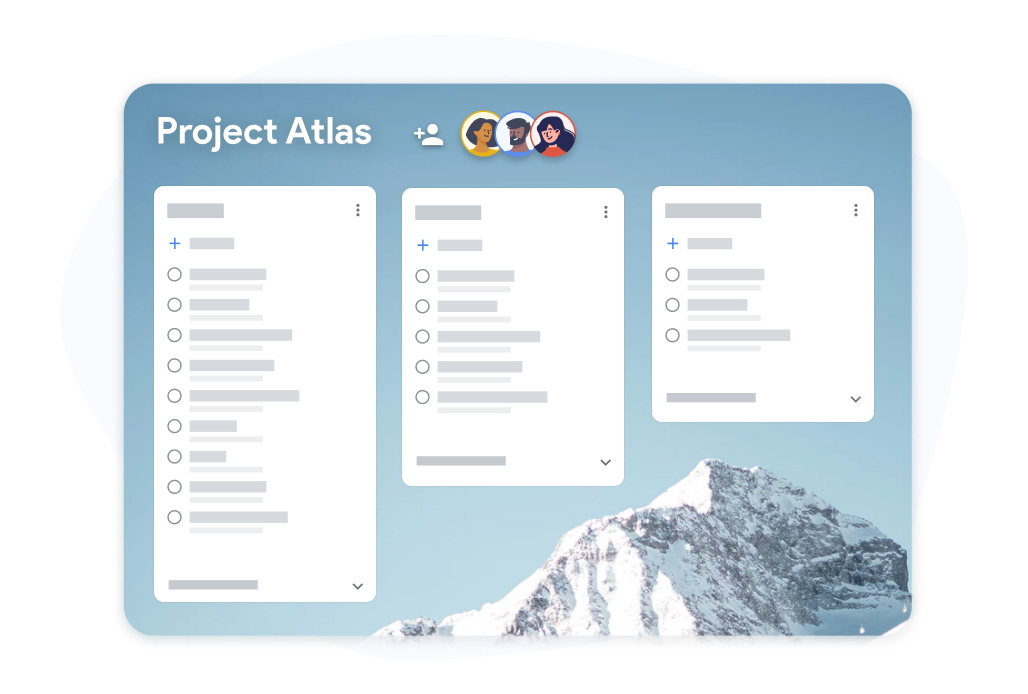
Assign Kanban cards to owners
Team ownership
Assign Kanban cards to owners
Drop a teammate's name on any card so everyone knows who is driving it. Perfect for sprint planning, project handoffs, and client work.
Upgrade for team boardsWhy TasksBoard for Kanban Board
True Kanban, Not a List View
Full drag-and-drop columns, WIP limits, and swimlanes — not a glorified checklist. Move cards with a click and see your workflow shift in real time.
Syncs with Google Tasks
Every card on the Kanban board is a real Google Task. Update a task on your phone and the card moves on the board — instantly.
Built for Team Collaboration
Share boards via link, assign cards to owners, and comment on tasks. Perfect for remote teams, sprint planning, and async standups.
Zero Setup to Get Started
Sign in with Google and your existing lists become columns automatically. No templates to import, no workflows to configure — just start moving cards.
Frequently asked questions
Is TasksBoard a true Kanban board?
Yes. TasksBoard offers a full Kanban board view with drag-and-drop columns, card labels, WIP limits (on paid plans), and real-time team collaboration. It follows the classic Kanban method — visualise, limit work in progress, manage flow.
Can I use this Kanban board for free?
Yes. TasksBoard has a free plan that includes unlimited cards, Kanban board view, mobile apps, and Google Tasks sync. Team sharing, custom backgrounds, and labels are included on paid plans.
Does it work offline?
TasksBoard syncs to your Google Tasks account, so changes made offline (in the mobile app) sync to the board automatically when you reconnect.
Is TasksBoard better than Trello for Google users?
For users already in the Google ecosystem, yes. TasksBoard uses Google Tasks as its backend, which means no data migration, no new account, and full integration with Gmail and Google Calendar. Trello is powerful but lives outside Google Workspace.
Can I run Scrum with TasksBoard?
Yes. You can set up a Scrum board with columns for Backlog, Sprint, In progress, Review, and Done. Labels can represent story points or priorities, and you can run daily standups around the live board.
Sign in
Ship Faster with a Kanban Board That Lives Inside Google
Join 2 million+ users who visualise their Google Tasks as Kanban boards. No new account, no data migration — just sign in with Google.