
















Project Board
Free Online Project Board - Track Every Task from Start to Done
TasksBoard gives your team a full-screen project board backed by Google Tasks. See all tasks by status, drag them through stages, and never lose track of what is in flight.
Used by 2M+ people. Free to start.
Why TasksBoard for Project Management
All your project tasks in one view
See every task across all columns without scrolling or switching tabs. Full-screen layout means nothing falls out of sight.
Drag and drop to update status
Move cards between columns with a drag. No dropdowns, no forms - just grab the card and place it in the right stage.
Share the board with your team
Invite teammates to the board. Everyone sees the same live state. Anyone can update tasks, and changes sync instantly.
Deadlines appear in Google Calendar
Set a due date on any task and it shows up in Google Calendar on that day. No manual calendar entry needed.
Project overview
One board, every task, clear ownership
Project overview
One board, every task, clear ownership
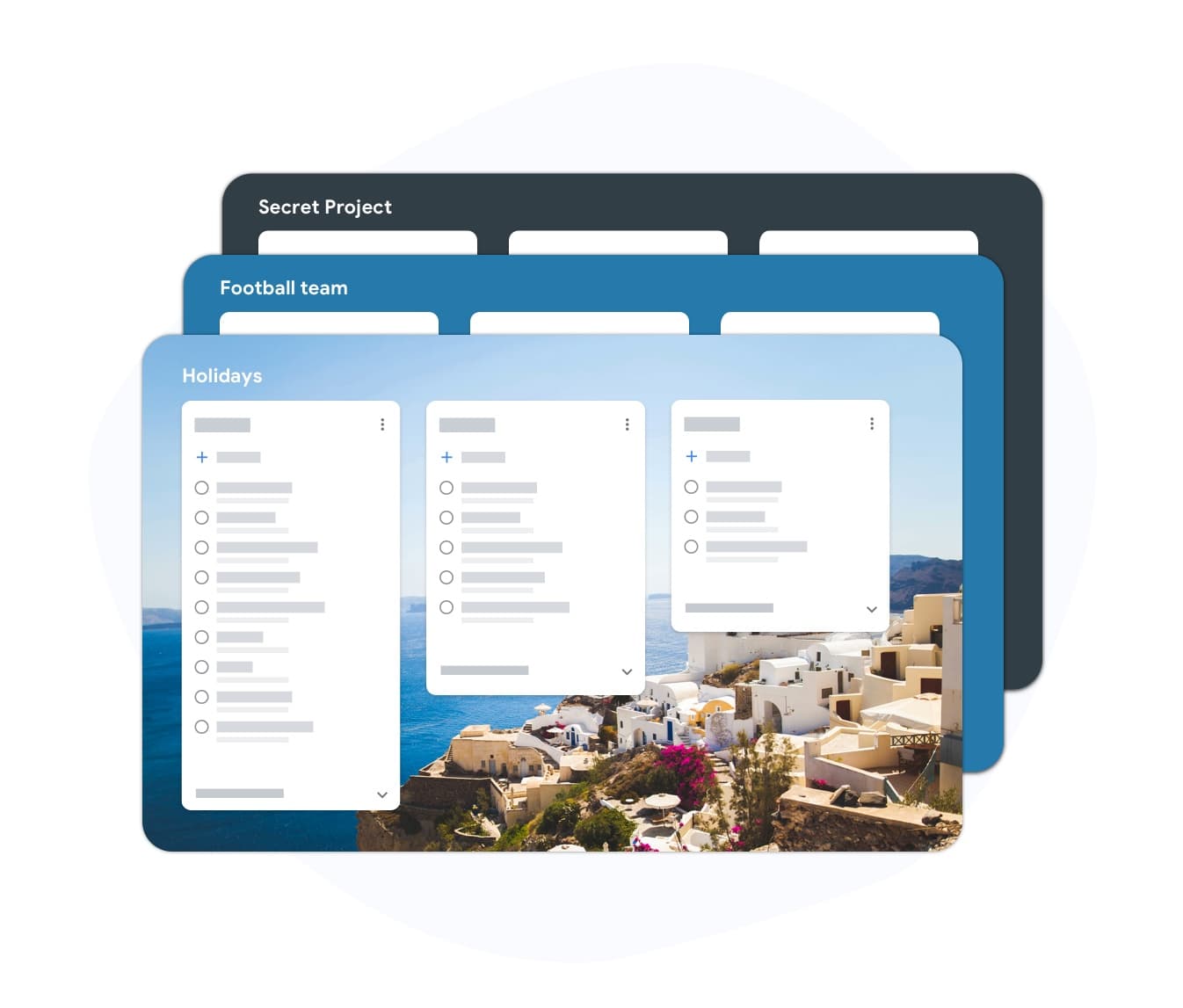
A project board shows all tasks on a single screen organized by status. You can see what is stuck, what is in review, and what is ready to ship - all without asking anyone for a status update. TasksBoard lets you create multiple boards, one per project, so your team never confuses work from different initiatives.
- Separate boards for separate projects
- Each board shows all tasks across all columns
- Filter by due date or list to focus on urgent work
Team collaboration
Shared boards keep everyone aligned
Team collaboration
Shared boards keep everyone aligned
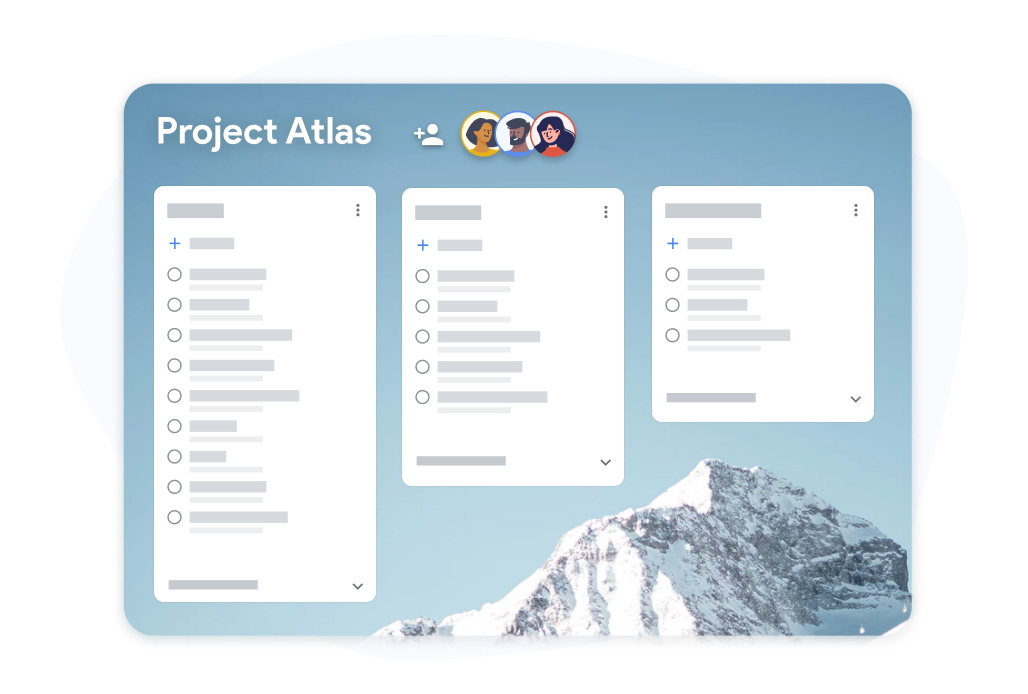
When you share a board in TasksBoard, every teammate sees live updates. No stale status reports, no morning email threads about what is blocked. Subtasks let you break large project tasks into small checkable steps. The parent task is not marked done until all subtasks are complete.
- Share boards with any Google account
- Subtasks for breaking down complex deliverables
- Comments and due dates visible to all board members
How to create a project board in TasksBoard
-
Sign in with Google
TasksBoard connects to your Google account in one click. All your existing Google Tasks are available immediately - no imports or setup.
-
Create your project board
Add a board and create lists for each stage: To Do, In Progress, Blocked, Review, and Done. Name them to match your team process.
-
Add tasks and share
Create tasks, set due dates, and share the board with your teammates. Everyone can see and update tasks in real time.
Loved by thousands of users
4.8 / 5 from 1,000+ reviews on the Chrome Web Store
"Always have 101 things to do and this helps me organize and prioritize like no other app can. It syncs to my phone and laptop, and when I add dates to tasks, they automatically integrate into my Google Calendar, which is immensely convenient. I can look at my daily, weekly, and monthly overview in Google Calendar and clearly see how much I was able to accomplish! Great tool indeed. Excited to see how it will evolve over time."

"Seriously, makes my tasks easier to share with the team, and the free version is quite nice for our little office. Eventually, we will expand, and this is definitely a great tool to do that! Syncs with my Workspace and Calendar."

"I love the simple, intuitive interface and the Add to Tasks feature, especially as I work through my emails! Sharing my tasks is also easy. Overall, outstanding and simple to use, and that means a lot with too many complex tasks out there!"

"Great too for managing daily routine and plan tasks. Would be perfect if it was updated for generating reports for statistics. For google tasks and google calendar"





Frequently asked questions
What is a project board?
A project board is a visual tool that shows all tasks in a project organized by their current status. Tasks appear as cards in columns such as To Do, In Progress, and Done. The board gives the whole team a shared, live view of project progress.
Is TasksBoard free to use as a project board?
Yes. TasksBoard has a free plan that includes unlimited tasks, multiple boards, Google Tasks sync, and mobile apps. A premium plan adds advanced sharing features and customization options.
Can I use TasksBoard for multiple projects at once?
Yes. You can create a separate board for each project and switch between them. Each board has its own columns and tasks, so work from different projects stays organized.
Does TasksBoard work on mobile?
Yes. TasksBoard has iOS and Android apps. Your boards, tasks, and due dates sync in real time across desktop and mobile. You can update task status from your phone during meetings.
How does TasksBoard compare to Trello or Asana for project boards?
TasksBoard is built on top of Google Tasks, which means it syncs natively with Gmail and Google Calendar. If your team uses Google Workspace, TasksBoard requires no migration - your tasks are already there. Trello and Asana are standalone tools that require importing work.
Can I assign tasks to specific team members?
When you share a board in TasksBoard, any team member can see and update any task. Task assignment by name is available through Google Tasks subtasks and notes. You can prefix tasks with team member initials as a lightweight assignment system.
Get started
Set up your project board in under five minutes
Sign in with Google, create your columns, and start moving tasks. Free forever for individuals. Team sharing on premium.
No credit card required. Works with your existing Google Tasks.