
















Task Manager
Task Manager App — Free, Powered by Google Tasks
TasksBoard is the task manager that works with your existing Google account. Kanban boards, team sharing, deadlines, and Google Workspace integration — all without migrating your data or learning a new tool.
Explore Topics
Task Manager App
A full-featured task manager app built for people who live in Google Workspace.
Learn more →Free Task Manager
Everything you need on the free plan — unlimited tasks, Kanban boards, and mobile apps.
Learn more →Online Task Manager
Manage tasks from any browser on any device with no installation required.
Learn more →Simple Task Manager
A clean, minimalist interface that keeps you focused on tasks without the noise.
Learn more →Task Manager for Teams
Share boards, assign tasks, and track progress in real time across your whole team.
Learn more →Why Google Users Choose TasksBoard as Their Task Manager
Most task managers ask you to start from scratch — import your tasks, rebuild your workflows, and convince your team to adopt yet another tool. TasksBoard works differently. It connects directly to your Google Tasks account, so your existing tasks, lists, and labels are already there the moment you sign in.
On top of Google Tasks, TasksBoard adds the features that serious task managers need: full-screen Kanban boards, task assignment, due dates that sync to Google Calendar, subtasks, and real-time collaboration. You get the power of a dedicated task manager without leaving the Google ecosystem.
Whether you are managing solo to-dos, running a small team, or organising a client project, the guides in this hub will help you use TasksBoard as your primary task manager — from the free plan basics to advanced team features.
Team sharing
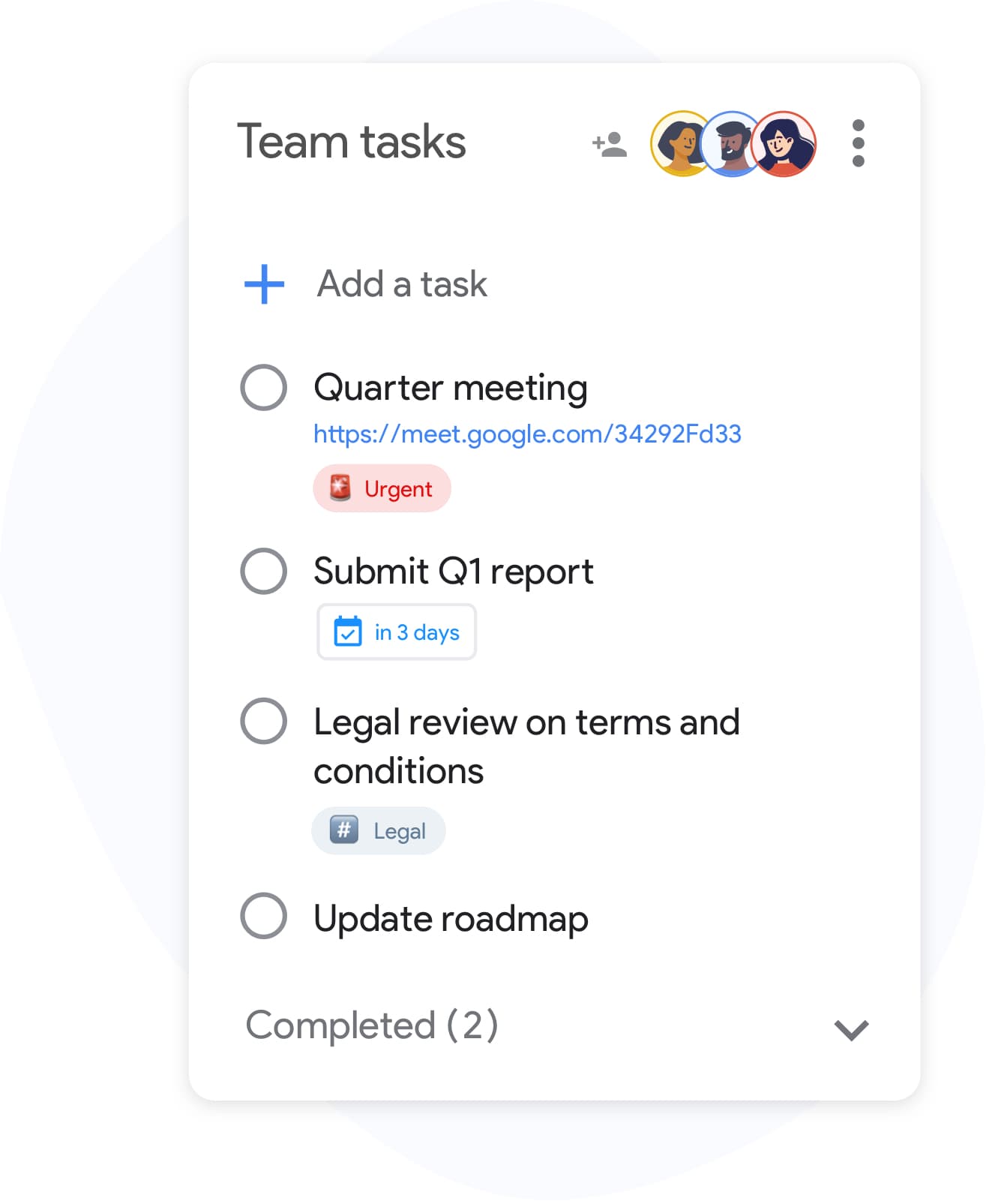
A task manager your whole team can use
Team sharing
A task manager your whole team can use
Share any board with teammates and assign owners to individual cards. Everyone sees live updates and can comment, drag, and complete tasks — no extra licences, no duplicate lists.
Explore team use casesPriority labels
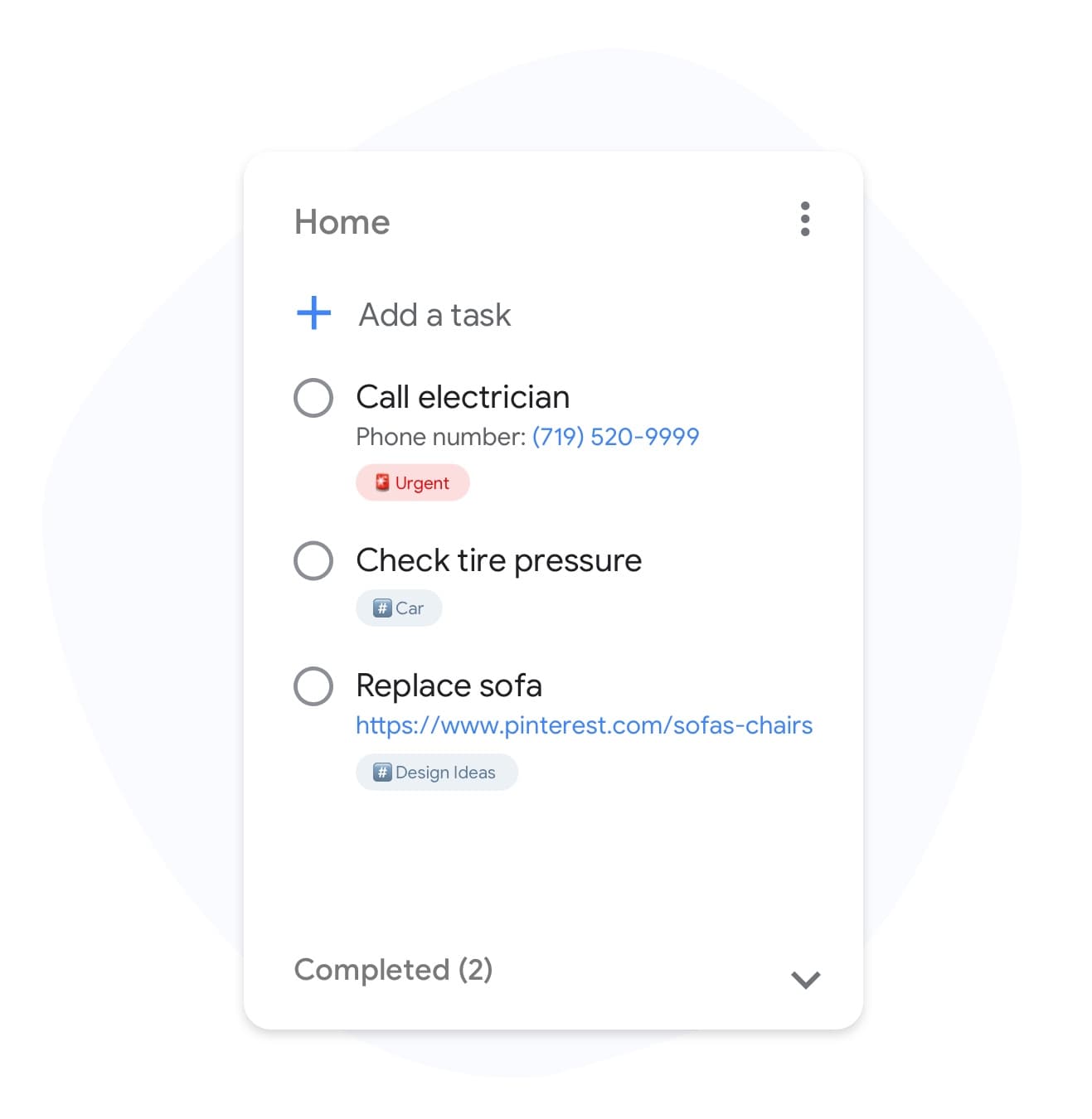
Tag tasks with priority and context
Priority labels
Tag tasks with priority and context
Mark tasks as "urgent", "blocked", or "waiting-on-client" with colored labels. Filter any board by label so you can focus on one kind of work at a time.
Unlock labels in PremiumCustom boards
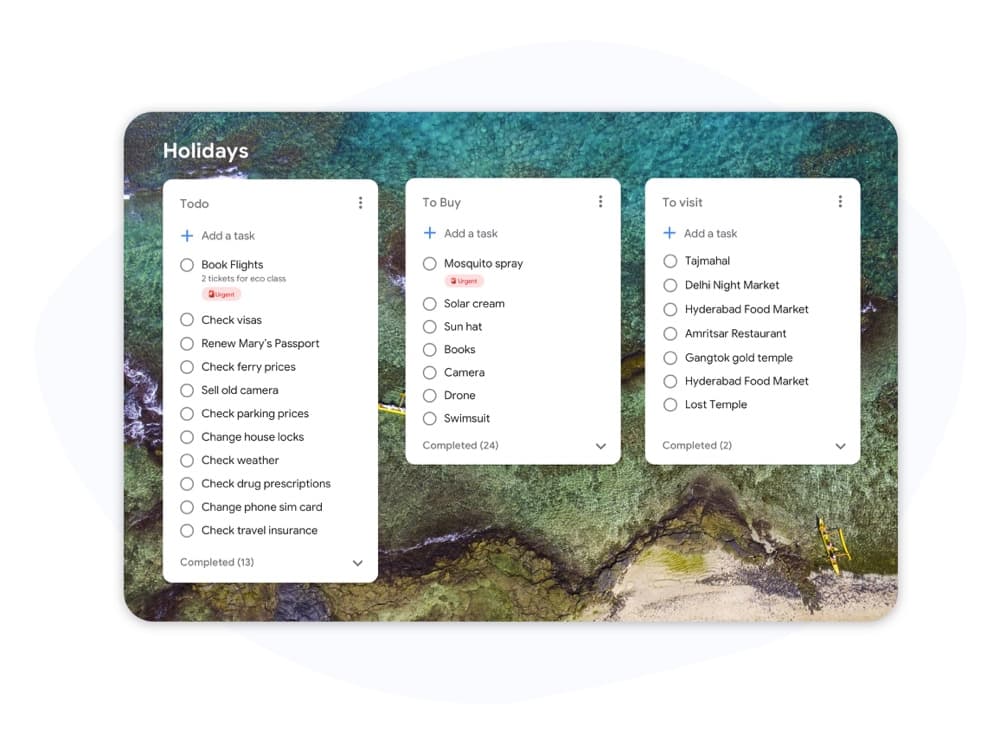
Make each project instantly recognisable
Custom boards
Make each project instantly recognisable
Set a unique background for every project board so "Launch", "Client A", and "Personal" are visible at a glance. Pick from presets or upload your own image.
See Premium featuresList colors
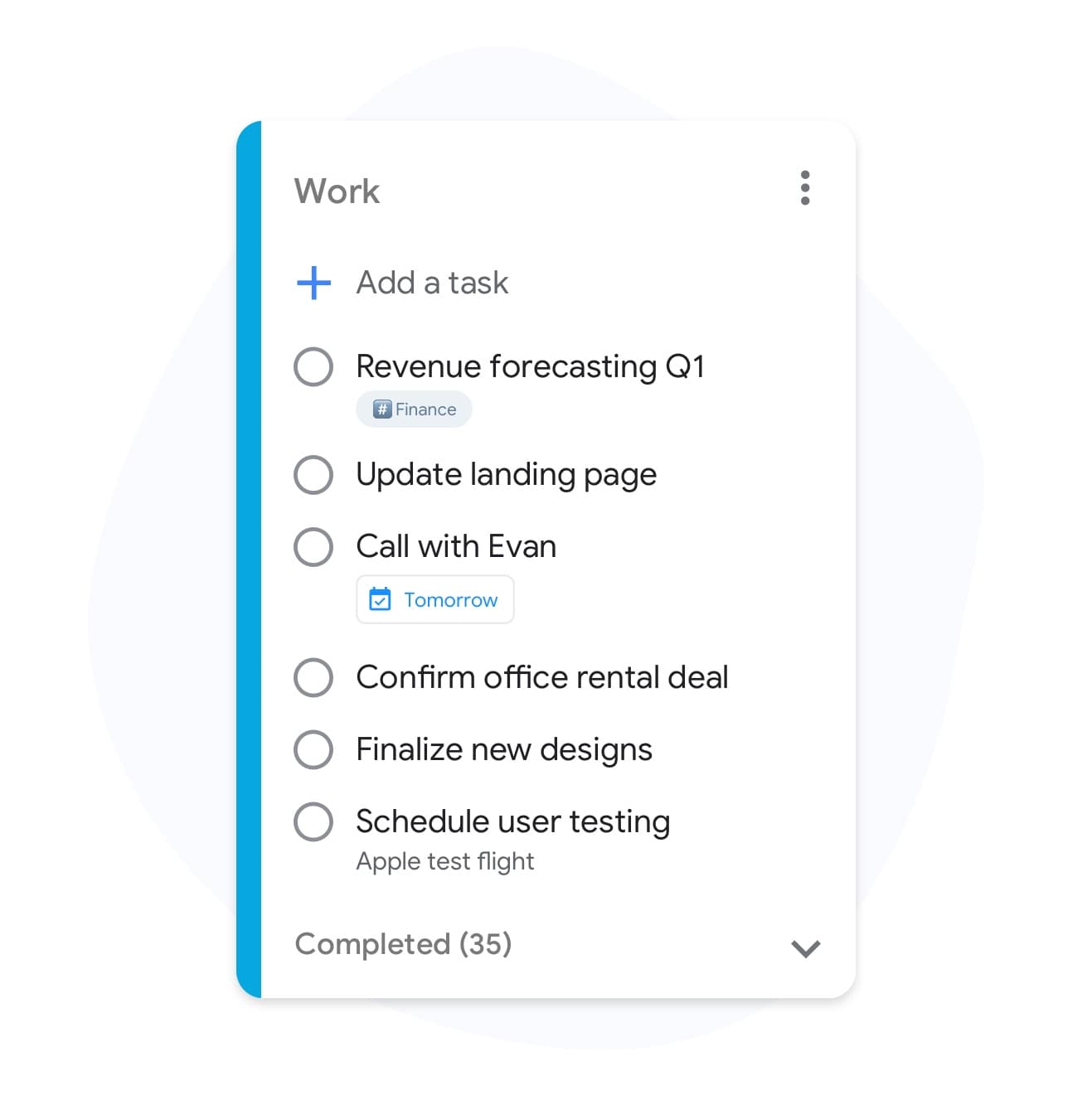
Color your task lists by status
List colors
Color your task lists by status
Give each list a distinct color — "In progress" green, "Review" orange, "Blocked" red — so your board tells the story before you read a single card.
Try list colorsMultiple projects
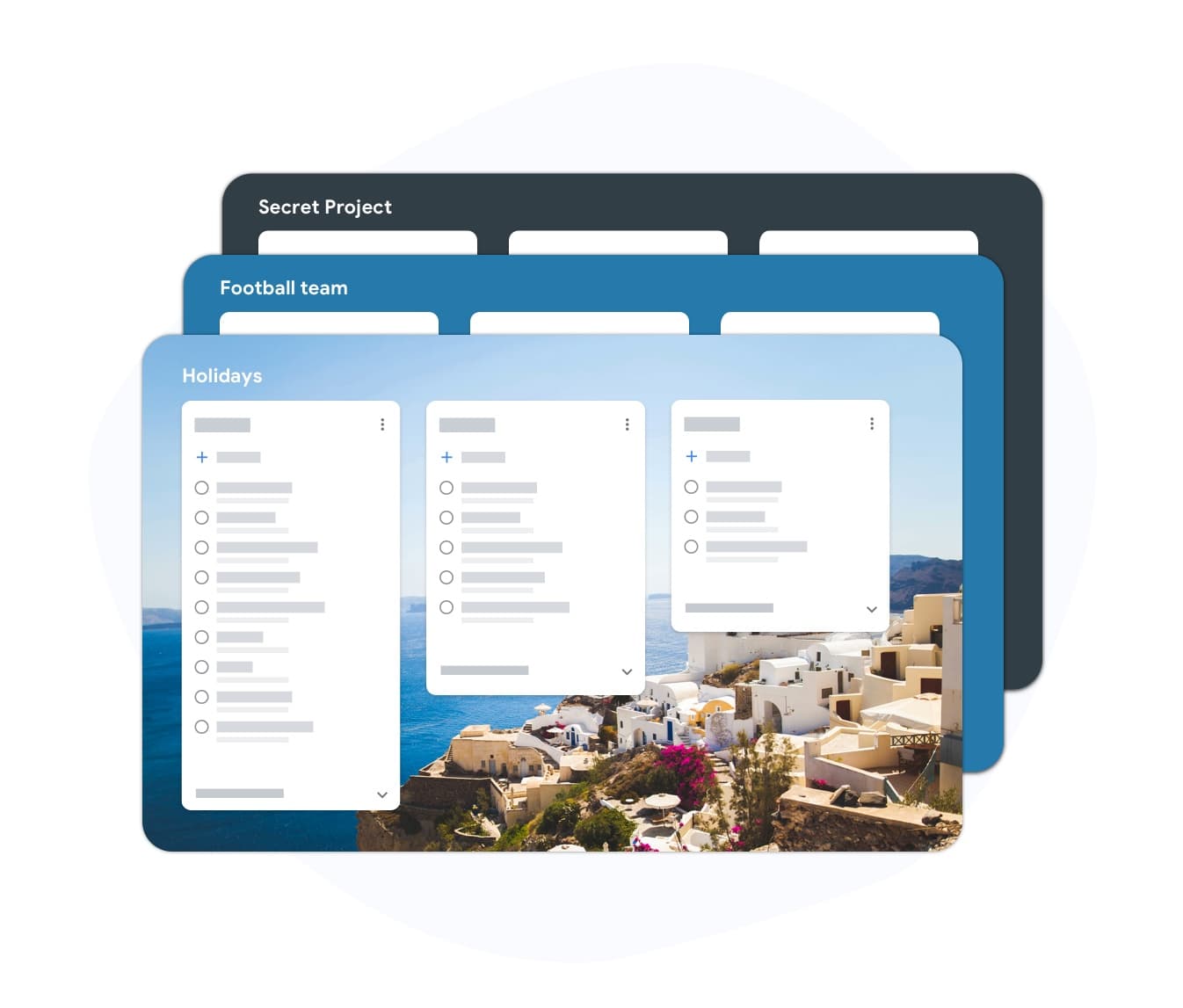
Manage every project in one place
Multiple projects
Manage every project in one place
Create a separate board for each project, client, or area of life. Switch between them in one click without losing context or opening a new tab.
Get unlimited boardsTeam collaboration
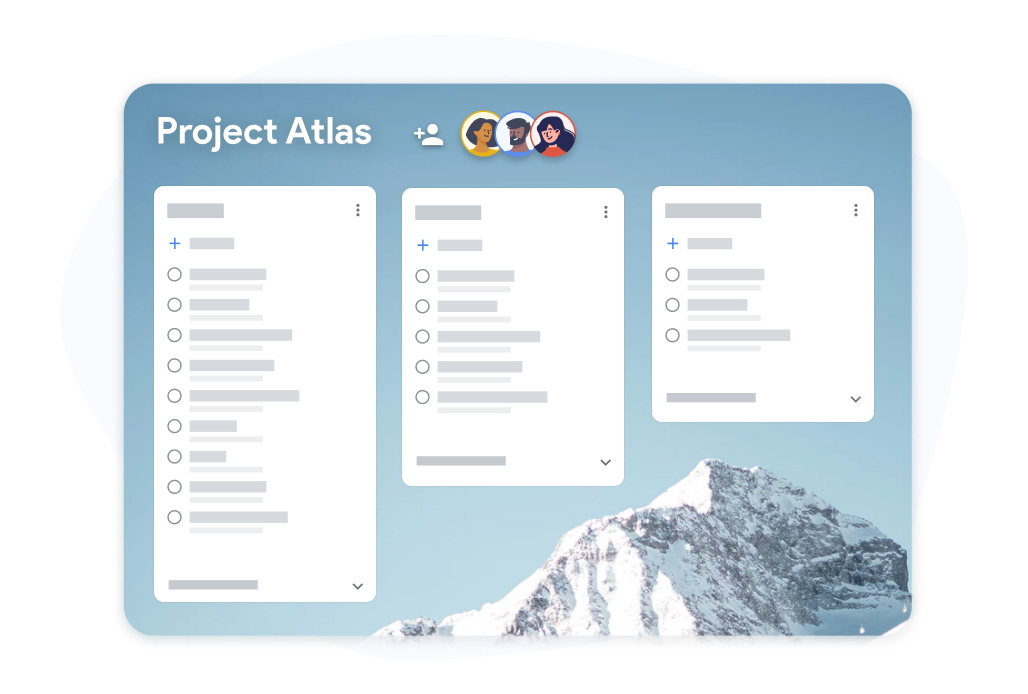
Everyone on the same page
Team collaboration
Everyone on the same page
Give every team member access to the same board and assign cards to specific owners. Comments, mentions, and status changes appear in real time.
Upgrade for team featuresWhy TasksBoard for Task Manager
No Migration Required
Sign in with Google and your existing Google Tasks are instantly available. No CSV imports, no onboarding questionnaires, no blank slate to fill in.
Kanban Boards Built In
Turn any task list into a visual Kanban board with drag-and-drop cards. See your entire workflow — what is to do, in progress, and done — at a glance.
Deadlines in Google Calendar
Set a due date on any task and it appears automatically in Google Calendar. No double-entry, no forgetting — your deadlines live where you already check them.
Real-Time Team Collaboration
Share a task board with your team via one link. Everyone sees live updates, task assignments, and status changes — no email threads, no status meetings.
Frequently asked questions
What makes TasksBoard different from other task managers?
TasksBoard is built on top of Google Tasks, which means your data never leaves the Google ecosystem. Unlike standalone task managers, TasksBoard requires no data migration, works with your existing Google account, and integrates natively with Gmail, Google Calendar, and Google Drive.
Is TasksBoard a free task manager?
Yes. TasksBoard offers a free plan that includes unlimited tasks, Kanban board view, Google Tasks sync, and mobile apps for iOS and Android. A paid plan adds features like team sharing, custom board backgrounds, and priority support.
Can I use TasksBoard as a task manager for my team?
Yes. TasksBoard supports team sharing so you can invite colleagues to shared boards, assign tasks to specific team members, and see real-time updates from everyone. All collaborators sign in with their Google accounts.
Does TasksBoard work on mobile?
Yes. TasksBoard has native iOS and Android apps that sync with your Google Tasks in real time. The full Kanban board view, task creation, and team features are all available on mobile.
Will my tasks be lost if I stop using TasksBoard?
No. All your tasks are stored in Google Tasks — TasksBoard is a layer on top of them. If you ever stop using TasksBoard, your tasks remain in Google Tasks exactly as you left them.
Sign in
The Task Manager That Works with Google, Not Against It
Join 2 million+ users who manage their Google Tasks with full-screen boards, team sharing, and Calendar sync. Free to start, no credit card required.