
















To-Do List
A Better To-Do List — Powered by Google Tasks
TasksBoard turns your Google Tasks into the to-do list you have always wanted: clean, fast, full-screen, and shareable with anyone. Free to start, nothing to install beyond your browser.
Explore Topics
Checklist App
Turn any Google Tasks list into a repeatable checklist — perfect for routines and repeating work.
Learn more →Checklist Template
Ready-made checklist templates you can duplicate for any recurring process or project.
Learn more →List Maker
Create lists fast with keyboard shortcuts, bulk paste, and smart sorting — all synced to Google.
Learn more →To-Do Task Manager
Manage multi-step to-dos with subtasks, due dates, and Kanban boards — all on the free plan.
Learn more →To-Do List Template
Pre-built to-do templates for daily planning, moving house, trip prep, and more.
Learn more →Why Most To-Do Lists Fail — and How TasksBoard Fixes It
Most to-do lists live in one of two places: a mobile app you forget to open, or a piece of paper you lose by the end of the week. Google Tasks solves the "where does it live" problem by syncing across every device you own — but the built-in interface keeps it cramped in a sidebar.
TasksBoard gives your Google Tasks a proper home. A full-screen view, drag-and-drop ordering, templates for common checklists, and the ability to share any list with family or teammates. Your tasks live in Google Tasks (where they belong) and TasksBoard gives them an interface worth opening.
In this hub you will find guides, templates, and tips for using TasksBoard as your everyday to-do list — from simple daily lists to repeating checklists and shared grocery lists.
Shared lists
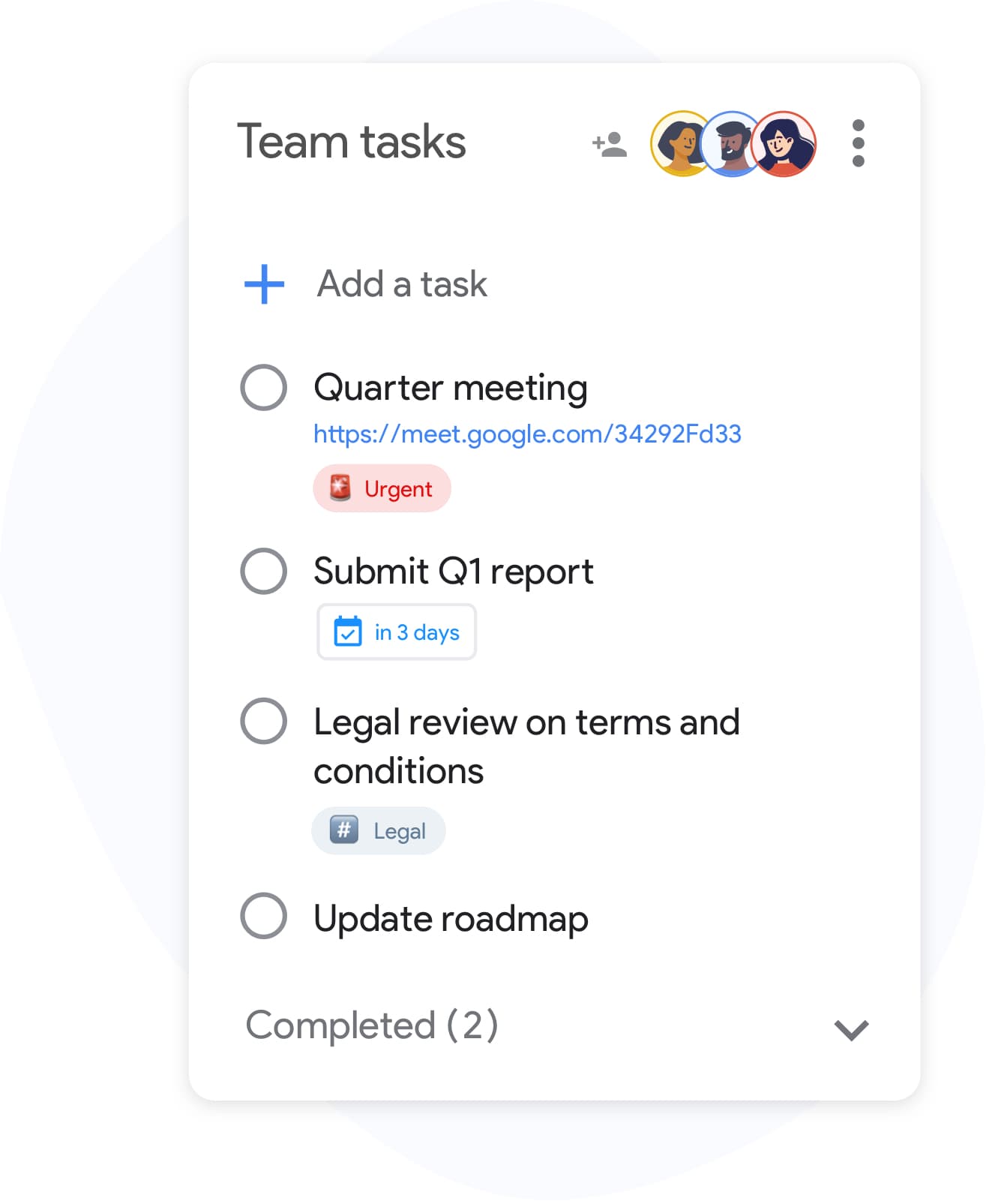
Share a to-do list with anyone
Shared lists
Share a to-do list with anyone
Send a shareable link for any list — grocery runs, move-in checklists, client onboarding. Everyone with the link can check items off in real time.
See how teams use TasksBoardList labels
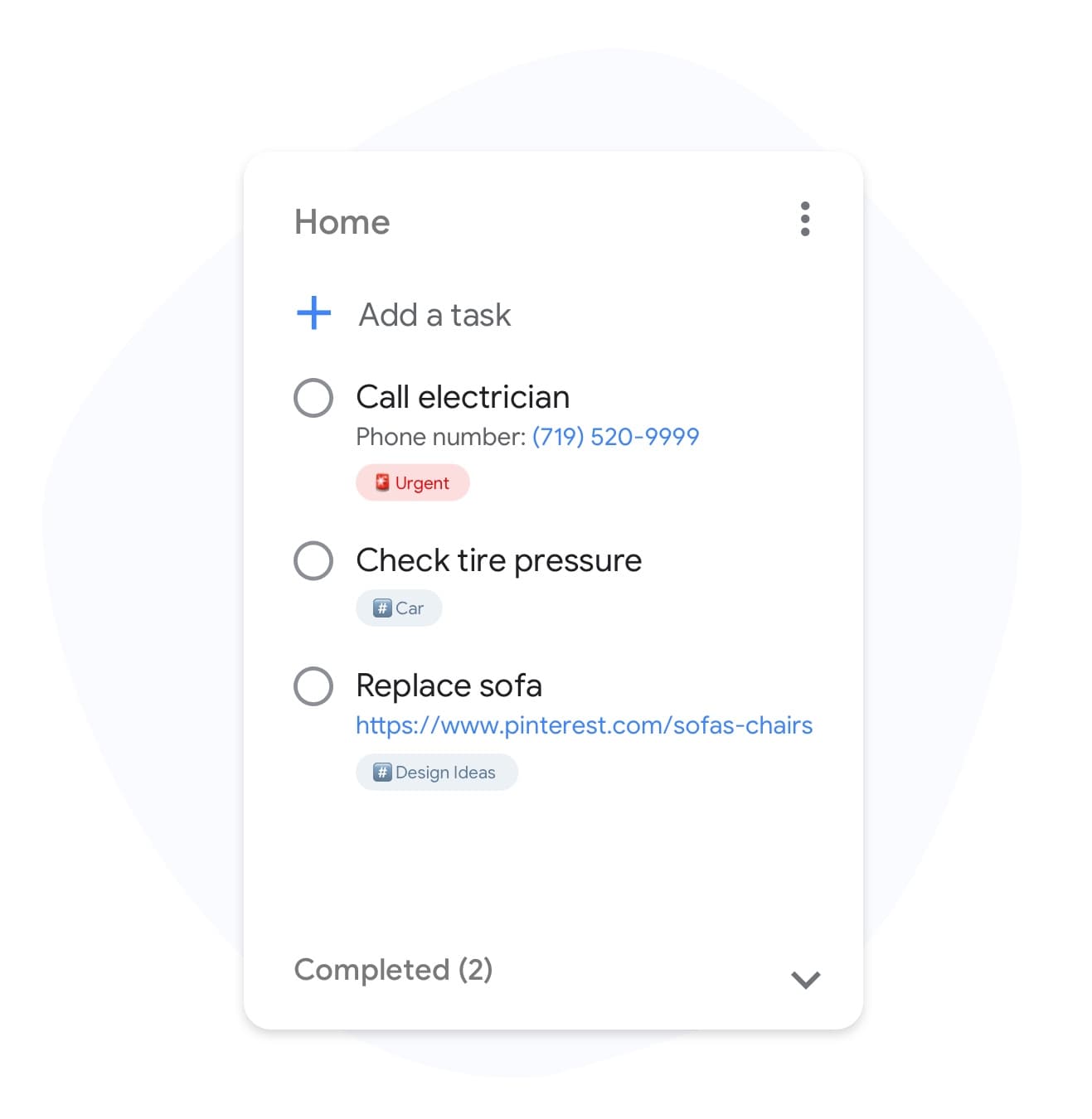
Tag your to-dos so the right ones stand out
List labels
Tag your to-dos so the right ones stand out
Label tasks with categories like "errands", "calls", or "deep work". Filter the list to only show what you can act on right now.
Unlock labels in PremiumCustom list backgrounds
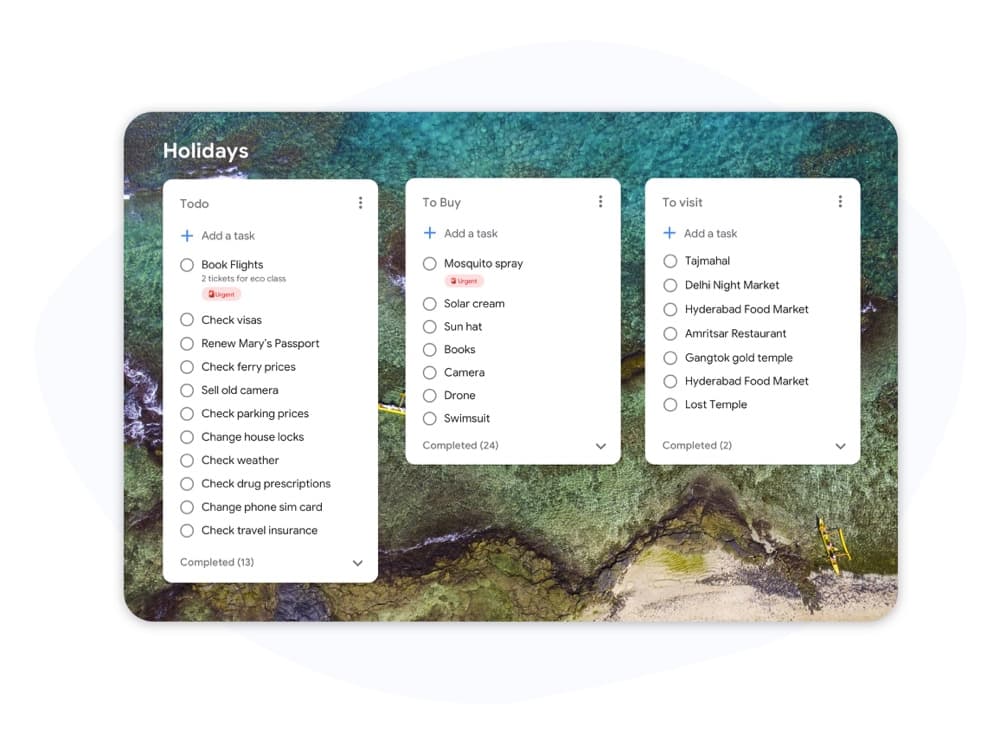
Make each to-do list feel like its own space
Custom list backgrounds
Make each to-do list feel like its own space
Give "Work", "Home", and "Travel" each a unique background so you know which list you are in before you read a single word.
Try custom backgroundsList colors
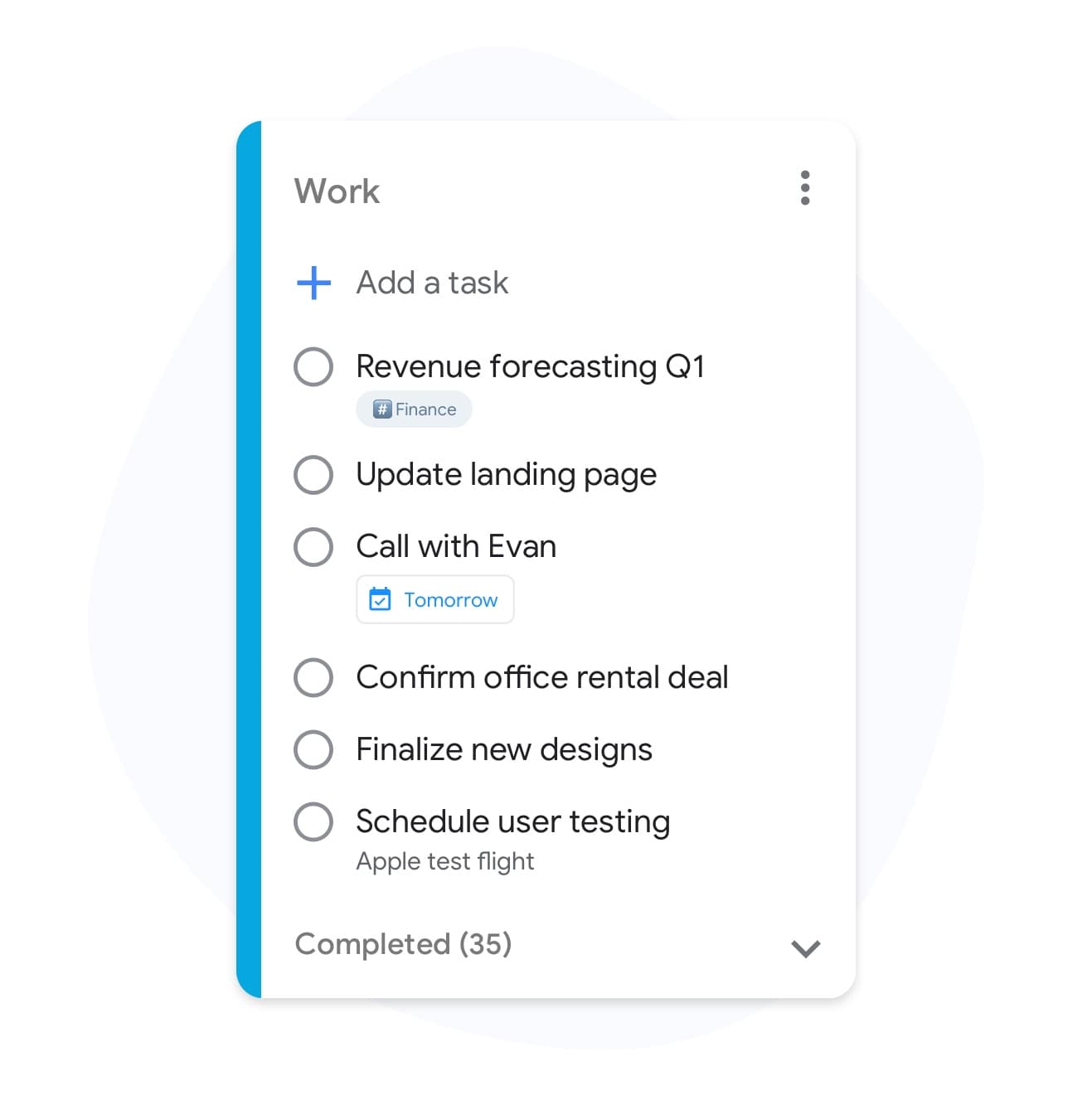
Color your to-do lists by life area
List colors
Color your to-do lists by life area
Green for errands, blue for work, purple for creative — pick a color for each list so your whole life is visible at a glance.
See Premium featuresMultiple lists
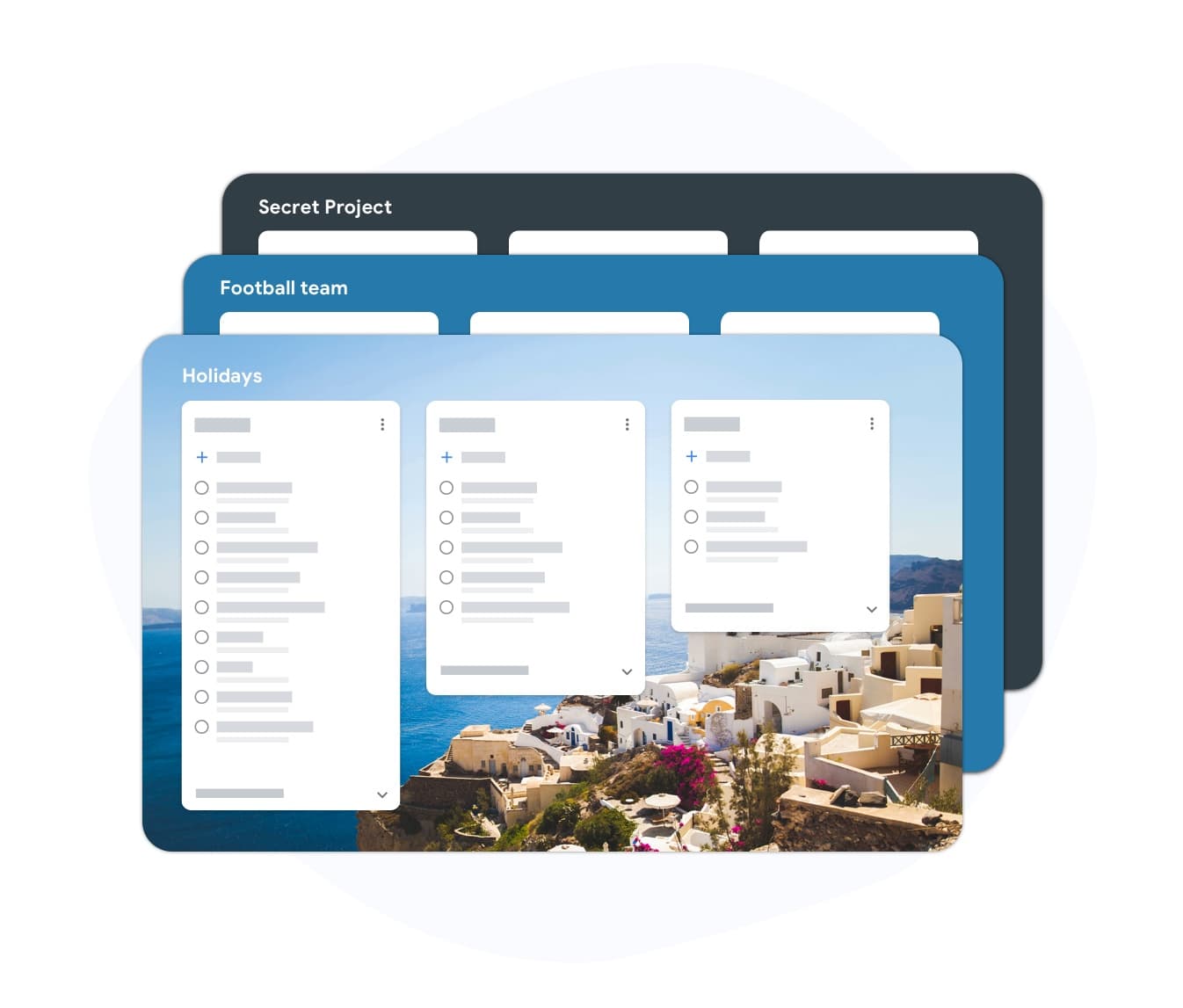
Every area of life deserves its own list
Multiple lists
Every area of life deserves its own list
Keep Work, Home, Shopping, and Side Projects in separate lists without tabs or separate apps. One login, every list in sync.
Get unlimited listsShared to-do lists
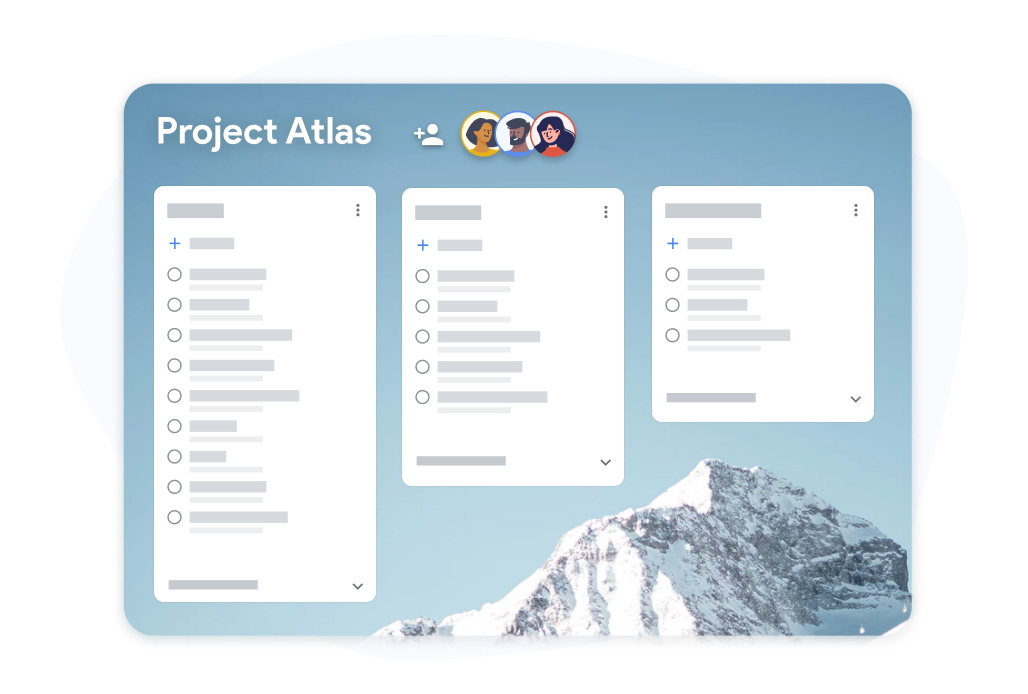
The to-do list the whole household can use
Shared to-do lists
The to-do list the whole household can use
Share the weekly grocery list, a trip packing list, or a house project with anyone. Changes sync instantly for everyone.
Upgrade for team listsWhy TasksBoard for To-Do List
Faster Than Your Current App
Add tasks with a keyboard shortcut, bulk-paste a list from anywhere, and re-order items with drag and drop. TasksBoard gets out of your way.
Syncs Everywhere You Live
Because TasksBoard is backed by Google Tasks, your list is already on your phone, in Gmail, and in Google Calendar — no extra setup.
Templates for Repeating Lists
Duplicate any list into a template — packing lists, onboarding checklists, weekly reviews. One-click copy, zero retyping.
Easiest Way to Share a List
Send a shareable link and anyone can view or edit. No account creation for viewers, no awkward screenshots, no "I'll email you the list".
Frequently asked questions
Is TasksBoard the best to-do list app?
For anyone who already uses Google — it is hard to beat. TasksBoard runs on top of Google Tasks, so your lists are already on your phone, in Gmail, and in Google Calendar. There is no separate database and nothing to migrate.
Is there a free to-do list plan?
Yes. The free plan includes unlimited tasks, Kanban board view, mobile apps, Google Tasks sync, and the full web app. Premium features like labels, custom backgrounds, and team sharing are optional.
Can I use TasksBoard as a shared grocery list?
Yes. Create a list, share it with your household via a link, and everyone can check items off in real time. Premium plans unlock richer sharing options like permissions.
Does TasksBoard support repeating tasks?
Yes. Repeating tasks you create in Google Tasks show up in TasksBoard automatically. You can also duplicate a list to use as a weekly checklist template.
Can I use TasksBoard offline?
The mobile app supports offline task creation and syncs back to Google Tasks when you reconnect. The web app requires an internet connection to sync in real time.
Sign in
The To-Do List That Finally Works for You
Join 2 million+ users who run their day on TasksBoard — backed by Google Tasks, synced everywhere, free to start.