
All Articles
Page 2 of 6, 87 articles total
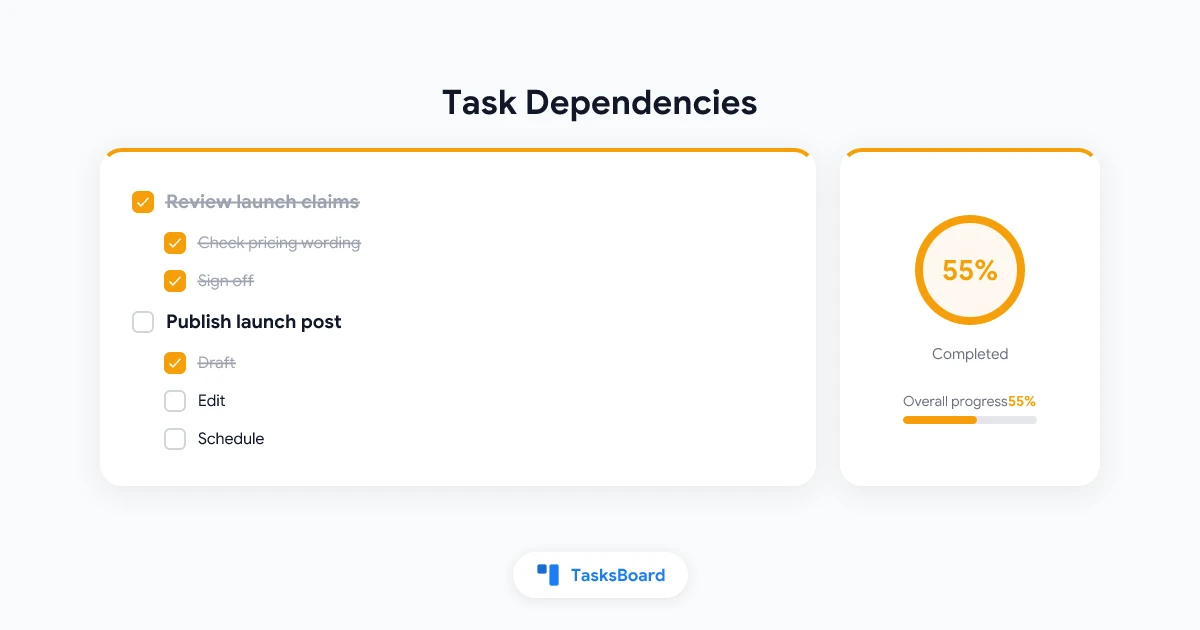
Google Tasks Dependencies: Mark a Task as Blocked by Another
Google Tasks has no dependencies. TasksBoard adds 'blocked by' links across lists, a lock icon, unblock notices and three levels of subtasks. How it works and syncs.
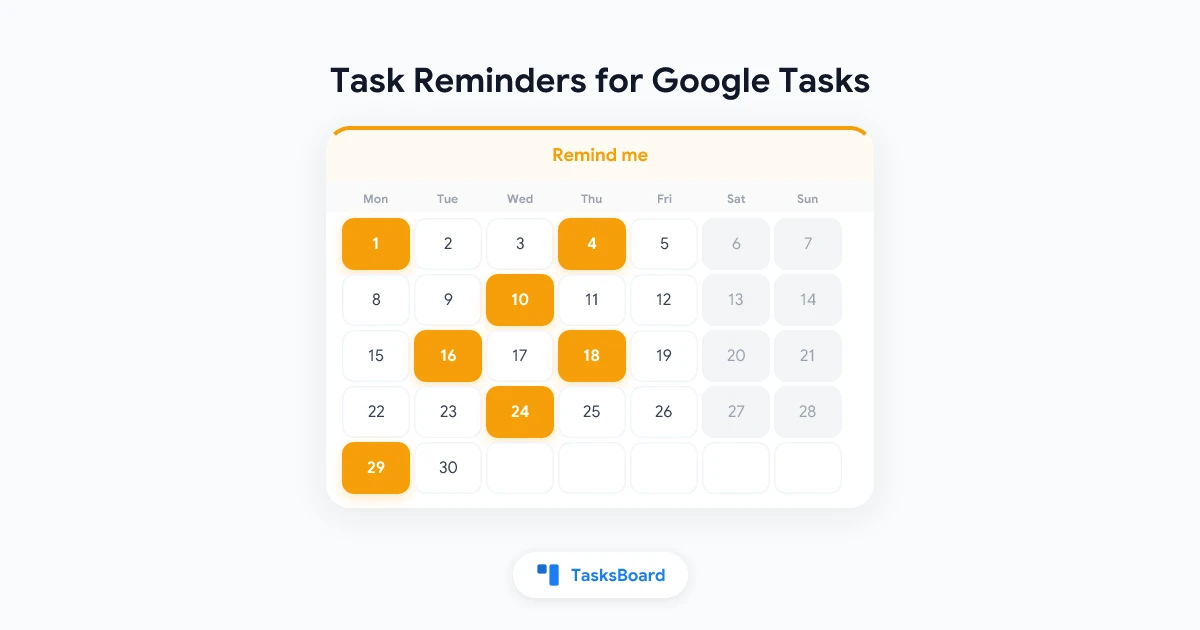
Task Reminders for Google Tasks: Push and Email Before a Task Is Due
Set a reminder on any Google task in TasksBoard: at the due time or 30 minutes, 1 hour or 1 day before. Browser notifications, optional email, edge cases.
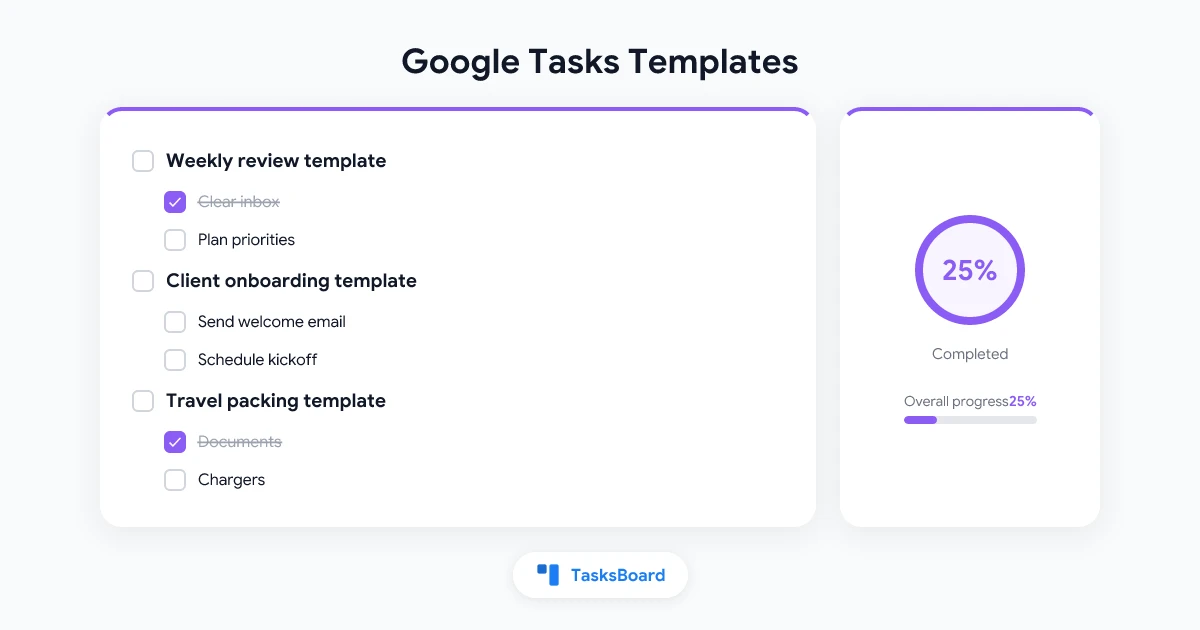
Google Tasks Templates: How to Create Reusable Task Lists
Google Tasks has no template button. See the manual workaround and how TasksBoard saves a list or board as a template, with relative due dates and weekly or monthly repeats.
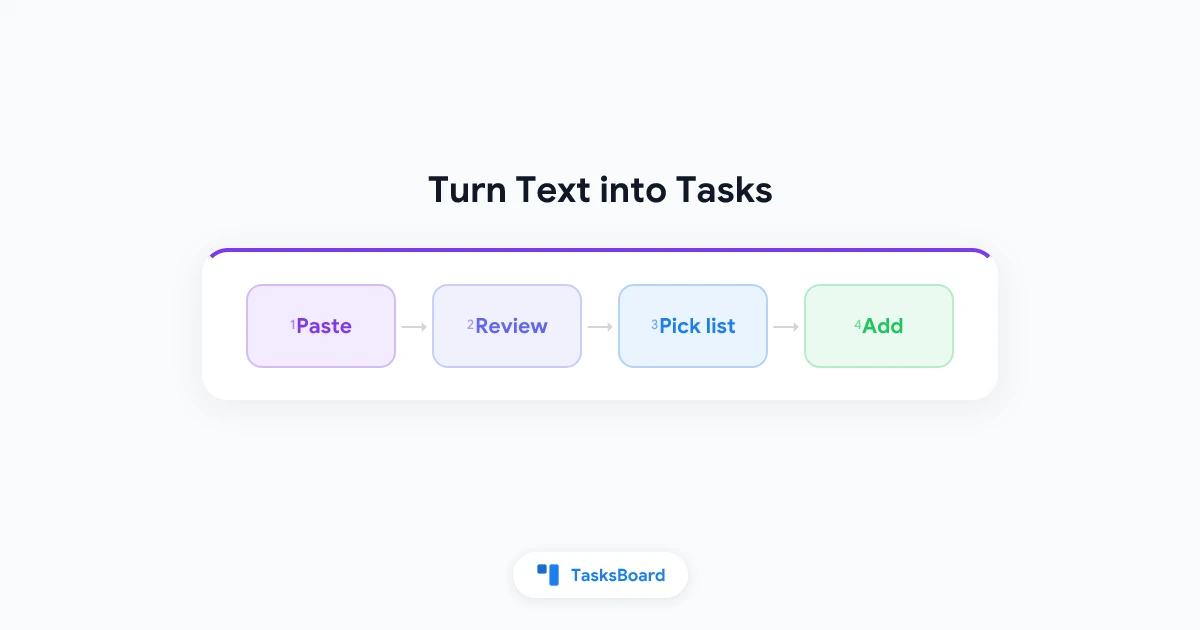
Turn an Email or Meeting Notes into Google Tasks with AI
Paste an email or meeting notes into TasksBoard and get Google Tasks with dates, priorities and subtasks. How it works, how to review the result, and the limits.
Google Tasks Move Task Between Lists: Every Method Explained
Learn how to move a task between lists in Google Tasks by drag and drop or the task menu, plus what happens to subtasks, repeating tasks, and bulk moves.
Google Tasks Search: How to Find Any Task Fast
Google Tasks has no keyword search box, but you can still find any task. Learn the built-in views, smart habits, and workarounds that save you time.
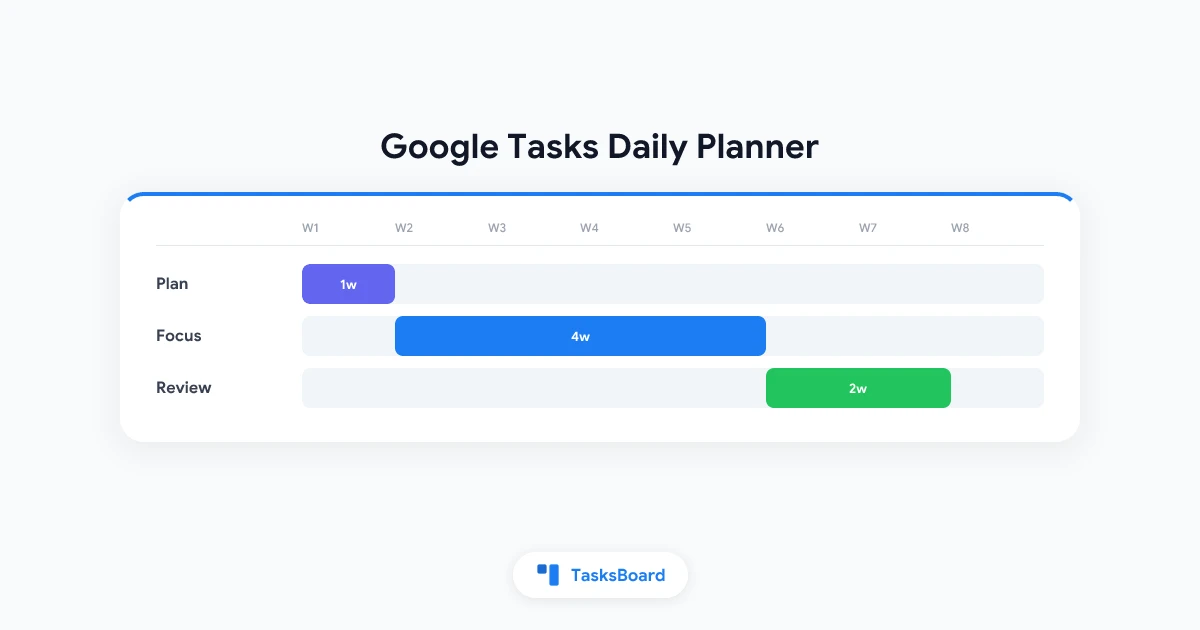
Google Tasks Daily Planner: Plan Your Day Step by Step
Turn Google Tasks into a daily planner with due dates, Calendar and a Today view. Follow a simple morning routine to plan, focus, and review every day.
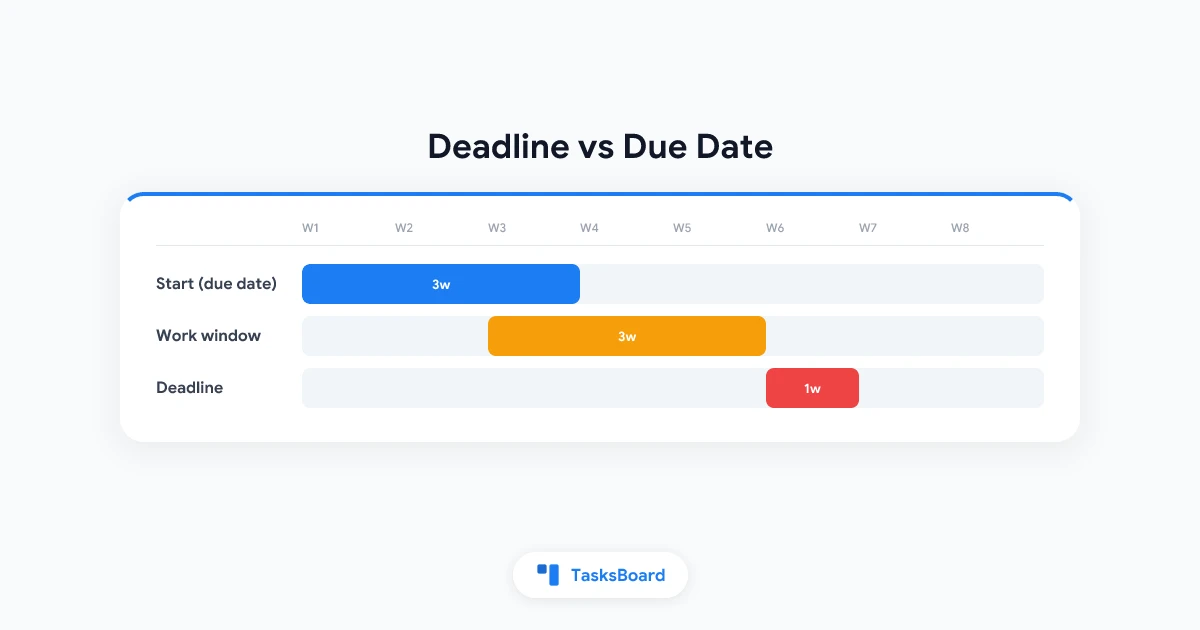
Google Tasks Deadline vs Due Date: What Each One Does
Google Tasks deadline vs due date explained: when each one notifies you, how they show in Calendar, and how to use both without missing work.
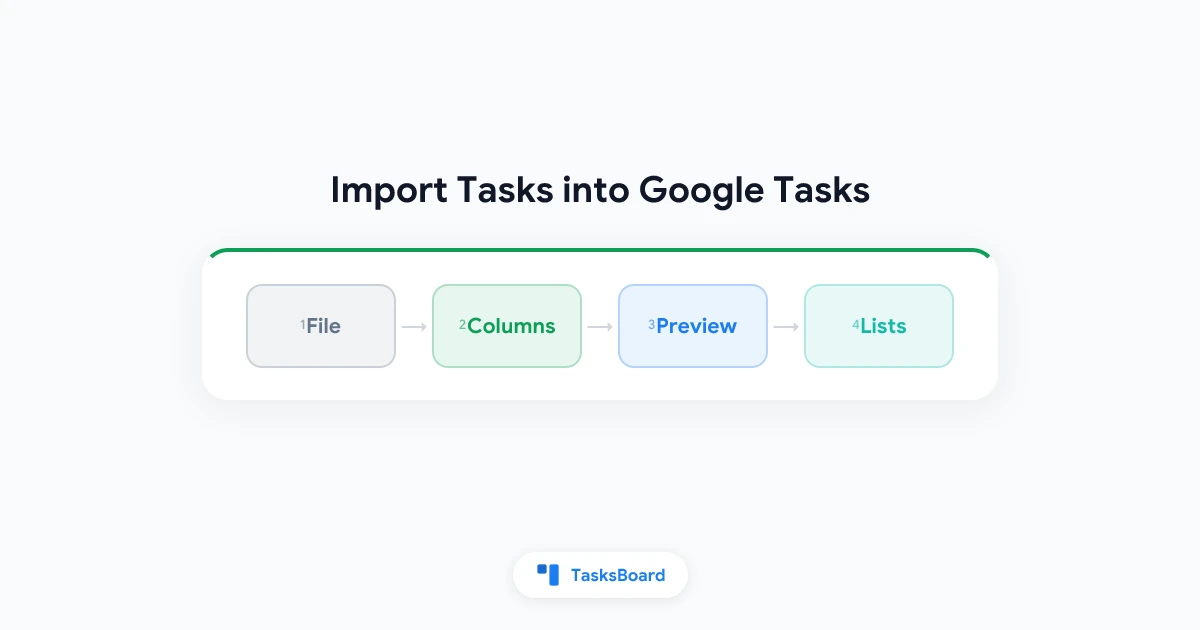
How to Import Tasks into Google Tasks from CSV, Excel, and Google Sheets
Google Tasks has no import button. Learn how to import tasks and whole lists into Google Tasks from a CSV, Excel file, Google Sheet, or text file with TasksBoard.
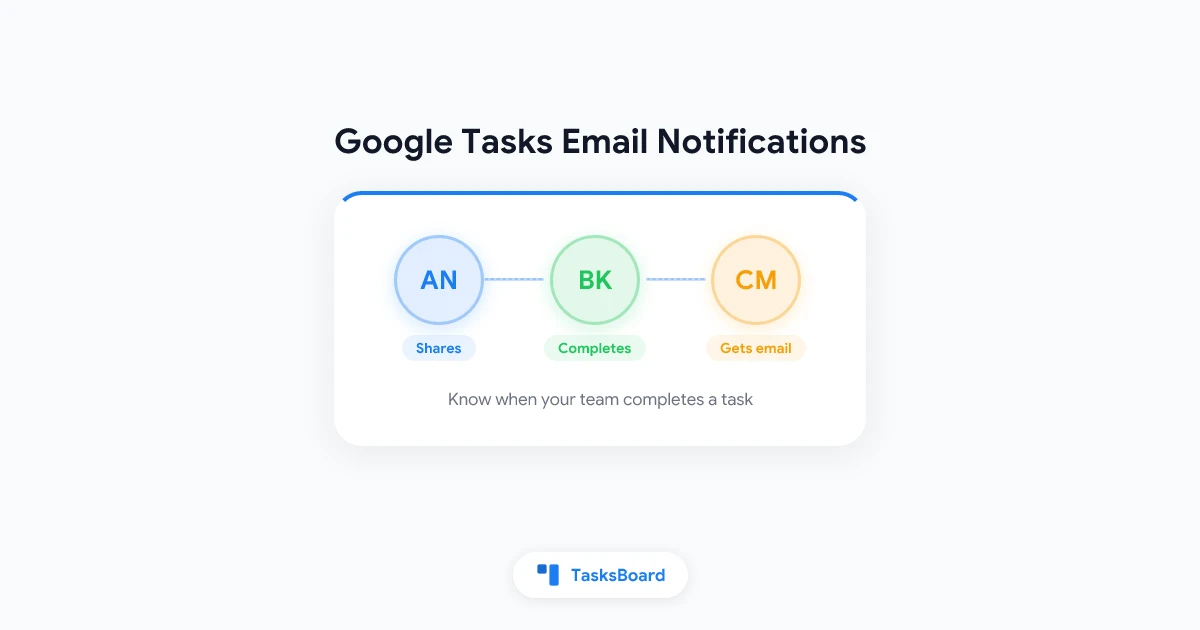
Google Tasks Email Notifications: Know When a Shared Task Is Completed
Get Google Tasks email notifications when a teammate completes a task in a shared list. Set up completion emails and team collaboration with TasksBoard.
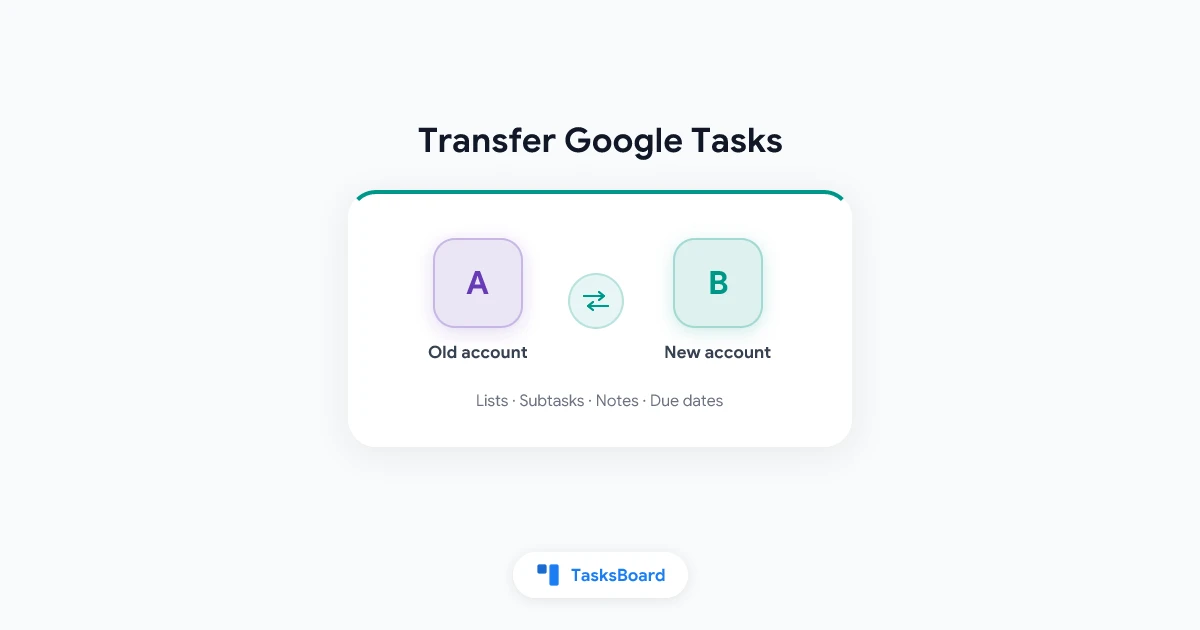
How to Transfer Google Tasks from One Account to Another
Learn how to transfer Google Tasks to another account in a few clicks. Copy every list, task, subtask, note, and due date to a new Google account with TasksBoard.
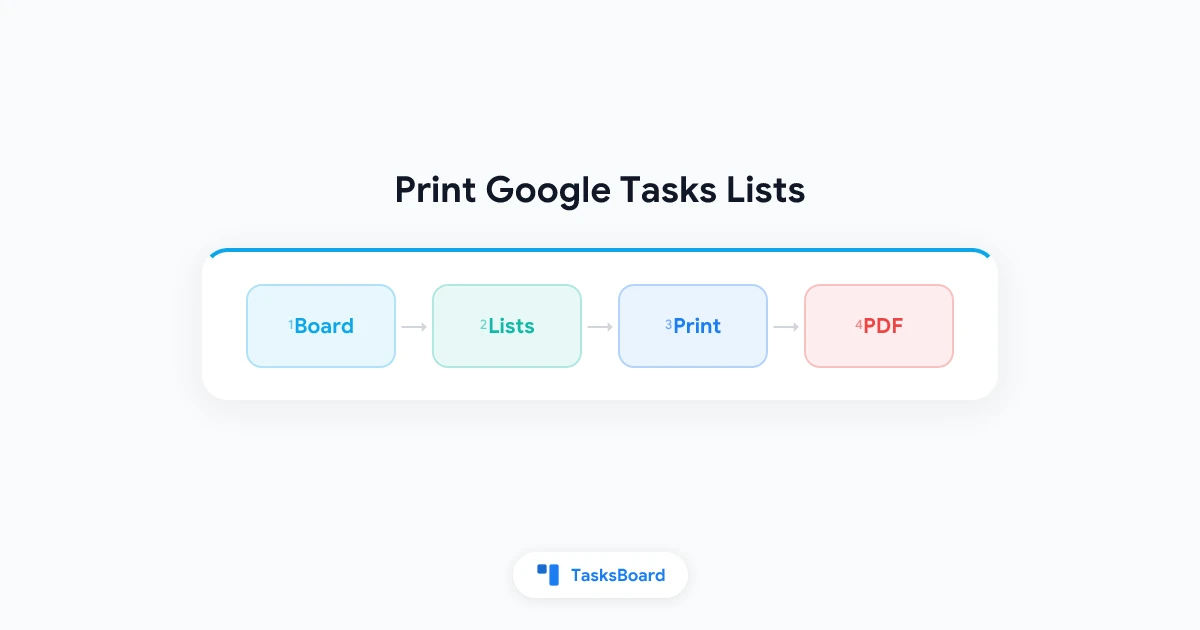
How to Print Google Tasks: Print Multiple Lists on One Page
Learn how to print a Google Tasks list, print several lists together on one page, or save them as a PDF with the new Print board feature in TasksBoard.
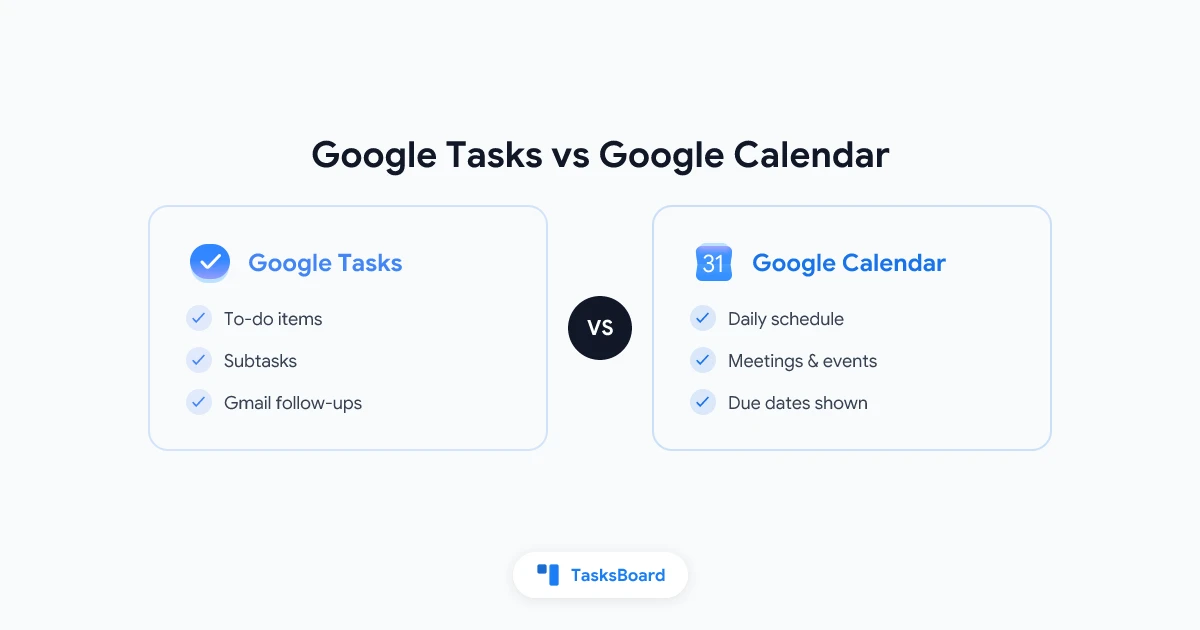
Google Tasks vs Google Calendar: Which Should Hold Your To-Do List in 2026?
Google Tasks vs Google Calendar compared: how the built-in Tasks list works, where due dates show up, and which one to trust for your daily to-dos.
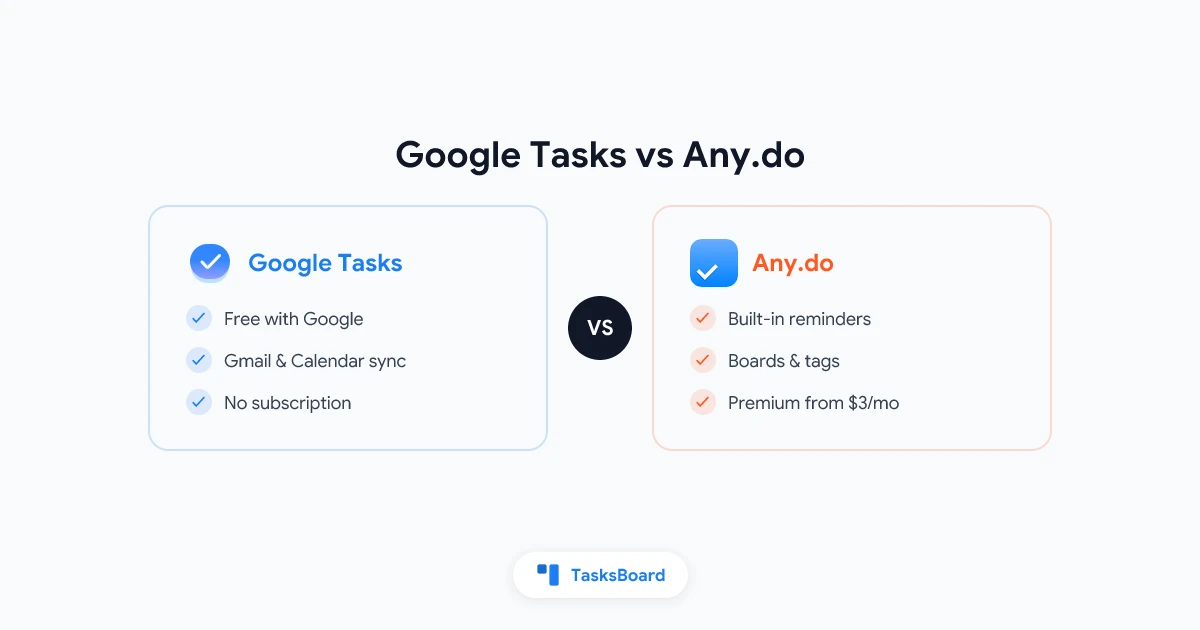
Google Tasks vs Any.do: Which To-Do App Should You Use in 2026?
Google Tasks vs Any.do compared on price, reminders, recurring tasks, and collaboration so you can pick the better to-do app for your workflow in 2026.
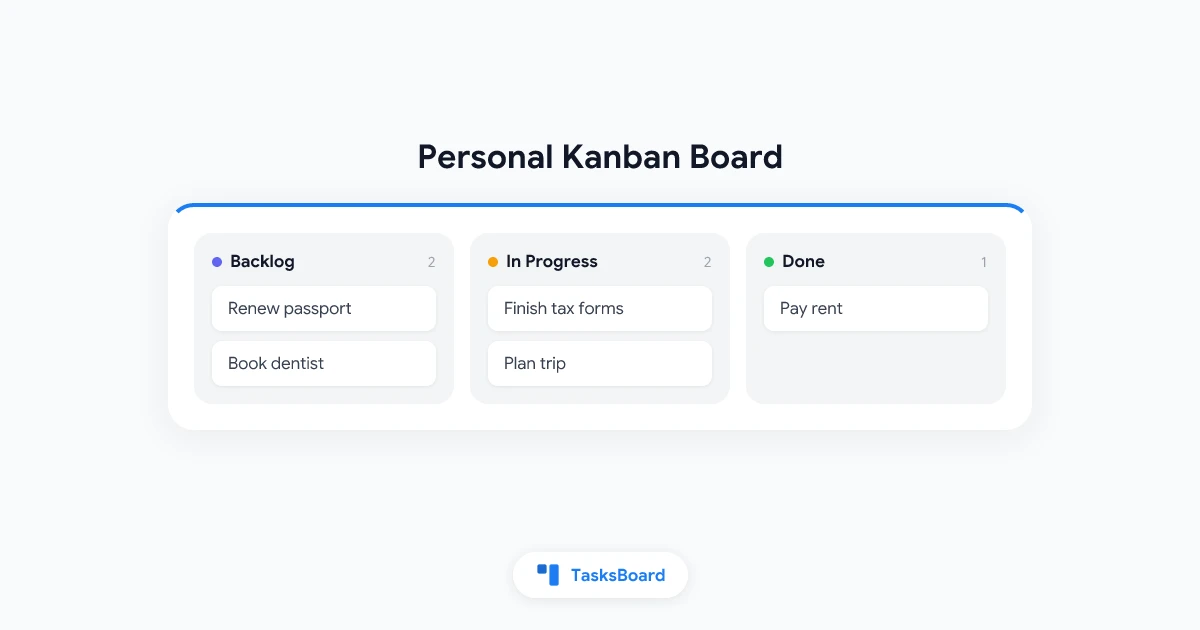
Personal Kanban Board: A Simple System to Organize Your Own Tasks
Learn how to build a personal kanban board that keeps your tasks visible and manageable. Step-by-step setup, WIP limits, and real examples inside.