Back to blog
Remote WorkCollaboration ToolsTeam ManagementProductivityRemote Teams

Best Remote Collaboration Tools in 2026: A Practical Guide for Distributed Teams

TasksBoard Team
TasksBoard Team
Best Remote Collaboration Tools in 2026: A Practical Guide for Distributed Teams

Remote work is no longer a temporary arrangement. For most knowledge workers in 2026, it is the default — and for distributed teams, the quality of your remote collaboration tools is the single biggest determinant of whether work gets done well or gets lost in the noise.

This guide covers the best remote collaboration tools available today, organized by category. It is not an exhaustive list of every app that claims to support remote teams. It focuses on tools that solve real friction points: unclear task ownership, missed communication, async work without context, and the general cognitive overhead of coordinating without being in the same room.


What Makes a Good Remote Collaboration Tool?

Before evaluating specific apps, it helps to define what the best remote collaboration tools actually do well. The criteria that matter most:

  • Low setup friction — the tool gets adopted, not just purchased.
  • Async-first design — it works well when team members are in different time zones or schedules.
  • Integration with existing tools — it does not require everyone to change their entire workflow.
  • Transparent task and project status — anyone on the team can see what is happening without a meeting.
  • Reasonable pricing — especially for small teams that cannot absorb enterprise software costs.

With those criteria in mind, here are the categories that matter most for remote teams.


Communication Tools

Slack

Slack remains the dominant team chat platform for remote teams. Its channel-based structure separates project conversations from general discussion, and its thread system (when teams actually use it) keeps conversations organized.

The main challenge with Slack is noise. Without clear channel hygiene and a culture of threading, Slack quickly becomes a stream of interruptions rather than a tool for calm async communication.

Best for: Real-time team chat, quick questions, team announcements.

Google Meet

For distributed teams already in Google Workspace, Google Meet is the most frictionless video conferencing option. It requires no downloads for guests, integrates directly with Google Calendar, and handles large calls reliably.

The Google Workspace ecosystem makes Meet especially useful — meetings scheduled in Calendar automatically include a Meet link, and you can join from Gmail with one click.

Best for: Video meetings, team standups, client calls.

Loom

Loom lets you record your screen, camera, or both and share the recording as a link. It is one of the most underrated remote collaboration tools because it eliminates entire categories of meetings.

Instead of scheduling a meeting to walk someone through a problem or give feedback on a design, you record a three-minute Loom. The recipient watches it on their own time and responds asynchronously.

Best for: Async feedback, walkthroughs, onboarding recordings.


Task and Project Management Tools

Task visibility is the highest-value problem to solve for remote teams. When people are co-located, work status is communicated passively through overheard conversations and visible whiteboards. Remote teams have none of that — task management software has to do that work explicitly.

TasksBoard

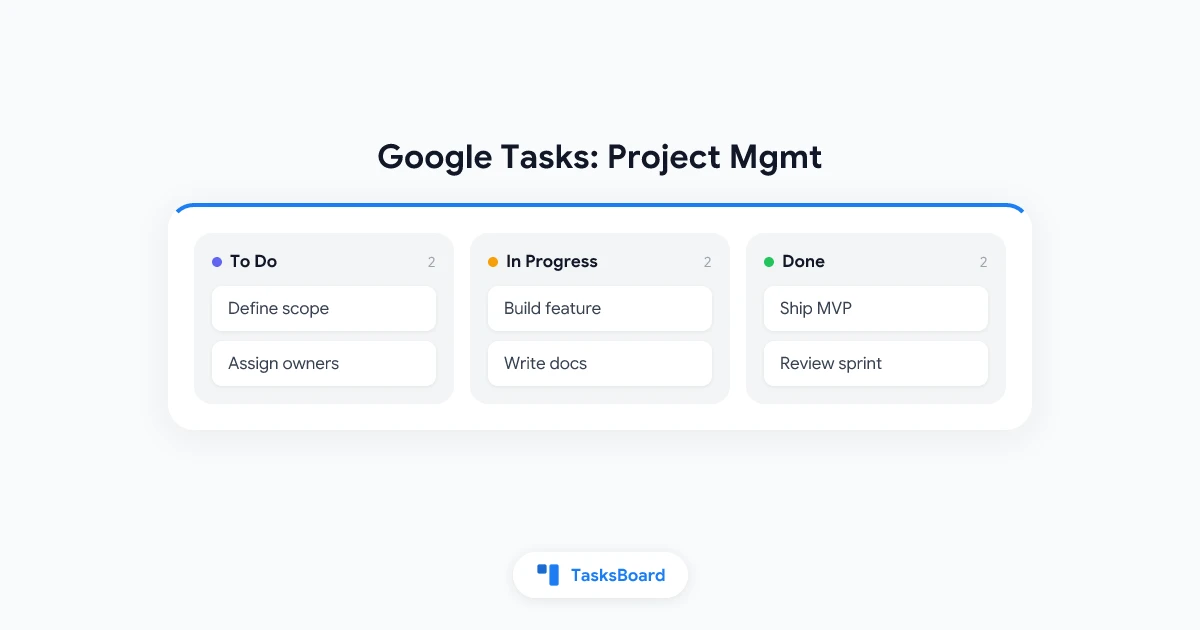
TasksBoard is a full-screen kanban board that runs on top of Google Tasks, with real-time sync. If your team is already in Google Workspace, it is the lowest-friction way to get a shared, visual task board without migrating to a new platform.

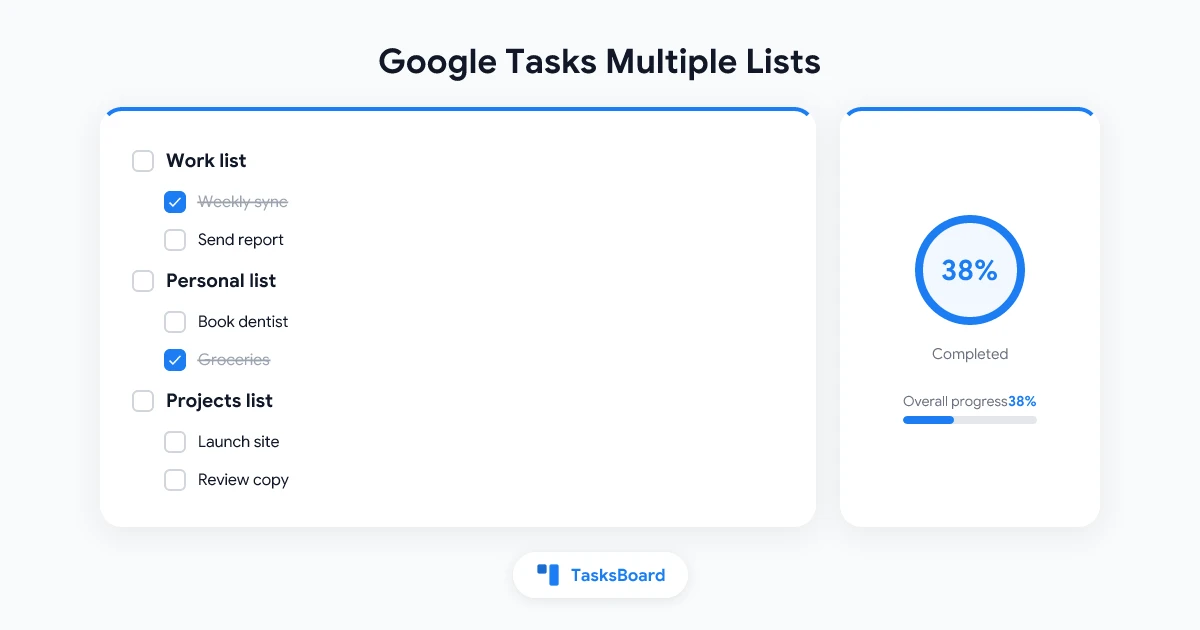
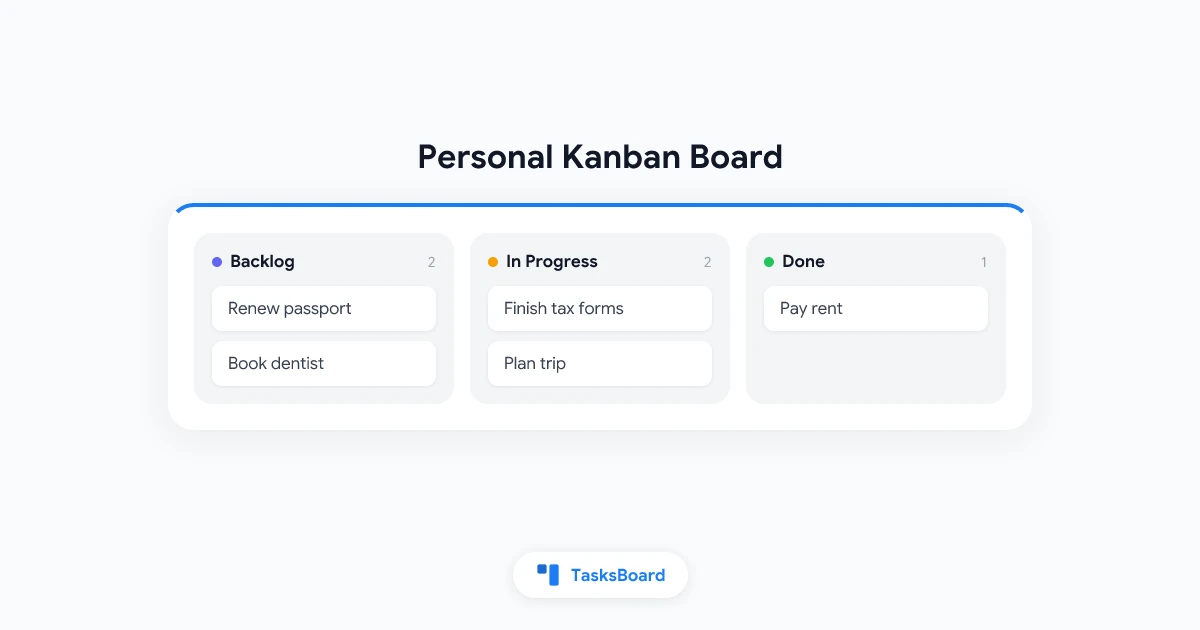
You can create lists, organize tasks across kanban columns, and share boards or individual lists with collaborators. Changes sync instantly — when a teammate moves a task to “Done,” you see it immediately. There is no separate account to manage; you sign in with your existing Google account.

Best for: Google Workspace teams that want a kanban view for their Google Tasks without switching platforms.

Asana

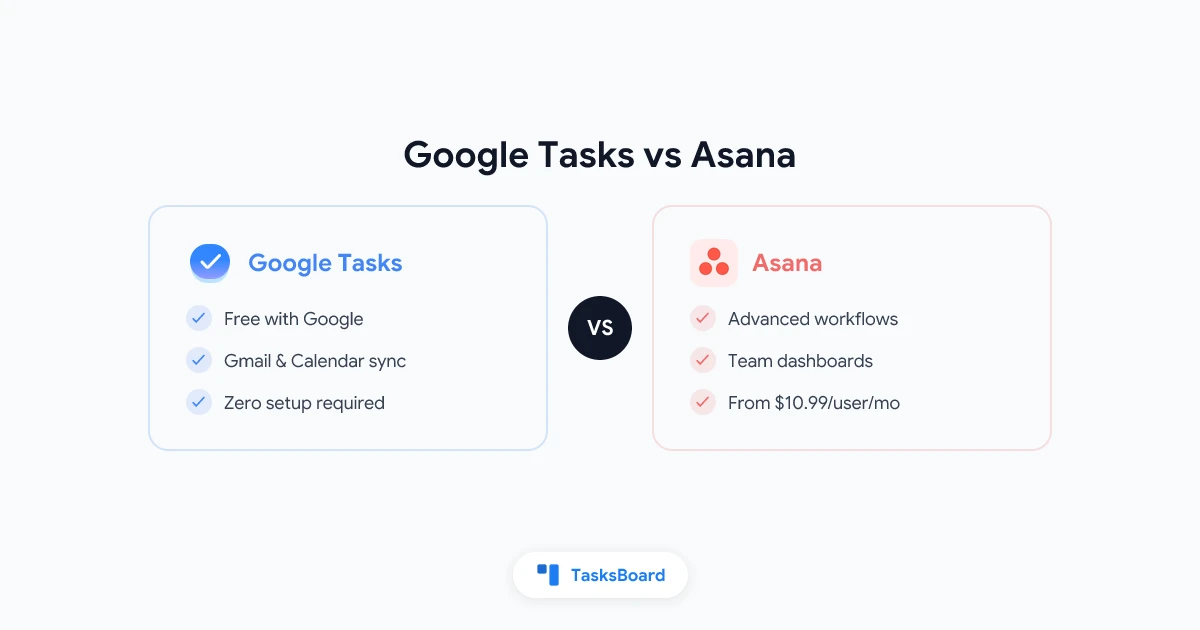
Asana is a mature project management tool with a strong free tier for small teams. Its standout feature for remote teams is the project timeline view, which makes dependencies and scheduling visible at a glance.

Asana’s task assignment and due date system is comprehensive, and its notification system (while occasionally overwhelming) keeps everyone informed about task status changes.

Best for: Teams that manage multi-step projects with dependencies and need timeline views.

Trello

Trello is the simplest kanban tool available. Cards, lists, drag and drop — the learning curve is almost zero. For teams that do not need complex project views, Trello’s simplicity is a genuine advantage.

The main limitation is scalability. Once a board has more than thirty or forty cards, Trello’s flat structure becomes hard to navigate. Teams with complex projects typically outgrow it.

Best for: Small teams, personal projects, simple workflows.


Document Collaboration

Google Docs

Google Docs remains the standard for collaborative document editing. Real-time co-authoring, comment threads, suggestion mode, and the ability to share with anyone via link make it the default choice for most remote teams.

For teams in Google Workspace, Docs integrates with Calendar, Drive, and Gmail in ways that reduce friction further. Google Workspace tutorials can help new team members get up to speed quickly.

Best for: Shared documents, proposals, meeting notes, any written content that multiple people need to edit.

Notion

Notion combines documents, databases, and wikis in a single workspace. For teams that want a central knowledge base that is also editable by the whole team, Notion’s flexibility is hard to match.

The tradeoff is setup overhead. A good Notion workspace requires intentional structure. Without it, pages proliferate and the workspace becomes as hard to navigate as a disorganized file system.

Best for: Team wikis, knowledge bases, documentation, SOPs.


Async Work and Focus Tools

Basecamp

Basecamp is built around async communication as a first principle. Its message boards, check-ins, and to-do lists are designed to reduce the expectation of instant responses. For teams that are deliberate about reducing synchronous communication overhead, Basecamp’s opinionated structure helps.

Best for: Small to medium teams that want to enforce async-first communication culture.

Linear

Linear is primarily a software development tool, but its issue tracking and project structure have influenced a generation of knowledge work tools. If your remote team is building software, Linear’s speed and clean interface make it the best tool in its category.

Best for: Software engineering teams, product development workflows.


How to Choose Remote Collaboration Tools Without Over-tooling

The most common mistake remote teams make is adopting too many tools. You end up with tasks in Asana, conversations in Slack, documents in Notion, meetings in Zoom, and nobody is sure where to look for a given piece of information.

A practical framework for tool selection:

Start with your existing ecosystem

If your team is already in Google Workspace, you already have Google Meet, Google Drive, Google Docs, and Google Tasks. Before adding new tools, ask whether your existing tools cover the need. TasksBoard, for example, adds a full-featured kanban and collaboration layer to Google Tasks without requiring a new platform.

Map your pain points explicitly

Before evaluating tools, write down the three biggest friction points in your current workflow. Are tasks falling through the cracks? Are meetings replacing async communication? Is project status unclear? The best tool is the one that solves your specific pain point, not the one with the most features.

Run a two-week pilot before committing

Remote collaboration tools only work if the whole team uses them. Before purchasing or fully rolling out a new tool, run a two-week pilot with one team. Gather honest feedback. A tool that is technically better but that half the team resists is worse than a simpler tool that everyone uses consistently.

Default to fewer tools

Every tool you add is a new surface for information to live, a new notification source, and a new thing to learn. The cognitive overhead of managing many tools is itself a collaboration problem. When in doubt, solve the problem with a tool you already have.


Setting Up Remote Collaboration That Actually Works

Having the right tools is necessary but not sufficient. The teams that collaborate well remotely have also established clear norms around how tools are used.

Document your communication channels

Write down which tool is used for which type of communication. For example: real-time urgent questions go to Slack DMs; project status updates go to the project Slack channel; async detailed feedback goes to Loom or document comments; weekly team updates go to a written Basecamp message.

Without this documentation, people default to Slack for everything, which creates noise and the expectation of instant responses regardless of timezone.

Use a shared task board as the single source of truth for work status

The most valuable thing a remote team can do is agree that one tool — and only one — contains the canonical list of what everyone is working on. Whether that is Asana, Linear, or TasksBoard built on Google Tasks, everyone should be able to check that board and see the current state of work without asking anyone.

Write down decisions

Remote teams lose enormous amounts of context when decisions are made in video calls and never documented. After every meeting where a decision is made, a brief written record should be created: what was decided, why, and who owns the next action. This can live in a shared document, a Slack message pinned to the channel, or a task comment.

Protect async time

Remote work’s biggest advantage — the ability to work without constant interruption — is often destroyed by a culture of Slack notifications and expected instant responses. The best remote teams establish clear response time norms. Urgent issues get a response within an hour. Non-urgent questions within four hours. Non-urgent tasks within 24 hours.


Frequently Asked Questions

What are the most important remote collaboration tools?

The four categories that matter most are: team communication (Slack, Google Meet), task and project management (TasksBoard, Asana), document collaboration (Google Docs, Notion), and async video (Loom). Most remote teams need one strong tool in each category.

Is Google Workspace enough for a remote team?

For many small to medium remote teams, yes. Google Workspace provides email (Gmail), video meetings (Google Meet), document collaboration (Google Docs, Sheets, Slides), file storage (Drive), and task management (Google Tasks). Adding TasksBoard on top of Google Tasks gives you the kanban board and sharing features that the native Tasks interface lacks.

How many remote collaboration tools does a team need?

Fewer than you think. The most effective remote teams typically use two to four tools total. The goal is one communication platform, one task management system, and one document collaboration tool. Every additional tool adds overhead.

What is the difference between collaboration tools and project management tools?

Collaboration tools focus on communication — sharing documents, messaging, video calls. Project management tools focus on work tracking — tasks, deadlines, status, dependencies. The best remote setups have both, with clear boundaries between which tool is used for which purpose.

How do I get my team to actually use remote collaboration tools?

Adoption is a human problem, not a technology problem. The most reliable path is: involve the team in the tool selection decision, start with one workflow not the whole company, document how the tool should be used, and have someone model the behavior consistently for the first two weeks.

Can TasksBoard work for a distributed team?

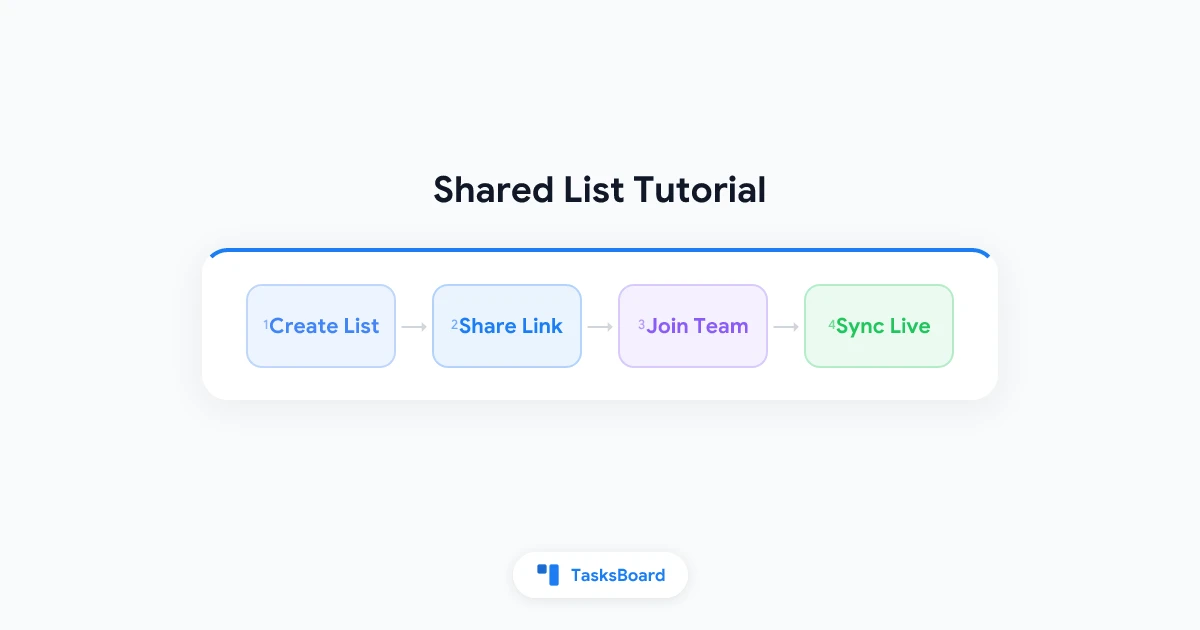
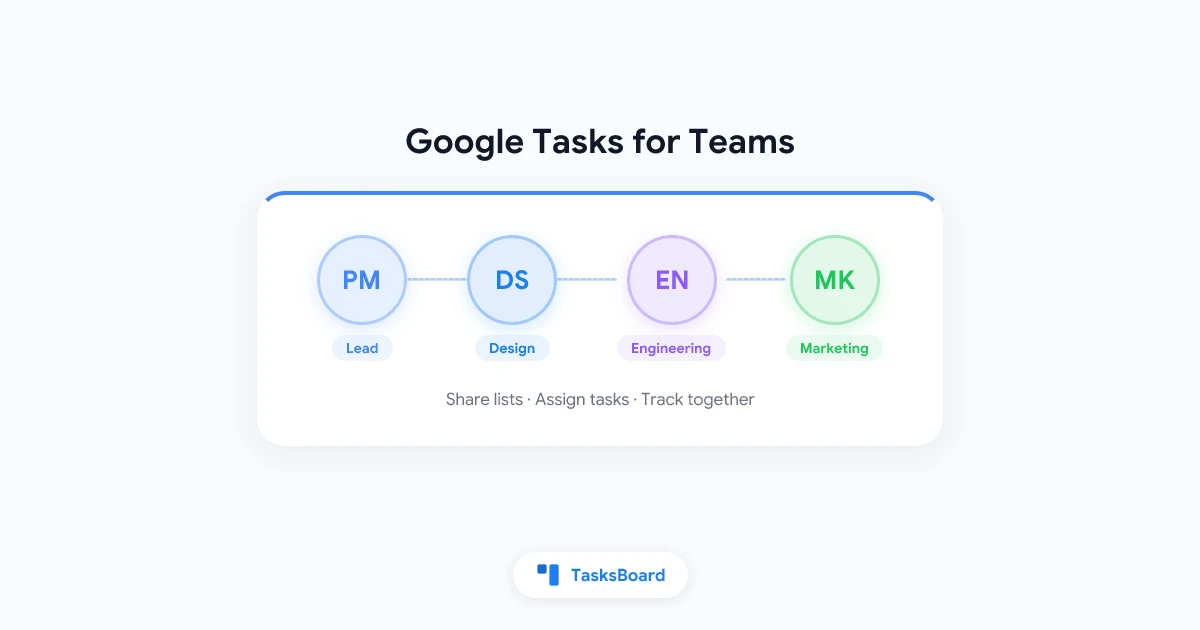
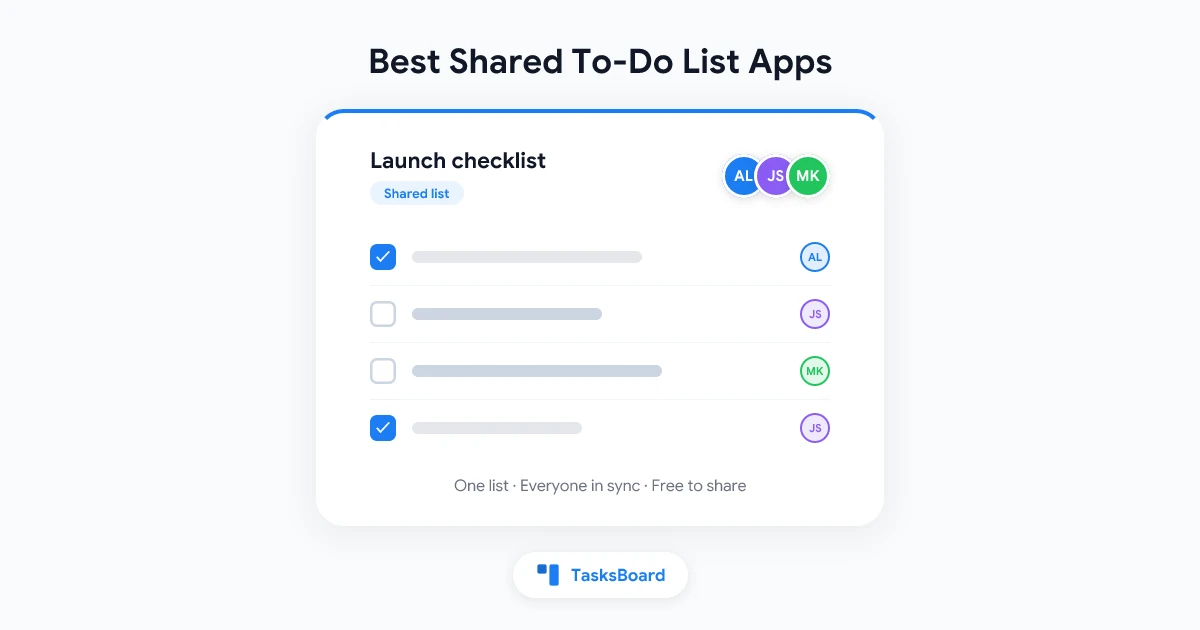
Yes. TasksBoard supports real-time board sharing and list sharing with any Google account. Multiple people can view and edit the same board simultaneously, with changes syncing instantly. Because it runs on Google Tasks, there is no separate account creation required — your team members can join a shared board with the Google accounts they already use.


The Bottom Line on Remote Collaboration Tools in 2026

The best remote collaboration tools in 2026 are the ones your team actually uses. Technology cannot fix poor communication culture, unclear ownership, or dysfunctional team dynamics. But the right tools — thoughtfully selected and consistently used — remove the friction that makes good remote work hard.

Start with your existing Google Workspace ecosystem. Add TasksBoard for a shared kanban board that keeps task status visible to the whole team. Add a focused communication tool like Slack or Loom. Write down your norms. Then stop adding tools.

Try TasksBoard free — your Google Tasks data is already there.

Ready to share your Google Tasks?

Get started with TasksBoard for free, no credit card required.

Sign in