
















Kanban Guide
The Complete Kanban Guide - Principles, Columns, and How to Get Started
Kanban is a visual workflow method that helps teams see work, limit multitasking, and deliver faster. This guide covers everything from the basics to running your first board.
Used by 2M+ people. Free to start.
Why Teams Use Kanban
Visualize all work in progress
A Kanban board shows every task and its current status at a glance. Nothing hides in inboxes or spreadsheets.
Limit work in progress (WIP)
WIP limits cap how many tasks can be active at once. This prevents overload and surfaces bottlenecks before they block the whole team.
Manage flow, not schedules
Kanban measures cycle time and throughput instead of story points. These metrics are more predictive and easier to act on.
Improve continuously
Kanban asks teams to evolve their process based on what the board reveals. Small, iterative changes add up to lasting improvements.
The board
Columns represent stages, cards represent work
The board
Columns represent stages, cards represent work
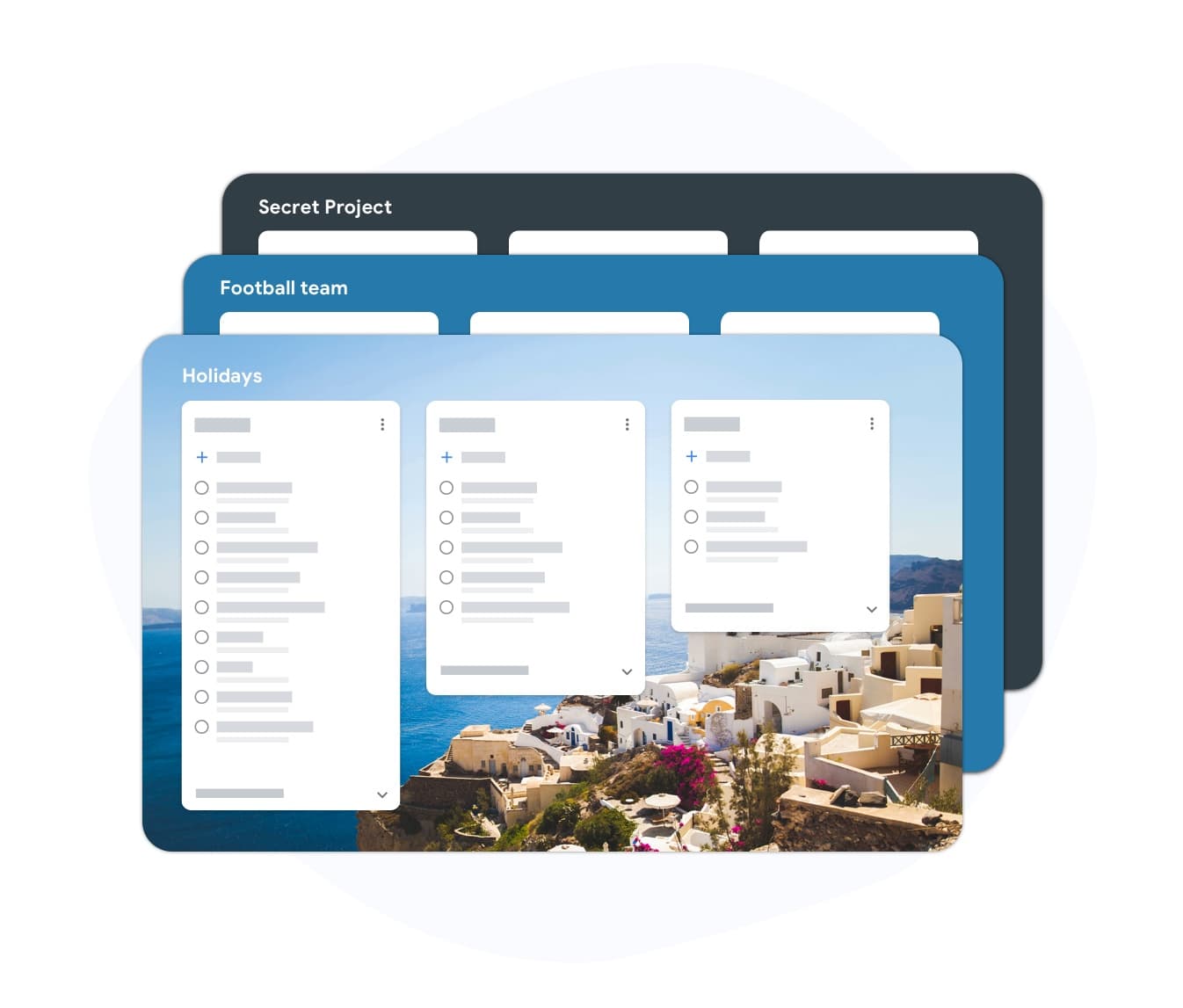
A Kanban board is divided into columns. Each column is a stage in your workflow: Backlog, To Do, In Progress, Review, and Done are common starting points. Each task is a card that moves left to right as it progresses. You can see the state of every task at a glance. If cards pile up in one column, you know where the bottleneck is.
- Start with three columns: To Do, In Progress, Done
- Add columns for Review, Blocked, or Waiting as needed
- Each card carries a title, assignee, and due date
WIP limits
Stop starting, start finishing
WIP limits
Stop starting, start finishing
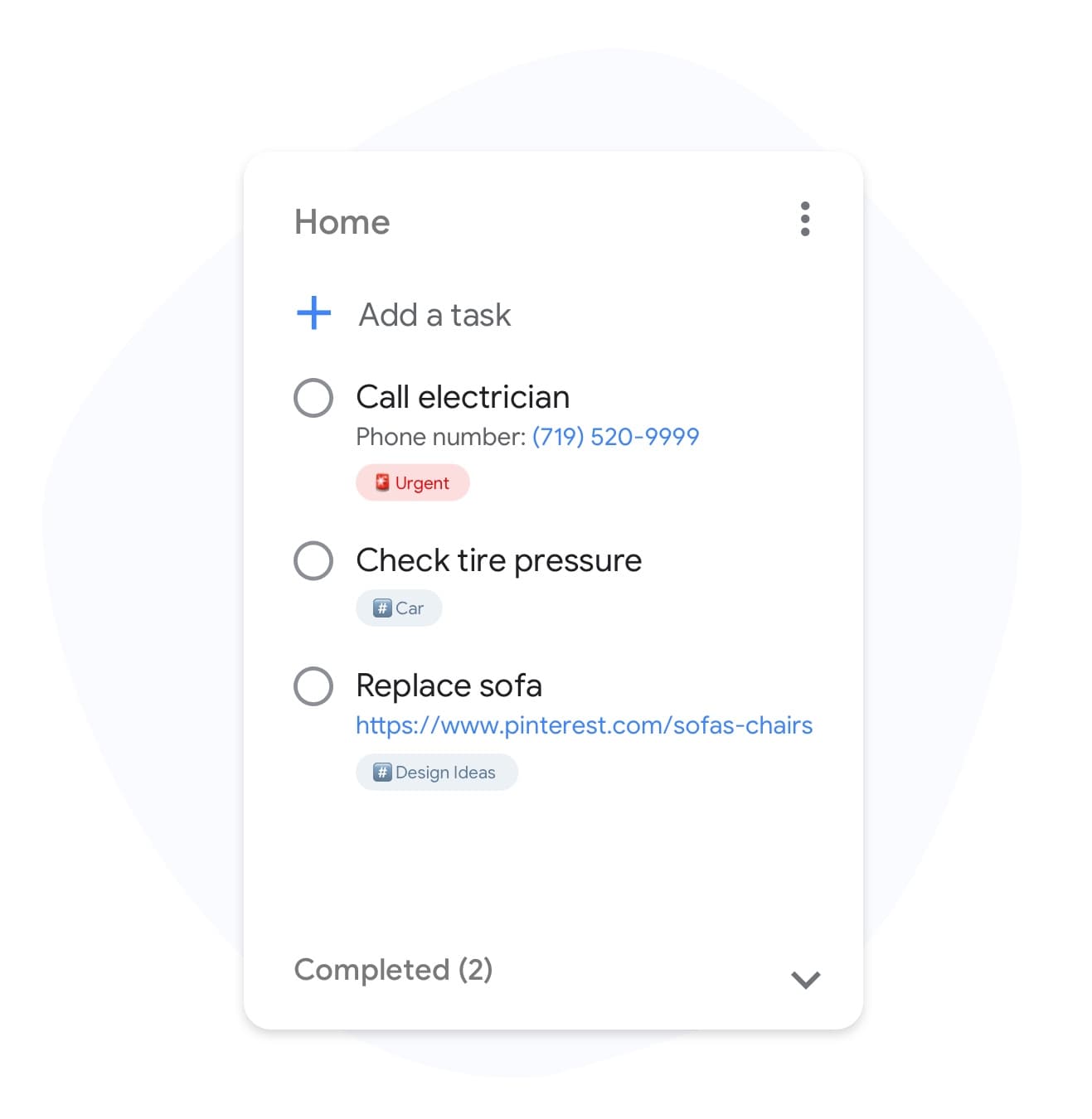
Work-in-progress limits are the most powerful Kanban practice. When a column hits its limit, no new card can enter until one moves forward. This forces the team to finish tasks before pulling new ones. The result is shorter cycle times, fewer context switches, and work that actually ships instead of stalling.
- Set a WIP limit on each active column
- A column at its limit turns red - visible signal to stop and help
- Start with a limit of 2-3 tasks per person per column
Flow metrics
Measure what matters: cycle time and throughput

Flow metrics
Measure what matters: cycle time and throughput
Kanban replaces velocity with two simpler metrics. Cycle time is how long a task takes from start to done. Throughput is how many tasks the team completes per week. Both metrics improve naturally when WIP limits are respected and bottlenecks are removed.
- Cycle time predicts delivery date based on history
- Throughput shows whether the team is speeding up or slowing down
- No estimation sessions required
How to set up your first Kanban board
-
Map your current workflow
List the stages work passes through before it is done. Keep it simple: three to five columns is enough for most teams. You can always add more later.
-
Build the board
Sign in with Google, create a new board, and add a list for each workflow stage. Drag existing Google Tasks into the correct columns.
-
Set WIP limits and flow
Agree on a WIP limit for your In Progress column. Pull new tasks only when a slot opens. Review the board each morning to unblock stuck cards.
Loved by thousands of users
4.8 / 5 from 1,000+ reviews on the Chrome Web Store
"Always have 101 things to do and this helps me organize and prioritize like no other app can. It syncs to my phone and laptop, and when I add dates to tasks, they automatically integrate into my Google Calendar, which is immensely convenient. I can look at my daily, weekly, and monthly overview in Google Calendar and clearly see how much I was able to accomplish! Great tool indeed. Excited to see how it will evolve over time."

"Seriously, makes my tasks easier to share with the team, and the free version is quite nice for our little office. Eventually, we will expand, and this is definitely a great tool to do that! Syncs with my Workspace and Calendar."

"I love the simple, intuitive interface and the Add to Tasks feature, especially as I work through my emails! Sharing my tasks is also easy. Overall, outstanding and simple to use, and that means a lot with too many complex tasks out there!"

"Great too for managing daily routine and plan tasks. Would be perfect if it was updated for generating reports for statistics. For google tasks and google calendar"





Frequently asked questions
What is Kanban in simple terms?
Kanban is a method for managing work visually. Tasks are cards on a board. Each column is a stage in your workflow. You limit how many tasks are active at once to prevent overload and finish work faster.
Where did Kanban originate?
Kanban was developed at Toyota in the 1940s as a manufacturing scheduling system. David Anderson adapted the principles for knowledge work in the 2000s, and it has since become one of the most widely used workflow methods in software and business teams.
What are the core Kanban principles?
The four core Kanban principles are: visualize your workflow, limit work in progress, manage flow, and improve continuously. These principles apply to any team doing knowledge work, not just software development.
How many columns should a Kanban board have?
Start with three: To Do, In Progress, and Done. Add columns only when you identify a stage that genuinely needs its own queue, such as Review or Waiting on External. More columns add complexity; simpler boards are usually more effective.
What is a WIP limit in Kanban?
A work-in-progress (WIP) limit caps the number of tasks allowed in a column at the same time. When the limit is reached, no new task can enter until one moves forward. This forces the team to finish work before starting new items.
Is Kanban suitable for solo workers?
Yes. Personal Kanban uses the same principles on a smaller scale. Many solo workers use a simple three-column board to manage daily tasks, freelance projects, and recurring work. TasksBoard works well for personal Kanban backed by Google Tasks.
How is Kanban different from a basic to-do list?
A to-do list shows what needs to be done but not its status. A Kanban board shows every task and exactly where it is in the process. WIP limits and column structure make work flow predictably, which a flat list cannot do.
Get started
Build your first Kanban board in minutes
Sign in with Google and create a visual workflow for your tasks. Drag cards between columns, set due dates, and share your board with the team.
No credit card required. Works with your existing Google Tasks.