
















Kanban vs Scrum
Kanban vs Scrum - Which Framework Fits Your Team?
Kanban and Scrum both use visual boards, but they work very differently. This guide breaks down the key differences so you can choose the right approach and start shipping work today.
Used by 2M+ people. Free to start.
Kanban vs Scrum at a Glance
Kanban: continuous flow
Kanban focuses on visualizing work and limiting what is in progress at any time. There are no fixed iterations, and work flows through columns as capacity opens up.
Scrum: time-boxed sprints
Scrum organizes work into fixed-length sprints (usually 1-2 weeks). Each sprint has a backlog, a daily standup, and a review at the end.
The key difference: planning cadence
Kanban has no mandatory ceremonies. Scrum requires sprint planning, retrospectives, and standups. Kanban is better for ongoing support work; Scrum suits feature development.
TasksBoard works for both
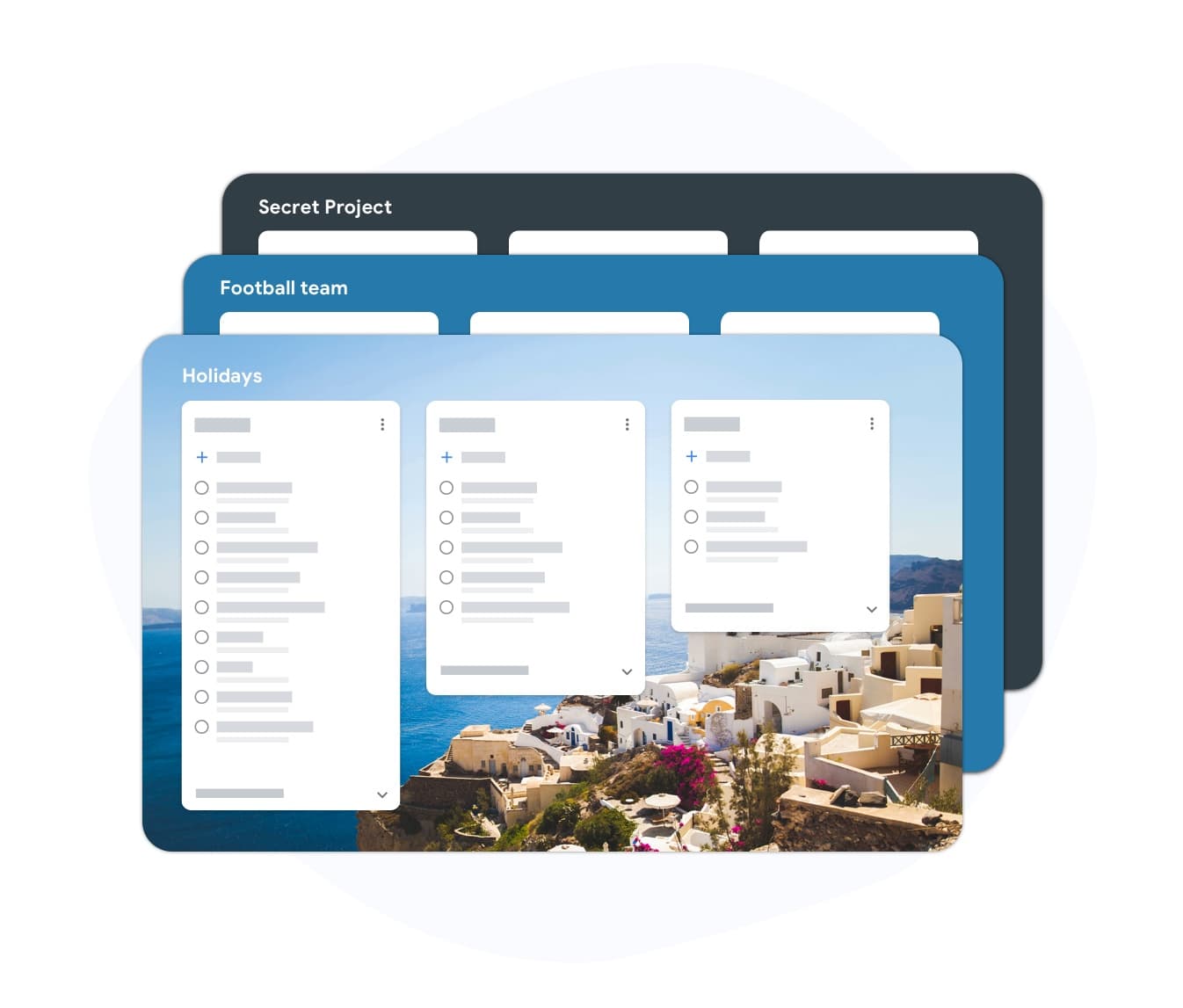
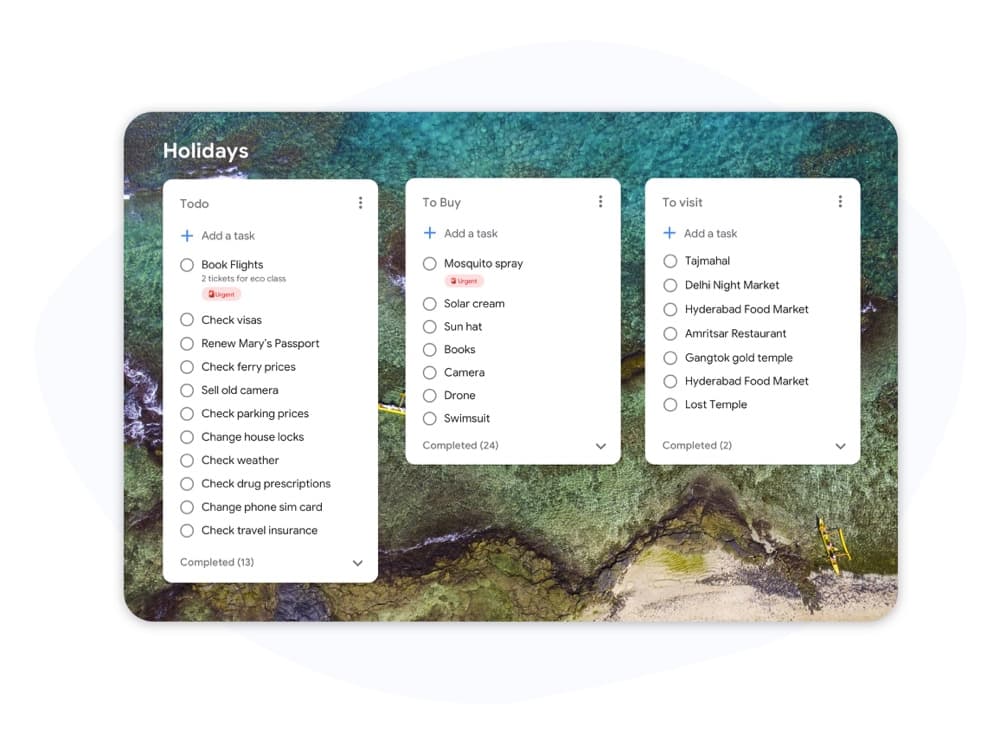
TasksBoard gives you a full-screen Kanban board backed by Google Tasks. You can run a continuous flow or structure boards like sprint columns - no extra tool required.
When Kanban wins
Continuous work without sprint pressure
When Kanban wins
Continuous work without sprint pressure
Kanban is the better choice when work arrives unpredictably or when your team handles a mix of bugs, requests, and ongoing maintenance. There is no sprint to plan, no backlog to groom on a schedule. Work enters the board, moves through columns, and exits when done. WIP limits prevent your team from juggling too many tasks at once.
- No fixed ceremonies - work flows continuously
- WIP limits surface bottlenecks immediately
- Ideal for support, ops, and content teams
When Scrum wins
Predictable delivery with defined sprints
When Scrum wins
Predictable delivery with defined sprints
Scrum works well for product teams building features on a schedule. Sprint planning forces prioritization, and the review cycle creates a natural feedback loop with stakeholders. The tradeoff is overhead: daily standups, sprint reviews, retrospectives, and backlog refinement sessions add ceremony that smaller teams may not need.
- Sprint goals focus the whole team on one outcome
- Velocity metrics help predict future delivery
- Built-in retrospectives drive continuous improvement
Kanban vs Scrum - Feature Comparison
| Feature | TasksBoard | Scrum |
|---|---|---|
| Fixed iterations (sprints) | Optional | |
| WIP limits | ||
| Defined roles (Scrum Master, PO) | ||
| Backlog grooming ceremonies | ||
| Continuous delivery | Between sprints | |
| Flow metrics (cycle time, throughput) | ||
| Velocity tracking | ||
| Board customization | Sprint columns only | |
| Works for support / ops teams | ||
| Works for product feature dev |
Loved by thousands of users
4.8 / 5 from 1,000+ reviews on the Chrome Web Store
"Always have 101 things to do and this helps me organize and prioritize like no other app can. It syncs to my phone and laptop, and when I add dates to tasks, they automatically integrate into my Google Calendar, which is immensely convenient. I can look at my daily, weekly, and monthly overview in Google Calendar and clearly see how much I was able to accomplish! Great tool indeed. Excited to see how it will evolve over time."

"Seriously, makes my tasks easier to share with the team, and the free version is quite nice for our little office. Eventually, we will expand, and this is definitely a great tool to do that! Syncs with my Workspace and Calendar."

"I love the simple, intuitive interface and the Add to Tasks feature, especially as I work through my emails! Sharing my tasks is also easy. Overall, outstanding and simple to use, and that means a lot with too many complex tasks out there!"

"Great too for managing daily routine and plan tasks. Would be perfect if it was updated for generating reports for statistics. For google tasks and google calendar"





Frequently asked questions
What is the main difference between Kanban and Scrum?
Scrum uses fixed-length sprints with defined roles and ceremonies. Kanban uses a continuous flow model with no mandatory sprints. Scrum is more structured; Kanban is more flexible.
Can a team use both Kanban and Scrum together?
Yes. "Scrumban" is a hybrid approach where teams use Scrum ceremonies but manage workflow with a Kanban board and WIP limits. It is common in teams that want sprint predictability alongside flow visibility.
Is Kanban or Scrum better for small teams?
Kanban is generally simpler for small teams because it has no mandatory roles or ceremonies. A team of two to five people can start a Kanban board immediately without training. Scrum overhead is harder to justify below about five people.
Does Kanban have story points?
Kanban does not require story points. Instead, it uses flow metrics: cycle time (how long a task takes to complete), throughput (how many tasks are completed per week), and lead time. These metrics are often more actionable than velocity.
Can I run Kanban in TasksBoard?
Yes. TasksBoard gives you a full-screen Kanban board backed by Google Tasks. You can create columns for any workflow (To Do, In Progress, Done, or custom stages), drag tasks between them, and add due dates that sync to Google Calendar.
What roles does Kanban require?
Kanban has no required roles. Unlike Scrum, there is no Scrum Master or Product Owner mandated by the method. Teams often designate a flow manager or service delivery manager, but these roles are optional and informal.
Is Scrum only for software teams?
Scrum was originally designed for software development, but marketing, HR, and operations teams have adapted it successfully. Kanban adapts even more easily to non-software workflows because it imposes fewer constraints.
Get started
Run Kanban or Scrum-style boards in TasksBoard
Sign in with your Google account and build a visual workflow in minutes. Drag tasks across columns, set due dates, and share boards with your team.
No credit card required. Works with your existing Google Tasks.