
















Use Case
The Shared Task Board for Teams Already in Google Workspace
Real-time task collaboration — no new accounts, no new tools, no migration. Share your Google Tasks boards with your team in one click.
Trusted by 2M+ users. 4.8/5 from 1,000+ reviews. Used by teams at companies worldwide.
A real board for teams
Task Management That's Actually the Problem
Your team isn't unproductive. It just can't see what's happening.
- Stand-up meetings exist because there's no shared task board — not because stand-ups are the best format
- "Can you send me the status of X?" is a message that should never need to be sent
- Asana had 40% adoption after 3 months of rollout — the rest of the team never logged in
- Task trackers that aren't connected to email become stale within a week
- Onboarding a new hire to your project management tool takes longer than onboarding them to the actual project
- Your team is already in Google. The tasks should be too.
The best task system is the one your team actually uses every day. For most teams, that system is Google.
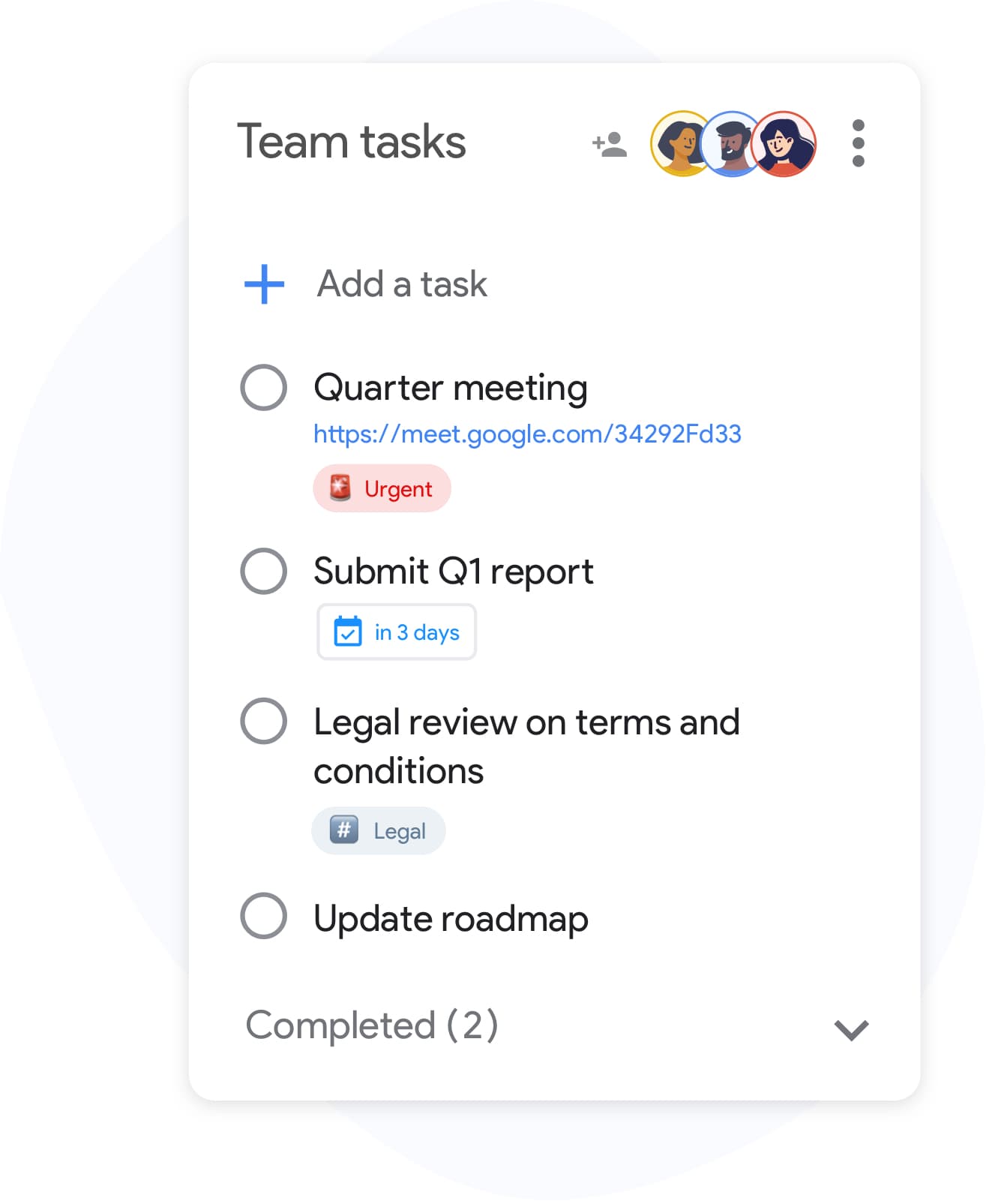
Team Task Collaboration in 4 Steps
-
Connect your Google Workspace
Every team member signs in with their existing Google account. No new passwords, no IT ticket, no software procurement. TasksBoard is live in 30 seconds.
-
Create a shared board for your team
Build a board for each project or department. Add columns that match how your team works: Backlog, This Week, In Review, Done — or whatever fits your workflow.
-
Share with one link
Click "Share" and send the link to anyone on your team. They see the same board in real time. Every update is visible instantly — no refresh, no manual sync.
-
Track progress without asking
Attach Google Drive files to tasks, export your board to Google Sheets for reporting, and filter by label to see what's blocked. Status updates happen passively — no stand-up required.
Built for Teams That Work in Google
One board. Your whole team. No lag.
Real-Time Board Sharing
Share entire boards with the Team plan or individual lists on Premium. Every edit, comment, and status change is reflected immediately across all team members' screens.
Your tasks connect to your files, emails, and spreadsheets
Google Workspace Deep Integration
Attach Google Drive documents to tasks. Export any board to Google Sheets for reporting. Link Gmail threads to tasks so context travels with the work item. No copy-pasting between tools.
One workspace, every project
Multiple Project Boards
Create a separate board for each project, client, or department. Switch between them in seconds. No context switching cost — everything is in the same interface.
Make blockers visible before they become crises
Labels and Prioritization
Tag tasks with labels: "blocked", "waiting on client", "high priority", "this sprint". Filter the board to show only what needs attention today. Blockers surface automatically — not in the next stand-up.
How a 7-Person Marketing Team Replaced Their Stand-Up with a Board
The marketing team at a mid-size SaaS company had daily 30-minute stand-ups to align on campaign status. After switching to TasksBoard, they moved to three-times-a-week check-ins.
The team lead created a "Q2 Campaigns" board with four columns: Ideation, Production, In Review, Live. She shared the board with all seven team members via a single link. Each person owns their cards. The copywriter attaches the Google Doc brief. The designer attaches the Canva link via Drive. When the social media manager marks "Instagram post — approved", the team lead sees it in real time without being in the room.
Stand-ups went from daily status reporting to actual decision-making. The board handles the rest.
- 7 team members on one shared board
- Google Drive attachments on every task — no "where's the file?" messages
- Board exported to Google Sheets for weekly reporting to leadership
- Stand-ups reduced from 5x/week to 3x/week, saving ~40 minutes per person per week
Loved by thousands of users
4.8 / 5 from 1,000+ reviews on the Chrome Web Store
"Always have 101 things to do and this helps me organize and prioritize like no other app can. It syncs to my phone and laptop, and when I add dates to tasks, they automatically integrate into my Google Calendar, which is immensely convenient. I can look at my daily, weekly, and monthly overview in Google Calendar and clearly see how much I was able to accomplish! Great tool indeed. Excited to see how it will evolve over time."

"Seriously, makes my tasks easier to share with the team, and the free version is quite nice for our little office. Eventually, we will expand, and this is definitely a great tool to do that! Syncs with my Workspace and Calendar."

"I love the simple, intuitive interface and the Add to Tasks feature, especially as I work through my emails! Sharing my tasks is also easy. Overall, outstanding and simple to use, and that means a lot with too many complex tasks out there!"

"Great too for managing daily routine and plan tasks. Would be perfect if it was updated for generating reports for statistics. For google tasks and google calendar"





Integrates with Every Tool Your Team Already Uses
Gmail
Forward a client email to a task. Attach an approval thread. Keep the conversation and the action item together — your team sees both.
Google Drive
Attach briefs, decks, spreadsheets, and reports directly to tasks. The file lives in Drive; the task card carries the link. No more hunting through Shared Drive folders.
Google Sheets
Export any board to a Google Sheet in one click. Weekly progress reports, sprint summaries, client-facing status updates — all generated automatically from your TasksBoard data.
Google Calendar
Task deadlines sync to Calendar. Your team's project milestones appear alongside meetings — no separate project timeline to maintain.
Questions From Team Leads
Do all team members need a paid plan to use shared boards?
With the Team plan, you share entire boards with your team under one subscription. Individual Premium users can share up to five lists with free-tier users. See full details at /pricing.
Can we control who sees which boards?
Yes. Sharing is explicit — you share each list or board via a specific link. Team members only see what you share with them. There is no "whole organization can see everything" default.
We already use Asana. Can we use both?
Yes. TasksBoard works independently of other tools. Many teams run TasksBoard for Google-native work (Gmail-linked tasks, Docs-attached items) and keep Asana for complex dependency tracking. They complement rather than compete.
What happens to tasks if someone leaves the team?
Tasks live in the list owner's Google account. Admins on the Team plan can reassign list ownership before offboarding a team member. Tasks are never lost.
Is there an audit log or activity history?
TasksBoard syncs with Google Tasks in real time, so changes are reflected immediately. For a full change history, export your board to Google Sheets periodically — this creates a timestamped snapshot.
Can we create templates for recurring project types?
Not natively, but many teams duplicate a board structure manually at the start of each sprint or project cycle. A template workflow takes under 2 minutes once set up. This is on the product roadmap.
Is TasksBoard secure enough for enterprise use?
TasksBoard accesses only Google Tasks data via Google's official API with OAuth 2.0. It does not store your task data on its own servers. See the security page at /security for full details.
Get Your Team Aligned This Week
No migration. No onboarding. No software procurement. Just sign in with Google and share your first board.
First week of Premium free. Team plan starts at $3.99/member/month. No minimum seat count.